
Install the app
How to install the app on iOS
Follow along with the video below to see how to install our site as a web app on your home screen.
Note: This feature may not be available in some browsers.
-
After 15+ years, we've made a big change: Android Forums is now Early Bird Club. Learn more here.
You are using an out of date browser. It may not display this or other websites correctly.
You should upgrade or use an alternative browser.
You should upgrade or use an alternative browser.
Post your Screenshots and Wallpaper!
- Thread starter Rimzy
- Start date
-
- Tags
- samsung fascinate


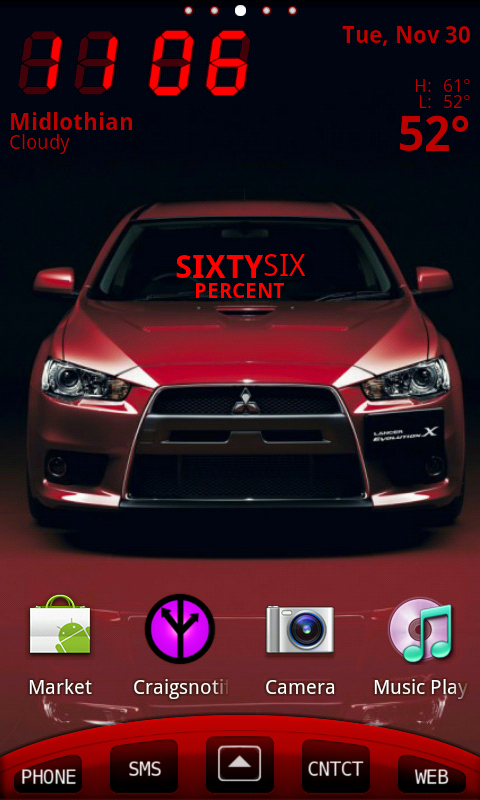
Just wondering. Why is everyone making their phones look like w7 phones?
Well, not everyone. Some of them look nice and its an interesting challenge.
It would be fun to try and unlike the 7 phones, androids can be changed if you
get tired of the layout.
I switched to a Xmas setup tonite.


I'm currently running 5 screens + lock with 12 widgets running.
Lock has 4x1 simi clock with new weather option and Pandora.
Screens left to right- LP Bookmarks, weatherbug elite- LP calander,
CalWidget - ExtDateWidget, Circle Batt, Analog Clock, BW Flat white
-Contact page has 2 turtle frames running slide shows - Buzzbox news

How many Widgets are other people using or what's you favorites?

paulmz
Android Expert
Just wondering. Why is everyone making their phones look like w7 phones?
Personally, I just got really tired of screenshot after screenshot of repetitive icons and widgets.
When I first came across what was supposed to be the future Windows Phone 7 layout with the image icons I was immediately drawn to it. It was the first (and still one of the only) setup I have seen that was dramatically different than the standard "here's an icon... here's a widget... here's my wallpaper".
I'm a graphic designer. And a layout like this makes my phone distinctive to me (without rooting, theming, or bricking my device).
Definitely, to each their own. But, come on... how many other screen postings look like this?


Uploaded with ImageShack.us

ironhorse
Android Enthusiast
Personally, I just got really tired of screenshot after screenshot of repetitive icons and widgets.
When I first came across what was supposed to be the future Windows Phone 7 layout with the image icons I was immediately drawn to it. It was the first (and still one of the only) setup I have seen that was dramatically different than the standard "here's an icon... here's a widget... here's my wallpaper".
I'm a graphic designer. And a layout like this makes my phone distinctive to me (without rooting, theming, or bricking my device).
Definitely, to each their own. But, come on... how many other screen postings look like this?


Uploaded with ImageShack.us
Yes but that is a lot sexier than w7 actually is.


davidnmegan6907
Android Expert
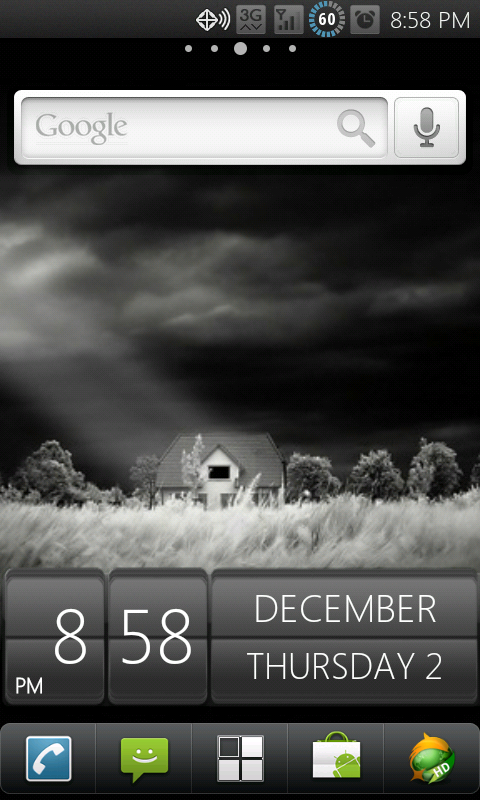
My simple screen black on black. Theme thanks to Nit
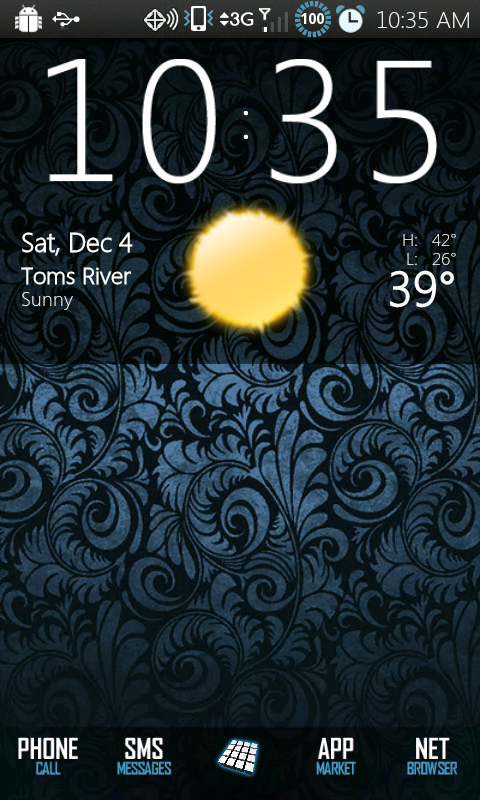
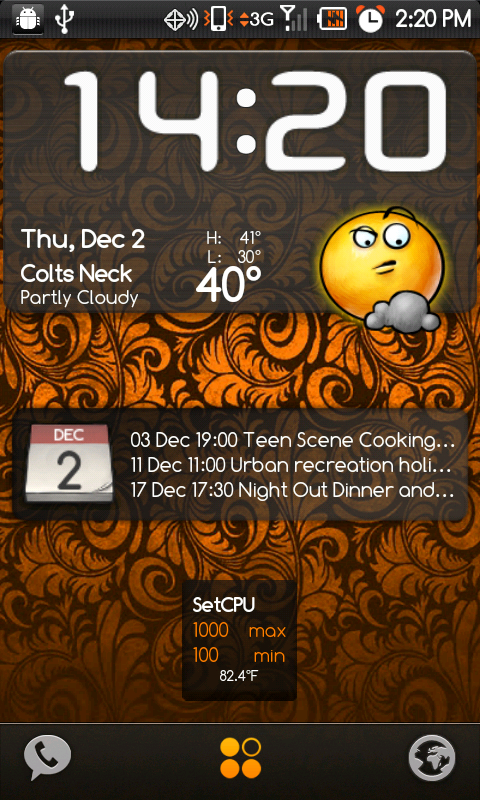
What's the name of that widget up top?just for fun:

nitsuj17
Android Expert
nitsuj17
Android Expert
90reefernyc
Lurker
what clock widget is that?
My simple screen black on black. Theme thanks to Nit
thank you
davidnmegan6907
Android Expert
what clock widget is that?
thank you
Its called "sense clock and date" it only comes 4x1 but it was free and I like it with black on black
 and your welcome Im happy to have a comment on my 1 plain screen lol

nitsuj17
Android Expert
Ok, I'm new to the whole android deal, but I can't seen to figure out how you guys get these awesome screens. I can't seem to change anything on mine.
Is there another thread that shows how to do this? Or maybe somebody could help this poor guy out!
Thanks!
Ben
hi and welcome Ben

the majority of customizations you can do to your phone are fairly easy to do, just takes some getting used to.
many of us get wallpapers from either the internet, threads in forums like this, or market apps like zedge. you put them on your sdcard and long press to to select wallpapers but instead of picking tw wallpapers or whatever select gallery and navigate through your folders.
the launchers many of use are either launcher pro (plus is paid version but worth it) and adw. adw has many free "themes" that will automatically replace your icon packs and color schemes (although not your status bar and pulldown menus). adw is a good and easy way to wade into custmozing your phone.
launcher pro enables you to put customized docks on your phone, many of which are made by users and can be found at launcherproforums under theming and customizations.
icon packs for launcher pro can be found there or many are available here at androidforums under android themes or over at xda forums (which can be somewhat daunting to navigate)
to fully change the theme of your system though, you would have to root and install custom themes like (cheap plug) http://androidforums.com/fascinate-all-things-root/215241-theme-port-matted-blues.html
but you can do a lot *without* root though as mentioned above.
to take screenshots you can use shootme from the market which normally requires root but somehow doesnt on our phone
 or if rooted drocap2.
also without root you can take screens with the ddms tool in the androidsdk but that requires installing the androidsdk which is something many people dont want to do.
hope this helps, and im sure others can wade in and help you more
Ok, I'm new to the whole android deal, but I can't seen to figure out how you guys get these awesome screens. I can't seem to change anything on mine.
Is there another thread that shows how to do this? Or maybe somebody could help this poor guy out!
Thanks!
Ben
LauncherPro is free to try out and see if you like it. Download an app from the market called "Homeswitcher". This will let you switch between the home screens your phone came with and a new launcher. Then download LauncherPro. Homeswitcher will ask which program you want to use until you decide on a default one. Once you have LP installed just start playing around. Search the market for clock widgets, battery widgets, weather widgets,calender widgets and see what you like. Long hold icons to change them around. Search google images for wallpapers and icons. Its lots of fun, I find myself doing this instead playing games a lot of times.
Start playing and if you have specific questions, ask away. Welcome to the forum.


