

beastinbolts
Android Expert
think I can get xda to add it to there list.
Follow along with the video below to see how to install our site as a web app on your home screen.
Note: This feature may not be available in some browsers.
I already answered your question but i will say it again..
1) multi select your three files
2) drag them to the 7zip window
3) drop the files
4) in the window that popped up click the compresion button
5) select store
6)hit "ok"
7)rename the zip it creates to bootanimation.zip
8)put in on your sd card
I know you did but when I did that it doesnt give me a zip. Its creating a file that is names desktop.7z. So that why I was asking again.
Update the Archive method need to be in .zip not 7zip
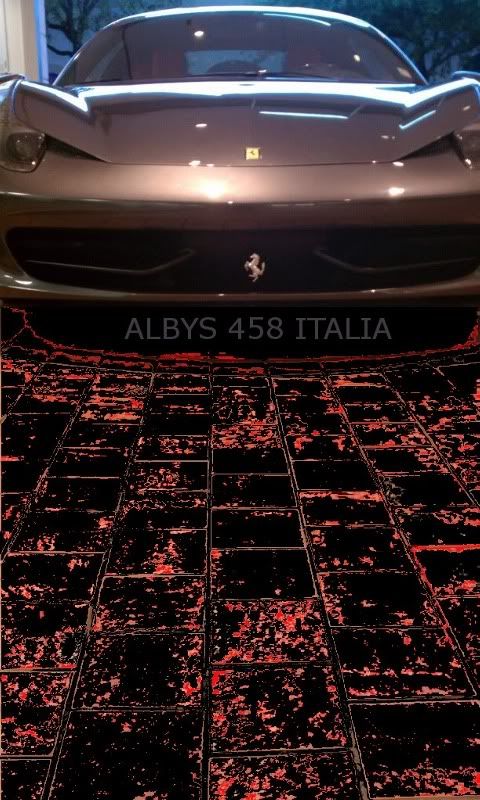
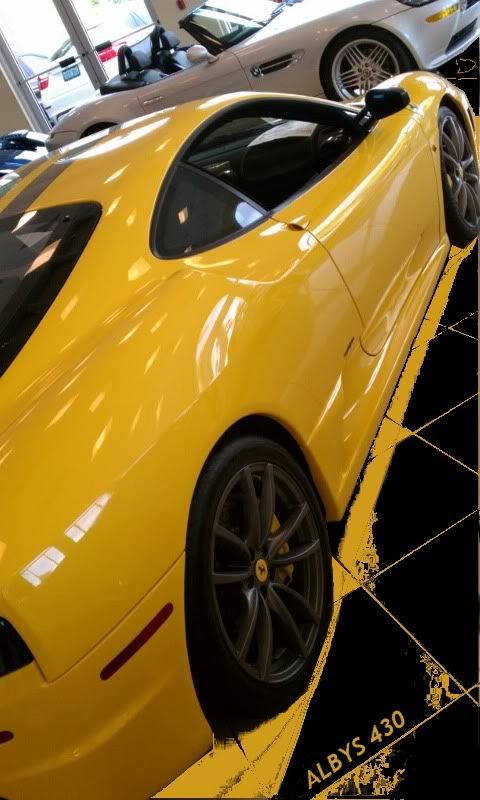
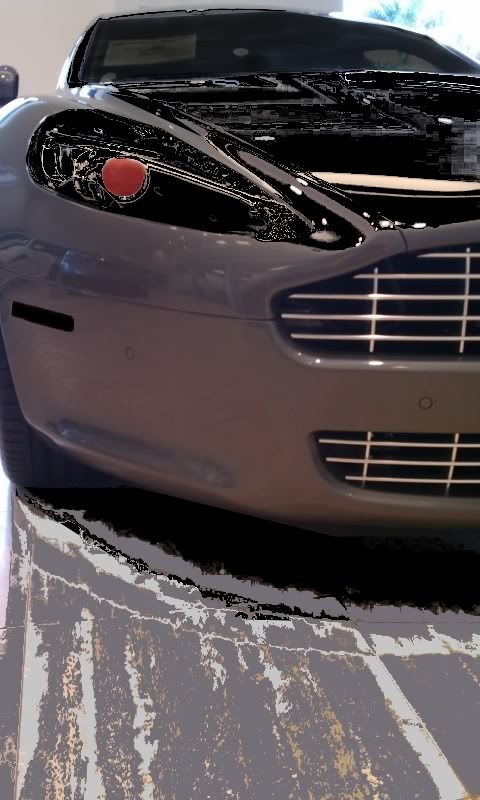
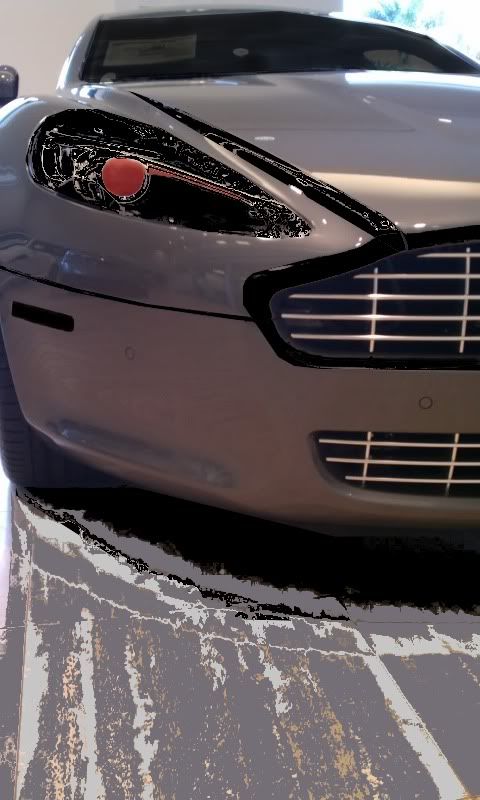
Here are my splash images I have made so far they are all from my pictures I have taken and just modified it gimp.
Ferrari 458 Italia my favorite Ferrari for millions of reason but starting with the fact that Ferrari is going back to their 1962 250 GTO days when they made some of the most amazing beautiful cars in the world. And not to mention the 560hp 490lbs of torque and weighing in at 3200lbs is very sick for todays average heavy tanks of sport cars and Super cars that have been made in the past 14 years.
Ferrari F430 Scuderia
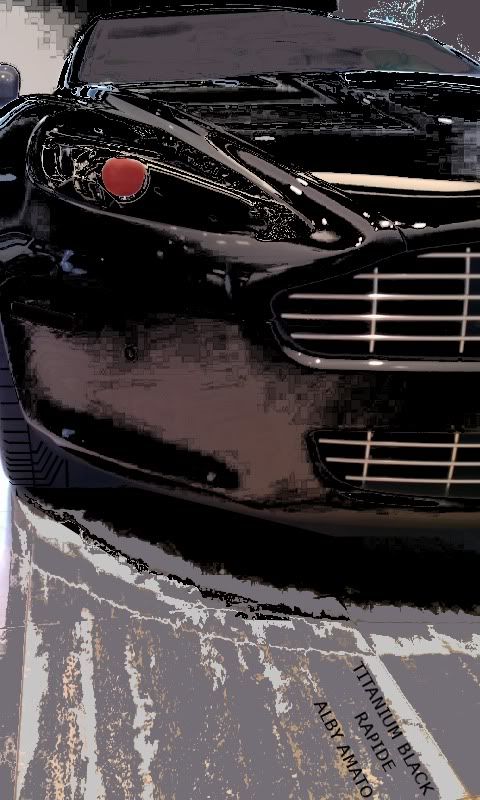
Aston Marting Rapide
This one Iam I went all out its called Liquid Black Titanium
I was trying to fit in the whole name and keeping it clean but it was too long and didnt look right
Change the out put file format to zip
dood, i dont know wtf im doing wrong, but ive been trying to modify one that i effed up b4... guess ill try again from scratch. I REALLY WANT THE DANCING KITTEH AS MY BOOTANIMATION!!!!
OK I tried that and it didnt work. One thing Iam seeing when I load my part1 files for some ******ed reason its placing the files incorrect order but I dodnt think thats the problem because this loaded exaclty the same as the one I had in there which was compressed and not archived and stored in the proper manner. I think the problem Iam seeing is the one you were talking about having the right desc format which I have looked at allot of about this even on XDA and havent found anything stating there are different formats for different boot animations. Where was it you found out about that.
This really is starting to piss me off because every time I correct something I get the stupid boot with the black screen and than the white screen with nothing happening. I dont even get the first image. And I have properly converted the video image into pngs.

What error u getting
 www.streetfire.net has like every episode available
  they road test the 458 italia and avery other crazy a$$ car you could imagine including the veyron ss!!!
I kinda like doing things my self not sure if your the same way but I can make it fo ya if u like
i tried to make it myself, but failed... this thread was started with the dancing kitteh from the web show =3 (equals three) im gonna post the gif when i get home as i dont have it with me, and im at work... i know theres a gif online of the kitteh, but i cant get the page up cuz of stupid net nannys....

I found the dancing kitty animation in the first page of this thread, here is a link. That is what I used to make the one you recently tested for me.i tried to make it myself, but failed... this thread was started with the dancing kitteh from the web show =3 (equals three) im gonna post the gif when i get home as i dont have it with me, and im at work... i know theres a gif online of the kitteh, but i cant get the page up cuz of stupid net nannys....
Do I need to make u anothe uTube viedo. Lol.
Yo there are a lot of new people on this site. I I really don't like your language and constantly calling a tool or program stupid or &&&*&*stupid. People spend there spare time and make things like this for free use.... I am also sure if u Google's 7zip u can find out how to use it
Some info that may be useful:
512 256 30
p 1 0 part0
p 0 0 part1
512

The boot animation is stored on your phone as a zip file in the folder /system/media. It consists of 2 folders part0 and part1 and a description text file (desc.txt). Both part0 and part1 folders contain animation frames as PNG files. part0 folder contains those frames which are animated only once, where as part1 folder contains the looped(repeated) frames. The desc.txt file contains the animation settings such as fps (number of frames per second), width, height, times to be played, pause time etc you can change up a lot here.
ok, looking for a little clearification at this point... if i just want a looped boot, i leave folder part0 empty???
and, making the desc.txt file... what should i use?? i'm trying word 2010 but am uncertain as to the "save as type" portion...
i'm all set to this point and ready to zip....
ok, looking for a little clearification at this point... if i just want a looped boot, i leave folder part0 empty???
and, making the desc.txt file... what should i use?? i'm trying word 2010 but am uncertain as to the "save as type" portion...
i'm all set to this point and ready to zip....
After months of people asking..here you go. I will clean this up a bit and fine tune it over the next week but this should get some of you going.
The following is a start to finish how to via the method that I create boot animations. I can't take full credit, as I have found bits and pieces here an there. I just put them all together...... (didnt wanna quote the whole thing lol)]
Yeah, you can change thqat part to anything you want, lol.Thank you but 512 256 this is not the dimensions for the Evo. And yeah just like you saw no change when changing your same numbers it is the same in my case. I changed the fps to 30 and got the same black and white screen