
Install the app
How to install the app on iOS
Follow along with the video below to see how to install our site as a web app on your home screen.
Note: This feature may not be available in some browsers.
-
After 15+ years, we've made a big change: Android Forums is now Early Bird Club. Learn more here.
You are using an out of date browser. It may not display this or other websites correctly.
You should upgrade or use an alternative browser.
You should upgrade or use an alternative browser.
Root Blue Marble BACKside theme
- Thread starter elgecko
- Start date
-
- Tags
- lg optimus v

elgecko
Android Enthusiast
Added to first post:How do I get the icons that are in your screenshot of the Launcher bar? Also, where can I find the wallpaper you used?
Launcher is GO Launcher with Plus Neon Blue.
Wallpaper
cdunkle584
Member
Thanks Gecko, cool site for wallpapers.
cdunkle584
Member
Jerry has a new build out...

sammyz
LG Whiz Kid
Hey we ported the BACKside ROM to the Optimus M
http://androidforums.com/optimus-m-all-things-root/517309-rom-sap-backside-cm7-2-port.html
Could you start posting your themes on our forums?
http://androidforums.com/optimus-m-all-things-root/517309-rom-sap-backside-cm7-2-port.html
Could you start posting your themes on our forums?

brotherswing
Android Expert
Hey we ported the BACKside ROM to the Optimus M
http://androidforums.com/optimus-m-all-things-root/517309-rom-sap-backside-cm7-2-port.html
Could you start posting your themes on our forums?
Did you make any changes to framework-res.apk or systemui.apk? If not, standard BACKside themes should work fine. If you did make any changes, the themes would need to be redone to accommodate.
elgecko
Android Enthusiast
Like brotherswing said, it depends if the framework-res.apk or systemui.apk have been modified.
Since I have a V, I do not think I'd make a theme for I phone I do not use.
I did not make an update for the latest BS ROM. Mainly cause it sounds like it's got some issues.
Waiting for the next build unless anyone really wants it.
Since I have a V, I do not think I'd make a theme for I phone I do not use.
I did not make an update for the latest BS ROM. Mainly cause it sounds like it's got some issues.
Waiting for the next build unless anyone really wants it.
sammyz
LG Whiz Kid
Not at allDid you make any changes to framework-res.apk or systemui.apk? If not, standard BACKside themes should work fine. If you did make any changes, the themes would need to be redone to accommodate.
 only thing changed were lib files, bin files, etc files, xbin files, basically everything to get it working with our phone, framework folder is not modified, neither is systemui.apk
Only 1 app is deleted...BACKside updater, I don't want people using it to update to a non ported version of the ROM....they would have issues because obviously it's not ported...
and nvm on posting it to our forum, I already made one myself with links to other themes, based off of the Root for OV guide Themes section.
cdunkle584
Member
OK, next one's out...Like brotherswing said, it depends if the framework-res.apk or systemui.apk have been modified.
Since I have a V, I do not think I'd make a theme for I phone I do not use.
I did not make an update for the latest BS ROM. Mainly cause it sounds like it's got some issues.
Waiting for the next build unless anyone really wants it.
Looking forward to getting Blue Marble on it. It runs very nicely.
elgecko
Android Enthusiast
Sorry for the delay.
I did not get to cook the new one up before heading out on a kayaking / camping trip.
Good news Blue Marble theme updated.
Here's a very small sampling of the trip.
I'll be posting a video with pictures and video soon if anyone want to check it out.....
Kayaking trip video
Stayed at Merchant's Millpond, NC. Absolutely beautiful place.
Also went to the Great Dismal Swamp in VA.
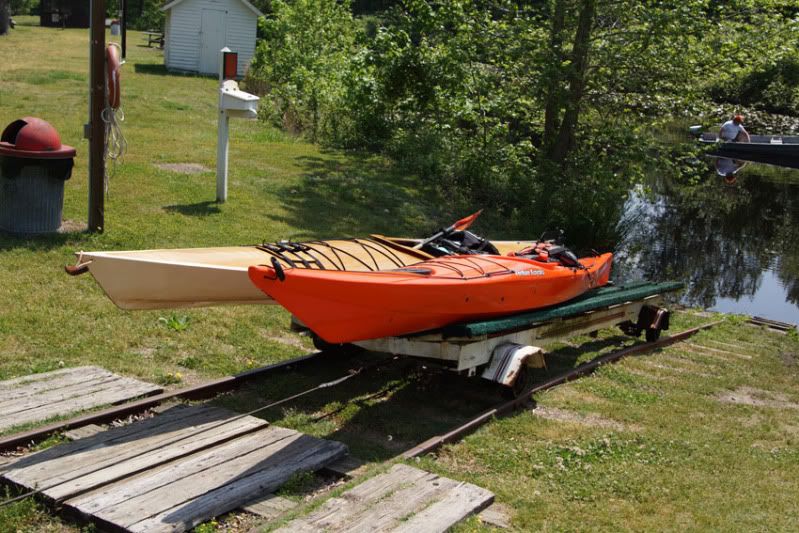
This is at the Great Dismal Swamp. The kayaks are light and can be easily portaged from the feeder ditch to Lake Drummond, but we wanted to play and started to use the electric tram. Snapped this pic and then carried them over to the lake, especially since a boat pulled up that really needed to use the lift.
My kayak is the bright orange one.
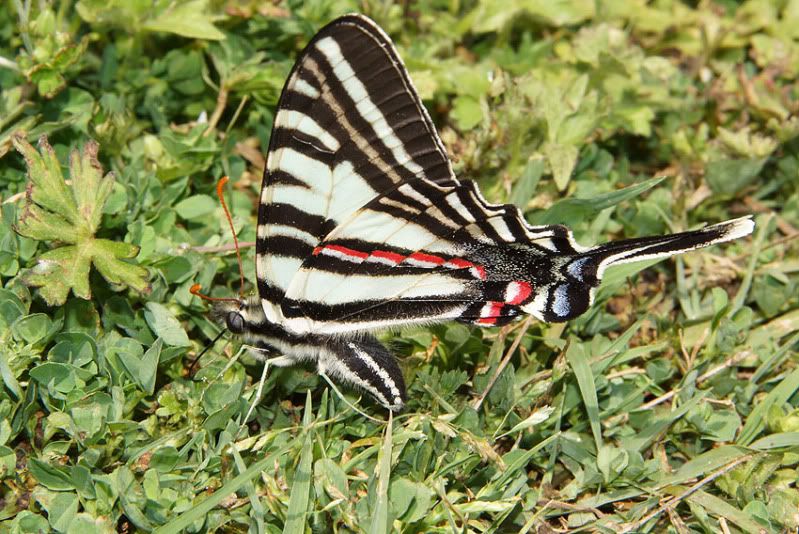
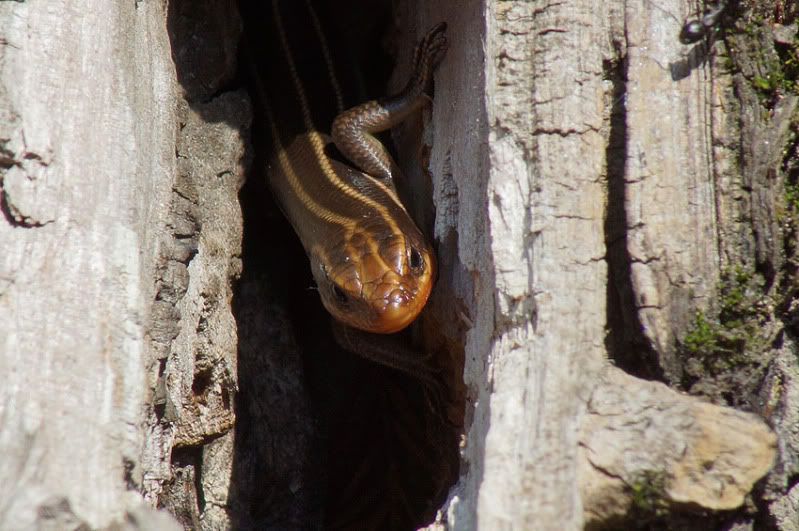
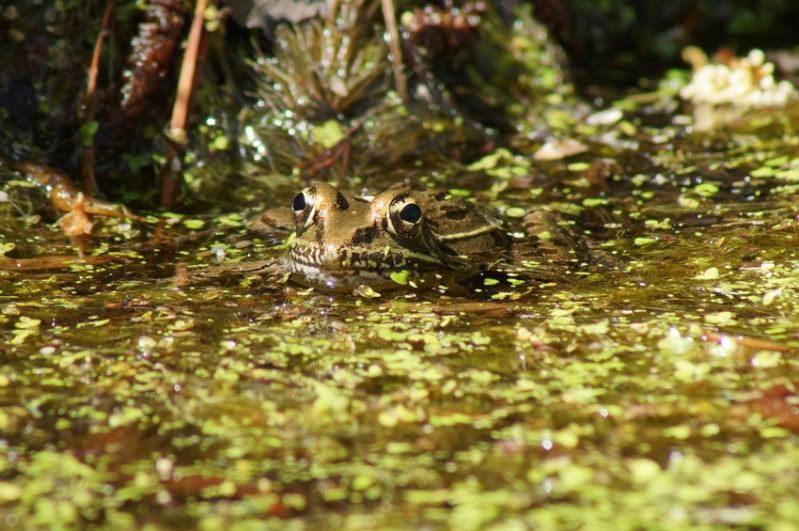
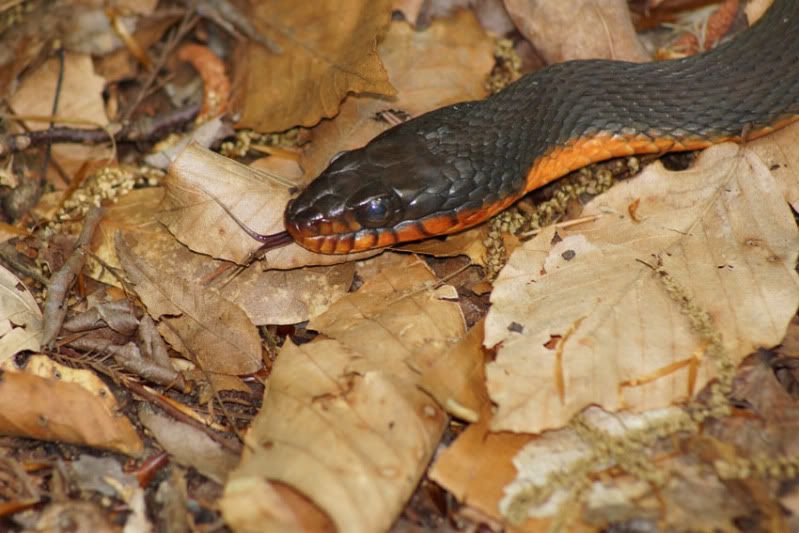
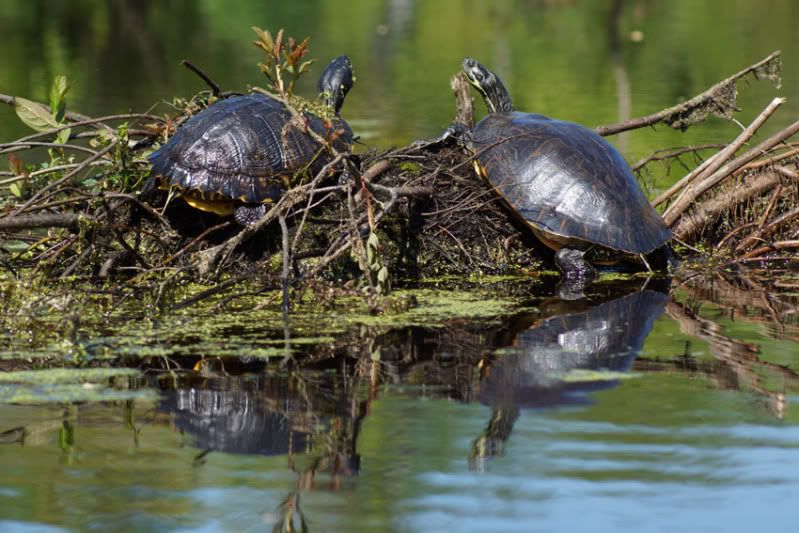
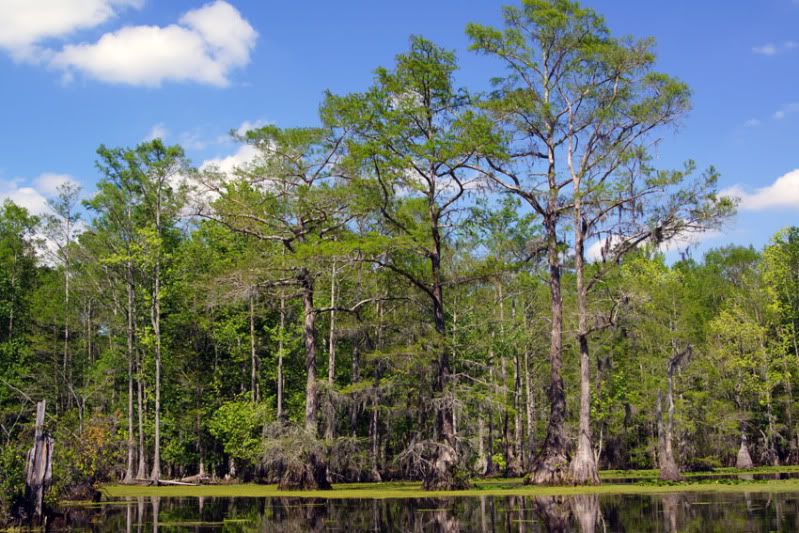
And a panoramic
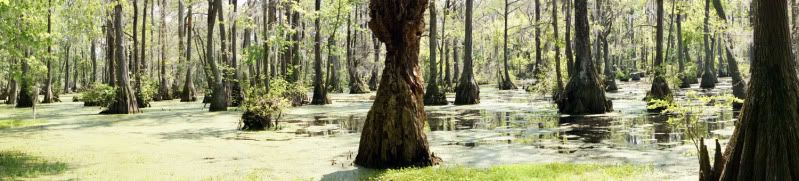
I did not get to cook the new one up before heading out on a kayaking / camping trip.
Good news Blue Marble theme updated.
Here's a very small sampling of the trip.
I'll be posting a video with pictures and video soon if anyone want to check it out.....
Kayaking trip video
Stayed at Merchant's Millpond, NC. Absolutely beautiful place.
Also went to the Great Dismal Swamp in VA.
This is at the Great Dismal Swamp. The kayaks are light and can be easily portaged from the feeder ditch to Lake Drummond, but we wanted to play and started to use the electric tram. Snapped this pic and then carried them over to the lake, especially since a boat pulled up that really needed to use the lift.
My kayak is the bright orange one.
And a panoramic
cdunkle584
Member
Downloading now...
Looks great! Just what I wanted.
Thanks!
Looks great! Just what I wanted.
Thanks!
elgecko
Android Enthusiast
cdunkle584
Member
JerryScript has done it again...
Pretty please, new version.
Really nice photography, btw. Thanks for posting those.
Pretty please, new version.
Really nice photography, btw. Thanks for posting those.
elgecko
Android Enthusiast

Encerspay
Android Enthusiast
Please help!! The animation of the earth keeps getting stuck and repeating and I can't get past this... please help me....!!!!!!!!!!!!!!!!! D:
EDIT: Never mind. Fixed, by installing the Green Machine Theme again. But the boot animation remains, and for some reason I really don't like it...
Forgive my noobiness, how can I change it?
EDIT: Never mind. Fixed, by installing the Green Machine Theme again. But the boot animation remains, and for some reason I really don't like it...
Forgive my noobiness, how can I change it?
cdunkle584
Member
Thanks! Downloading now. Still my favorite theme for Jerry's ROM.
[edit] Yep, still my fav!
Thanks, ElGecko!

AndyOpie150
<strong> <a href="http://androidforums.com/optimus
Go to settings/CyanogenMod settings/interface. Scroll down to the "Select Bootanimation" section.Please help!! The animation of the earth keeps getting stuck and repeating and I can't get past this... please help me....!!!!!!!!!!!!!!!!! D:
EDIT: Never mind. Fixed, by installing the Green Machine Theme again. But the boot animation remains, and for some reason I really don't like it...
Forgive my noobiness, how can I change it?

dave begue
Newbie
is there or will there be an .apk theme chooser version of this cool looking theme?