fonegyro
Well-Known Member
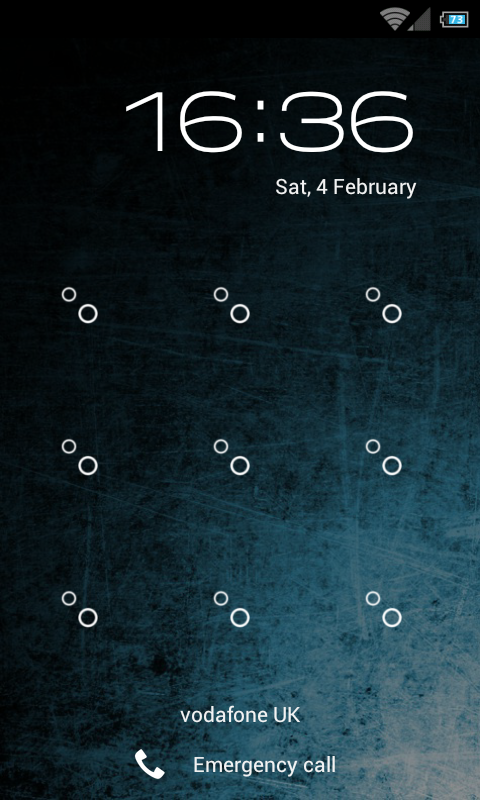
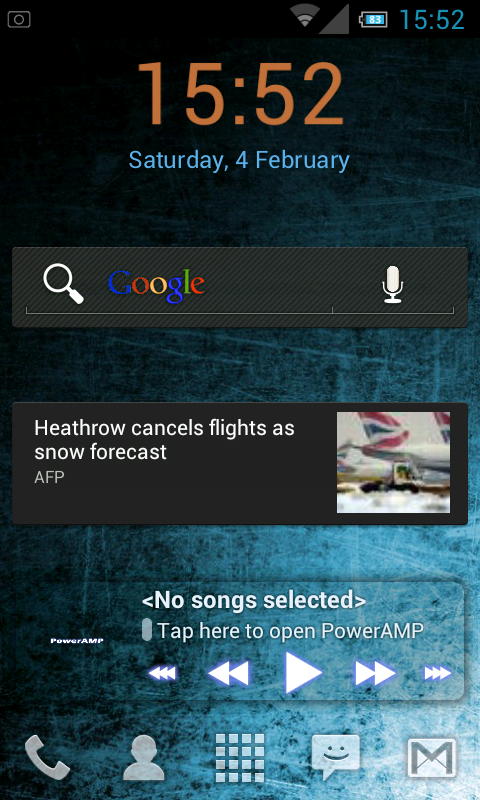
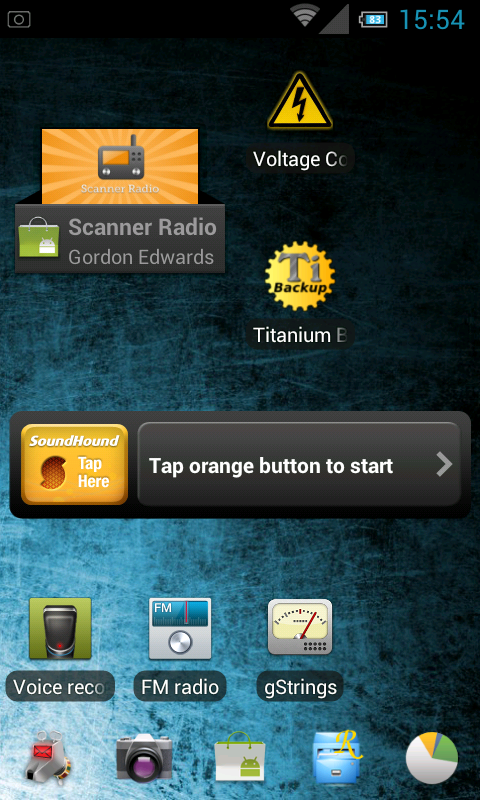
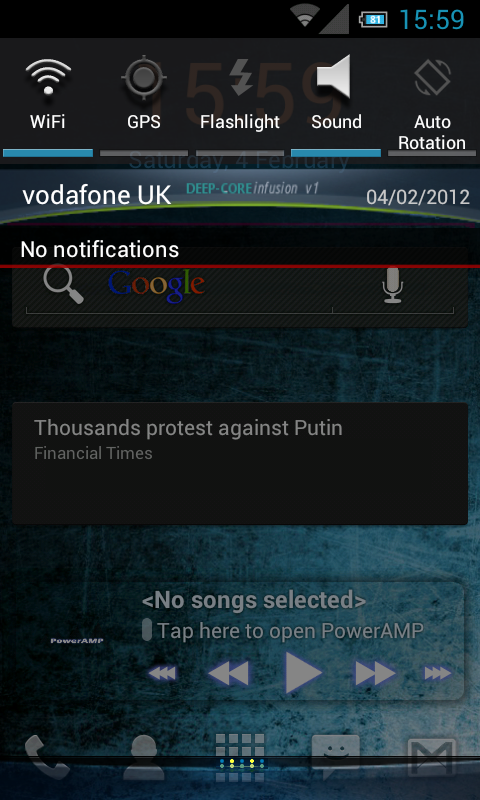
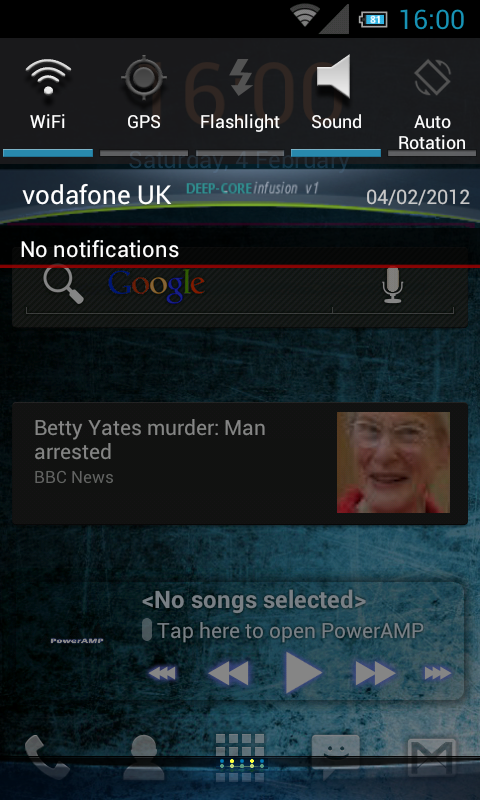
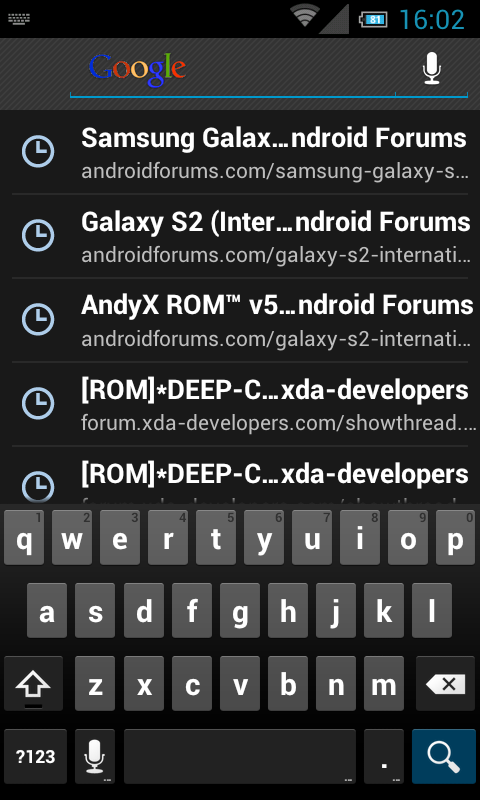
In my frustration at not being able to get the stupid file hosts to let me download Andy's Rom last night I stumbled across this little number and have been been running it since.
Pretty impressed so far, it's smooth, it's quick with no freezes apart from Launcher Pro when I changed number of homescreens... but that happened on stock XXLP6 too. battery seems pretty good but obviously it's going to take a cycle or 2 to know for sure...
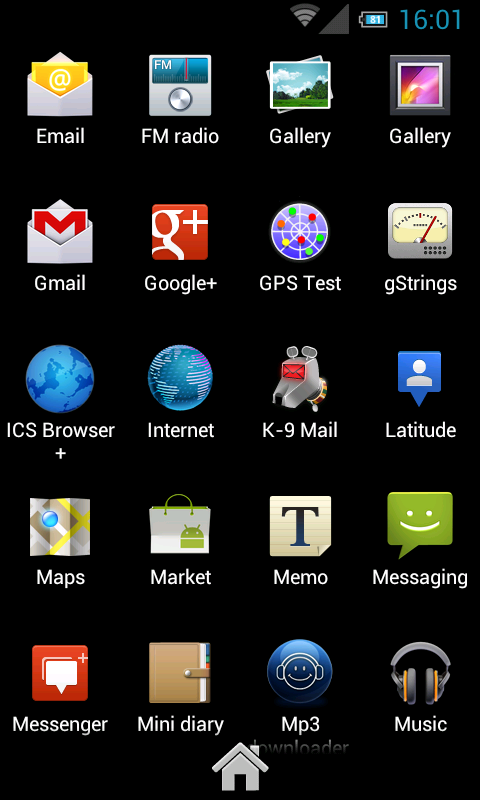
Also, while Gmail is good, the other email app won't play nice with my yahoo account, this problem also appeared to a lesser degree on the stock ROM... I solved it by replacing the email app with K9 , which works great but I've yet to discover how to enable new mail notifications... what a noob!
Here's the link:
[ROM]*DEEP-CORE infusion (ICS) XXLP6*[1. Feb. 2012] - xda-developers
From the thread:
This ROM based on XXLP6 Rom
Current version
DEEP-CORE infusion XXLP6 V.X FULL-WİPE
Features :
- Pure ICS UI
- Better battery life & smoothness
- Fully deoxed and zipaligned
- Rooted and latest SU
- Apps and framework optimized/ New
- Integrated with Google Addons
- Android ICS Moded Icons
Added :
- Last Google addons
- ICS Launcher
- Google Music
- Flashplayer
- New font
- New Theme
- some new Icons
- some new framework-res png's
- statusbar Togle
- [New bootanimation]by mexxico

- bootsound by
 me
me
-...etc.
Removed :
- Touchwiz and depends apps
- Clock package days,dlna,music player,press reader,zinio,...
...
Installation Guide :
- Nand backup!!!
- Install rom via cwm recovery
- Full wipe your device (wipe data/factory reset - wipe cache - format system (in mount and storage) - wipe dalvik cache ( in advanced)
-install zip. from sdcard> reboot>> please dont Panic it can take a while...!tchill out your life,.. and wait for 5 or 10 min.,
and let him do his jop! if it done, please reboot again.
- go to CWM; make a wipe;> wipe cache partion/dalvik cash> install> Theme Infusion update V2.zip
- ...and have fun!!
-Look on your sdcard/ext_sd > DEEP-CORE folder, you will find some special.
Importent :
- if you have issue like rebooting or many fc make a wipe; wipe cache partion/ dalvik cach..reboot
- known issus; Reboot button, not work really;
- if u have a battery draining first full your battery and goto recovery and select wipe battery stats , second use task manager and close runing programs every time you feel its needed
Updates can be found in second post, the current one being V2 Update1:
Change Log Deep-Core infusion V2_U1 (Update) 01.02.2012
Specification;
-Multilanguage
-CRT-OFF, Battery mods by lg95
-QuickPanel Settings to control Status Bar
Fixes:
-include gpsFix
-wifi fix
-optimized framwork-res.apk revoved failed png and resize
-New Modem (XXKP8), have better Network with them
-Statusbar Icon Fix
-build.prob tweeks
Added;
-SystemApp Remover
-youtube.apk (Tranzparent)
-xda APP Ics Blue
-Mp3 downloader
-APP Backup & Restore
-Online Radio
Removed;
-FmRadio.apk
-Music Player.apk
-Memo.apk
How to install;
This is a smal update you don't need to make a Wipe factory reset...
but do a Wipe cache partion and Wipe dalvik cache
install the D-C.InfusionV2_u1.zip
Pretty impressed so far, it's smooth, it's quick with no freezes apart from Launcher Pro when I changed number of homescreens... but that happened on stock XXLP6 too. battery seems pretty good but obviously it's going to take a cycle or 2 to know for sure...
Also, while Gmail is good, the other email app won't play nice with my yahoo account, this problem also appeared to a lesser degree on the stock ROM... I solved it by replacing the email app with K9
, which works great but I've yet to discover how to enable new mail notifications... what a noob! Here's the link:
[ROM]*DEEP-CORE infusion (ICS) XXLP6*[1. Feb. 2012] - xda-developers
From the thread:
This ROM based on XXLP6 Rom
Current version
DEEP-CORE infusion XXLP6 V.X FULL-WİPE
Features :
- Pure ICS UI
- Better battery life & smoothness
- Fully deoxed and zipaligned
- Rooted and latest SU
- Apps and framework optimized/ New
- Integrated with Google Addons
- Android ICS Moded Icons
Added :
- Last Google addons
- ICS Launcher
- Google Music
- Flashplayer
- New font
- New Theme
- some new Icons
- some new framework-res png's
- statusbar Togle
- [New bootanimation]by mexxico
- bootsound by
-...etc.
Removed :
- Touchwiz and depends apps
- Clock package days,dlna,music player,press reader,zinio,...
...
Installation Guide :
- Nand backup!!!
- Install rom via cwm recovery
- Full wipe your device (wipe data/factory reset - wipe cache - format system (in mount and storage) - wipe dalvik cache ( in advanced)
-install zip. from sdcard> reboot>> please dont Panic it can take a while...!tchill out your life,.. and wait for 5 or 10 min.,
and let him do his jop! if it done, please reboot again.
- go to CWM; make a wipe;> wipe cache partion/dalvik cash> install> Theme Infusion update V2.zip
- ...and have fun!!
-Look on your sdcard/ext_sd > DEEP-CORE folder, you will find some special.
Importent :
- if you have issue like rebooting or many fc make a wipe; wipe cache partion/ dalvik cach..reboot
- known issus; Reboot button, not work really;
- if u have a battery draining first full your battery and goto recovery and select wipe battery stats , second use task manager and close runing programs every time you feel its needed
Updates can be found in second post, the current one being V2 Update1:
Change Log Deep-Core infusion V2_U1 (Update) 01.02.2012
Specification;
-Multilanguage
-CRT-OFF, Battery mods by lg95
-QuickPanel Settings to control Status Bar
Fixes:
-include gpsFix
-wifi fix
-optimized framwork-res.apk revoved failed png and resize
-New Modem (XXKP8), have better Network with them
-Statusbar Icon Fix
-build.prob tweeks
Added;
-SystemApp Remover
-youtube.apk (Tranzparent)
-xda APP Ics Blue
-Mp3 downloader
-APP Backup & Restore
-Online Radio
Removed;
-FmRadio.apk
-Music Player.apk
-Memo.apk
How to install;
This is a smal update you don't need to make a Wipe factory reset...
but do a Wipe cache partion and Wipe dalvik cache
install the D-C.InfusionV2_u1.zip