• After 15+ years, we've made a big change: Android Forums is now Early Bird Club. Learn more here.

[Guide] Creating Custom Lockscreens

Over 341 view :) and only a few posts. Curious as to if people have tried this and been successful with it. Feel free to share :)
 
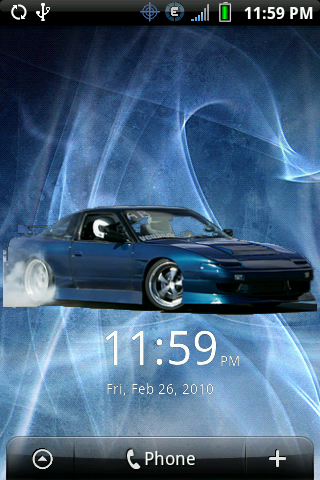
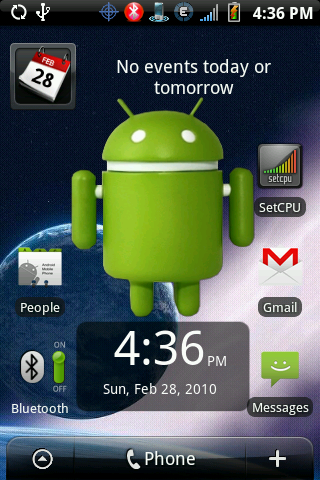
I have everything needed to start working on a lock screen... I just need to decide what I want for a lock screen..
 
I have a bunch of zips and .png files.

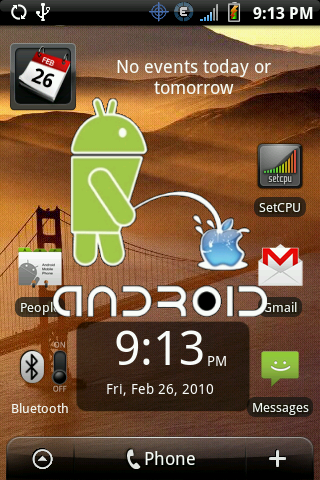
Download zip .png
droid.png


I also have a bunch of .png files ready for someone to mod if they want


LA logo zip png
LA1.png


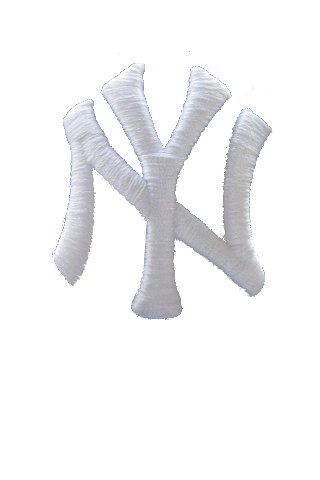
Yankees logo zip .png
yankeeslogo.png


Red Droid zip png
droid5.png


Nerd Droid zip png
droid16.png
 
Just finished up with a Phandroid Lock screen.
4396987518_017aa0a220_o.png

If anyone wants this let me know. I dont have anywhere I can upload it though.
 
by all means... make a GIMP guide.. no one person has a license on creating guides.. the more guides the better!
 
If you're familiar with the photoshop menus, but want to use GIMP because it's free...check out GimpShop. It's a custom build of GIMP that has the menus rearranged to be close to Photoshop.
 
What program are you guys using to take a screen shot?

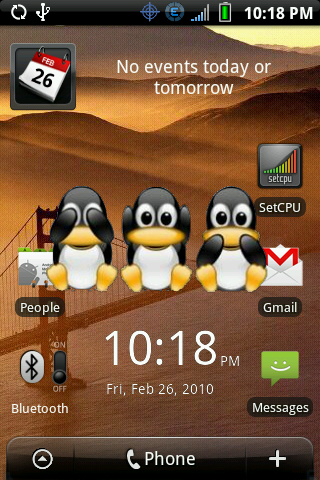
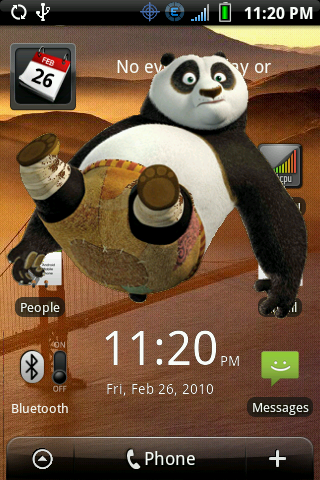
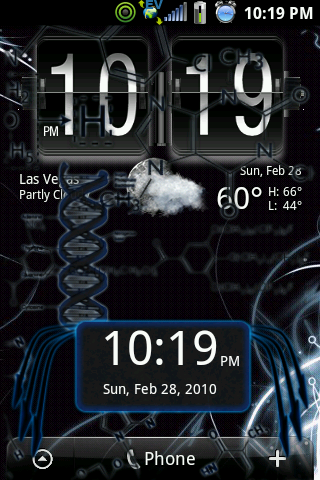
I have made a few lockscreens and would like to hand them out.
 
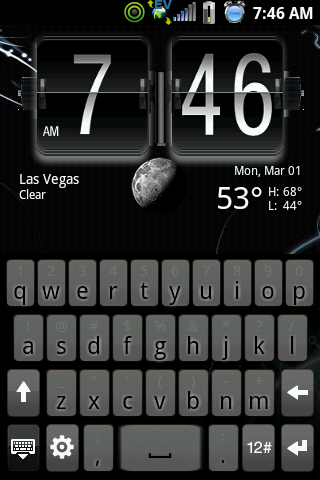
I also have been working on the keyboard.
And the clock is not my work but I did edit it a little if you like it.

snap20100301_074617.png
 
I don't have photoshop or anything similar would someone mind taking a request? If not thats fine, I'm just wondering.
 
wow, yankees, dodgers, and white sox on here...that's just depressing.

I still haven't taken the time to play with this idea, but I certainly plan to lol
 
Back
Top Bottom