
Install the app
How to install the app on iOS
Follow along with the video below to see how to install our site as a web app on your home screen.
Note: This feature may not be available in some browsers.
-
After 15+ years, we've made a big change: Android Forums is now Early Bird Club. Learn more here.
You are using an out of date browser. It may not display this or other websites correctly.
You should upgrade or use an alternative browser.
You should upgrade or use an alternative browser.
Let's see your Thunderbolt screens.
- Thread starter gobluejd
- Start date
-
- Tags
- htc thunderbolt
Hey guys, love the thread, it has really sparked my interest in customizing my TB. Just got this bad boy a week ago (upgraded from the OG moto droid) so I am still new to the whole custom thing. I am currently on the fence about rooting, may do it after some more research though.
Anyways, what is a good app that will let you customize your folders? I saw a few pics of custom folders but didnt see an app listed. Since im new to the forums and can't post pics I will just say Yeahha posted some pics with custom folders I kinda liked.
Those folders are from SPB shell, you can buy the launcher and use it without root, you can't use the folder's without using the launcher however.
I'm sorry if this has been asked (and answered) before in this thread, but does anyone know of any screenshot apps that don't require rooting, that work on the Thunderbolt?
I don't think an app will let you do that but you can download the SDK and HTC driver's on your CPU then hook up your phone to take screen shots that way. I think there are directions in the OP or somewhere near it.
Here are a couple shots of mine. The first one is my current lock screen, the second one is my main home page (the other two are just one for often used apps, and one for quick access to important contacts), and the last one is the main home screen I had when I used a CM7 theme for ADW Launcher.
Here are a couple shots of mine. The first one is my current lock screen, the second one is my main home page (the other two are just one for often used apps, and one for quick access to important contacts), and the last one is the main home screen I had when I used a CM7 theme for ADW Launcher.
Link asks for a signin


WormDoes
Android Expert
Another great look by Worm! I really need to start looking into how to edit the framework so that I can make my status icons my own.
Worm: For the life of me I can NOT get that tool to work and allow me to have my clock in the middle. It's frustrating.
Thanks. What ROM are you on? If you're on Shift you need to use CM framework.

Ibrick
Android Expert
Nice! One of your better ones IMO.
So fresh and so clean!
Thanks. What ROM are you on? If you're on Shift you need to use CM framework.
Can you use the CM framework on any AOSP rom or just CM based AOSP?
WormDoes
Android Expert
Can you use the CM framework on any AOSP rom or just CM based AOSP?
Just CM and shift AFAIK. I assumed I'd have to use CM fw now that I'm on Liquid, but Liquid's fw actually worked. Just another reason to have Shift on my S list


Thats
That guy is This
Thanks. What ROM are you on? If you're on Shift you need to use CM framework.
Shift v1.2.
Really thinking I should use my saturday to just flash something else and make it my own.
WormDoes
Android Expert
Shift v1.2.
Really thinking I should use my saturday to just flash something else and make it my own.
Like I said, when using a DT ROM just use CM7 framework when using the Windows patcher and you'll be fine. No need to change ROMs.
Link asks for a signin
Ah. Okay, let me try that again, then.
Main screen:

Lock screen:

Alternative (ADW CM7 theme):

Ah. Okay, let me try that again, then.
Main screen:
Where can I get those dock icon?

McLabia
Android Expert
It's from a Go Launcher theme. I think it was called 3D Space theme, or something like that? I was a little disappointed, though, because it was a paid theme, and I thought there were going to be a lot of icons, but there was only a handful.
Oh, and the app drawer icon is from a Honeycomb Go Launcher theme.
Oh, and the app drawer icon is from a Honeycomb Go Launcher theme.
McLabia
Android Expert
It's from a Go Launcher theme. I think it was called 3D Space theme, or something like that? I was a little disappointed, though, because it was a paid theme, and I thought there were going to be a lot of icons, but there was only a handful.
Oh, and the app drawer icon is from a Honeycomb Go Launcher theme.
Thanks dude. Guess its time to reinstall that 3D space theme. lol. Never saw those ones.
McLabia
Android Expert
I almost installed it but some of the icons have incorrect spellings on them. None you can see on the screen shots, but the market screen shots show them. MPAS, CALANDAR, PICEURE, also looks like it may have CALGULATOR

LOL WOW. Hahahahahaahhaahahahah I didnt even notice that. XD
Edit: The saddest part of that image you just posted is that its actually their screenshot on the market...lol. Wow.
shooter_454
Lurker
New here and thought I would share a few of my screen shots.
Running Thunderstick with 3.0 Its a very nice rom.I have tried a few others including cm7 which I liked alot,but had too many issues.
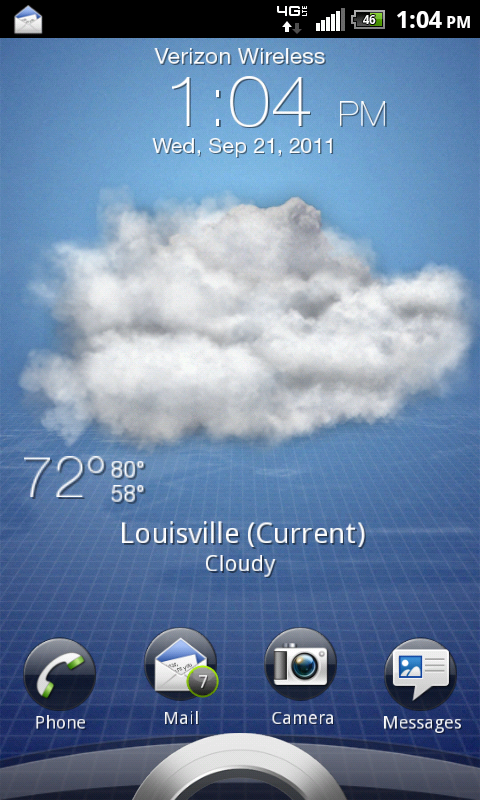
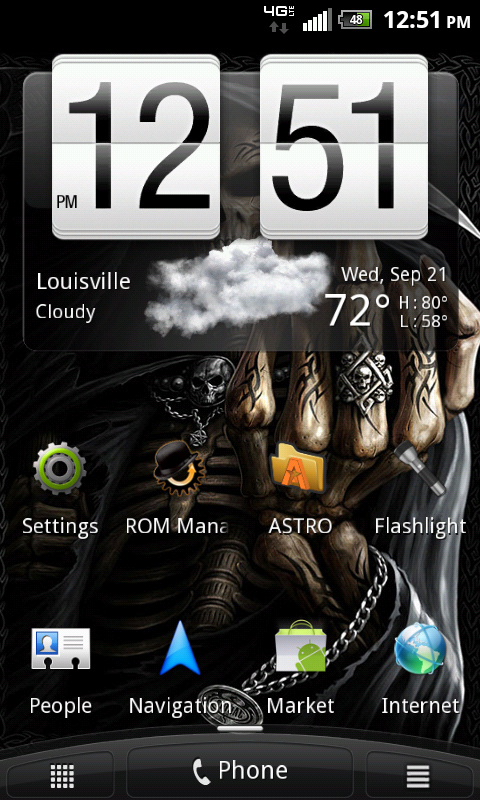
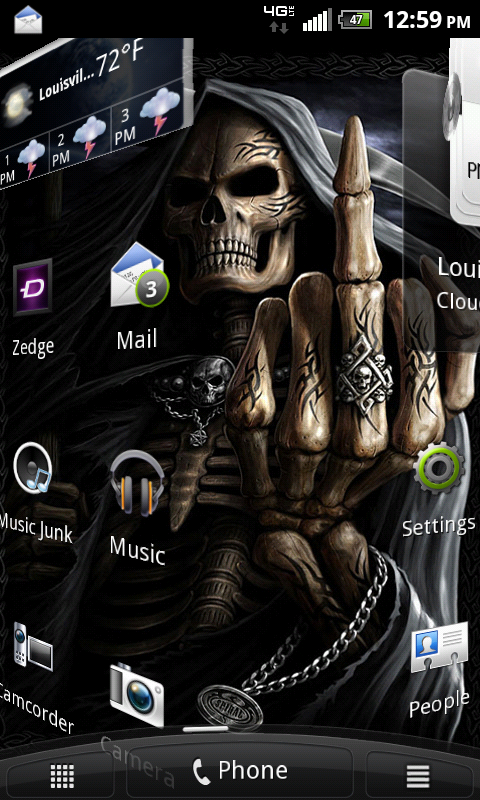
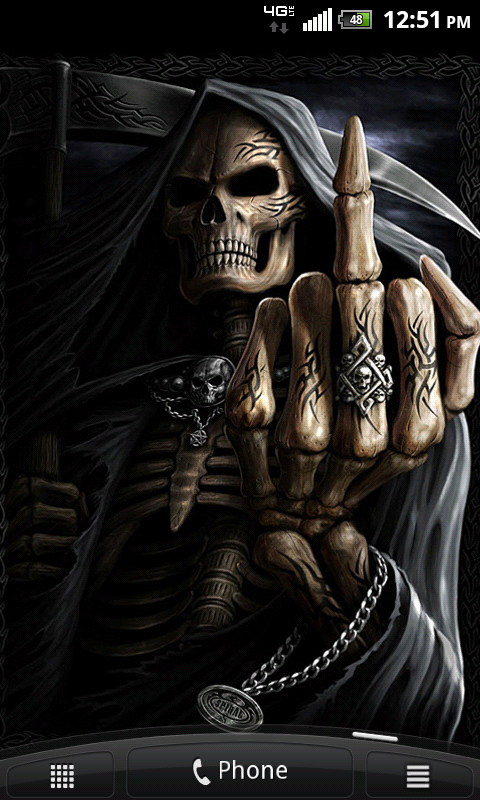
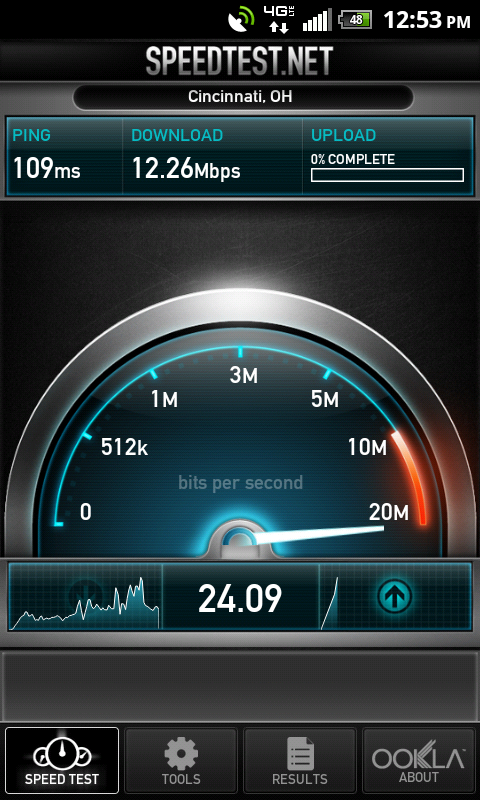
Running Thunderstick with 3.0 Its a very nice rom.I have tried a few others including cm7 which I liked alot,but had too many issues.

Frisco
=Luceat Lux Vestra=
I almost installed it but some of the icons have incorrect spellings on them. None you can see on the screen shots, but the market screen shots show them. MPAS, CALANDAR, PICEURE, also looks like it may have CALGULATOR
Try looking at it a few minutes after quaffing two shots of Cutty Sark (no ice).
Looks fine.


cookie_monster
Android Enthusiast
Lockscreen wallpaper please?