

Mr. Ed
Extreme Android User
They will constantly be adding cities from this point onThanks "Other Ed", when was Austin added, it never appeared on any of the lists before.
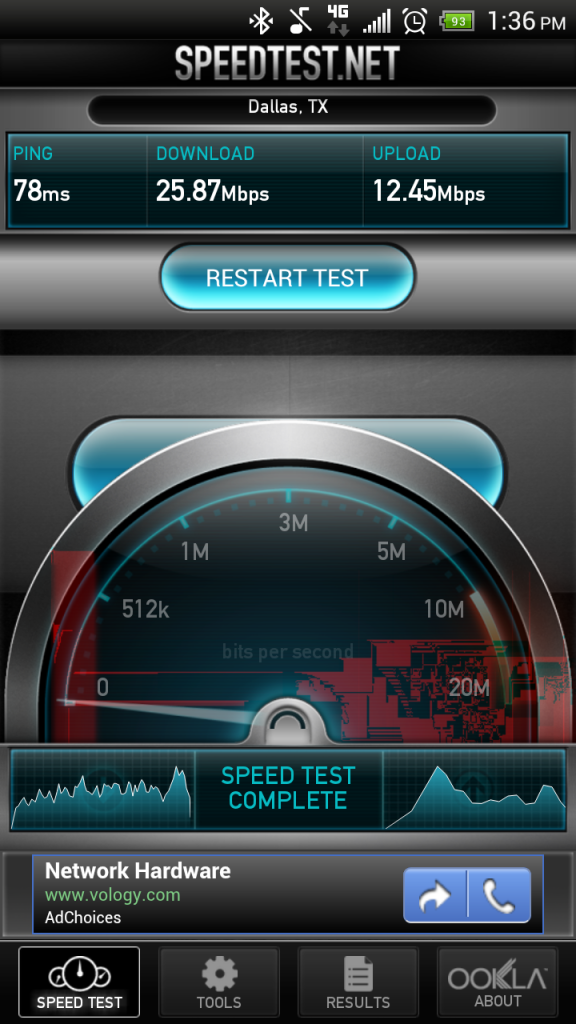
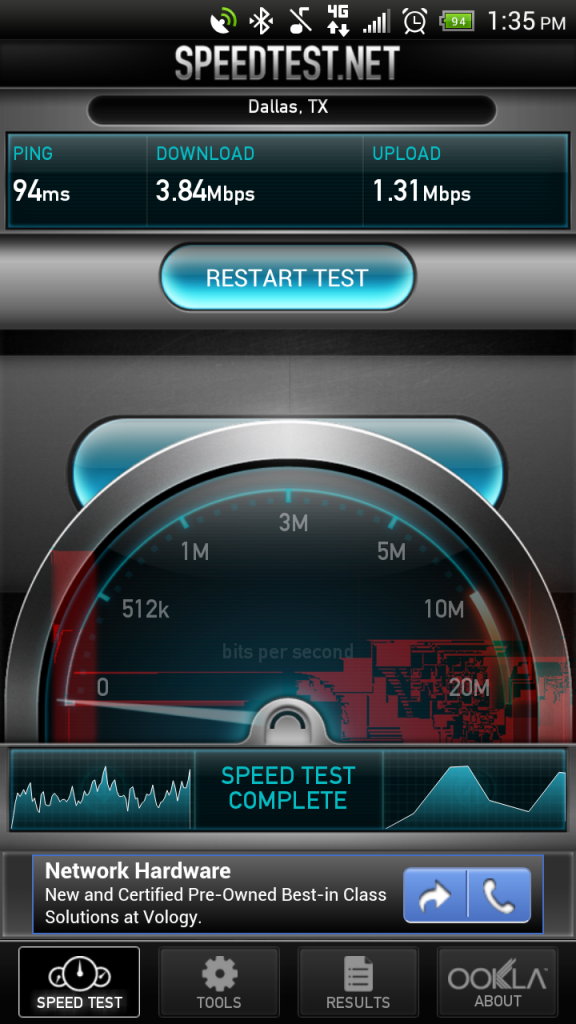
Follow along with the video below to see how to install our site as a web app on your home screen.
Note: This feature may not be available in some browsers.
They will constantly be adding cities from this point onThanks "Other Ed", when was Austin added, it never appeared on any of the lists before.

They will constantly be adding cities from this point on


If you guys find areas that show to have coverage and it does not send me the address and I can forward it on
beaumont texas....supposedly it's slow because they're upgrading towers in our area
3g, 72kbps download
3g, 115kpbs upload
never heard of uploading being faster but....o well that's what speedtest says

Need This ^ to go back where it was please for testing. Once done feel free to move
For now it should not be merged
I tried it out. My speeds stayed the same.
I'm so glad I move tomorrow.
Side note, there's no lte in my area.
Appears to be no difference. the 160 down was the first one I did with the new settings
I'm so glad I move tomorrow.
Side note, there's no lte in my area.

Appears to be no difference. the 160 down was the first one I did with the new settings

Wow that is craziness.
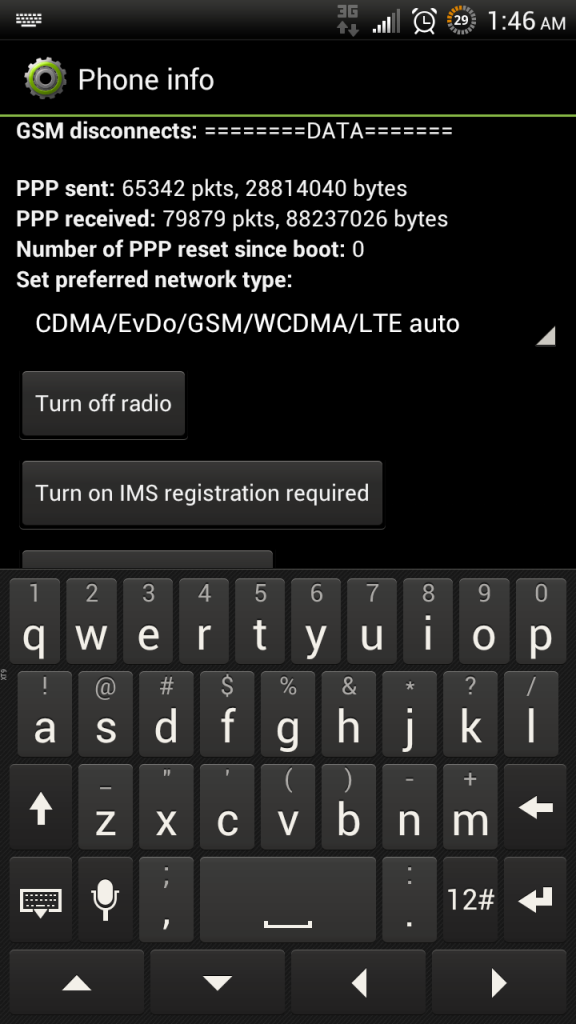
Take note of a couple of things for me...this appears to only work on some towers
when in the 4636 menu scroll back up and see what the current network type is. Before during after
make sure the radio actually disconnects and reconnects when changing network mode
also watch for changes in ping times
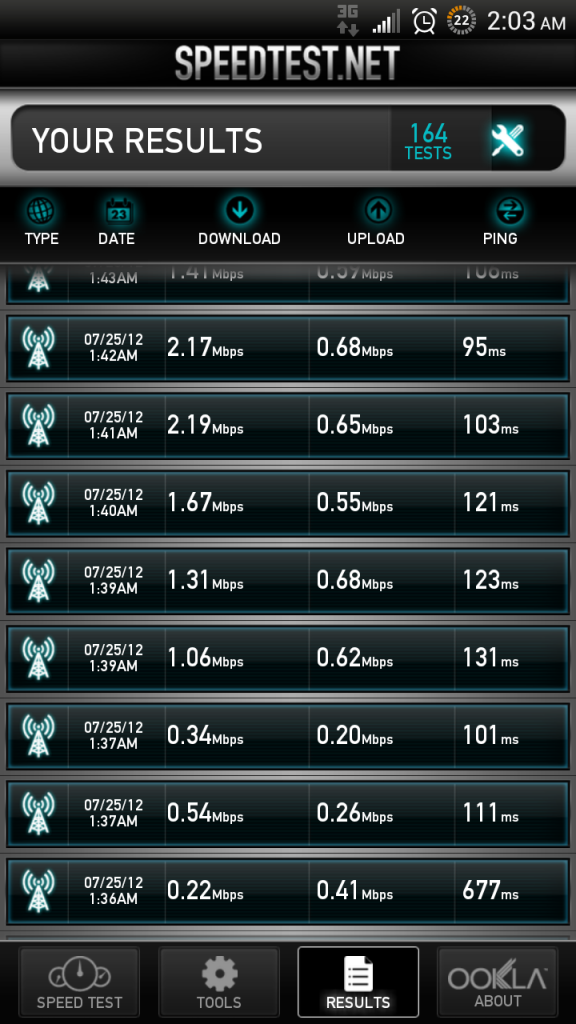
1st 5 are after, others are before. after this I switched back and forth a couple times. although the average dropped off, there wasn't a significant difference between the two.
I wonder if it was just the radio reset that helped you?
Mobile Network Type
CDMA - EvDo rev. A
Baseband version
1.05.11.0606


 !
!


