
Install the app
How to install the app on iOS
Follow along with the video below to see how to install our site as a web app on your home screen.
Note: This feature may not be available in some browsers.
-
After 15+ years, we've made a big change: Android Forums is now Early Bird Club. Learn more here.
You are using an out of date browser. It may not display this or other websites correctly.
You should upgrade or use an alternative browser.
You should upgrade or use an alternative browser.
Post Your Home Screen Captures
- Thread starter TVCCS
- Start date
-
- Tags
- lg optimus v


rocketspank
Newbie
Been here for a good while, but just never got around to posting screens of my Optimus V.
Thought I would post my Optimus V wallpaper album, picked up quite a few in the past months.
Here it is:
https://picasaweb.google.com/114408660520179385324/OptimusVWallpapers#
Bokeh much? ;P
Bokeh much? ;P
Actually, not much.

I change my wallpaper every 2 or 3 days, and very rarely use a bokeh.
rocketspank
Newbie
Actually, not much.
I change my wallpaper every 2 or 3 days, and very rarely use a bokeh.
Just said something because a good chunk of your wallpapers were boken. On a different note, love the rain/water droplet pictures. I have a couple that you listed (from Zedge) but a couple found a couple I don't have... Very calming and clean for wallpapers IMO.

eriman
Newbie
Been here for a good while, but just never got around to posting screens of my Optimus V.
Thought I would post my Optimus V wallpaper album, picked up quite a few in the past months.
Here it is:
https://picasaweb.google.com/114408660520179385324/OptimusVWallpapers#
Thanks for this! Lots of great ones!


benslgdroid
rockstar
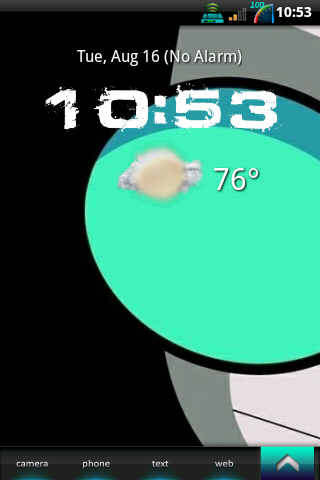
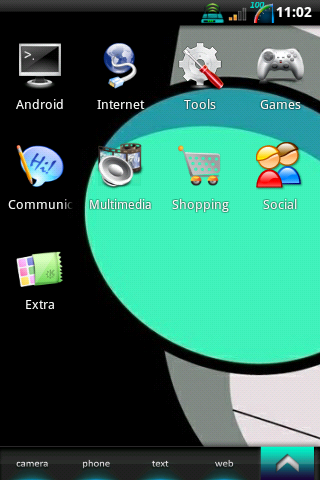
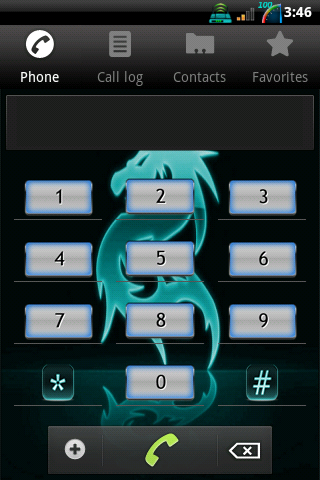
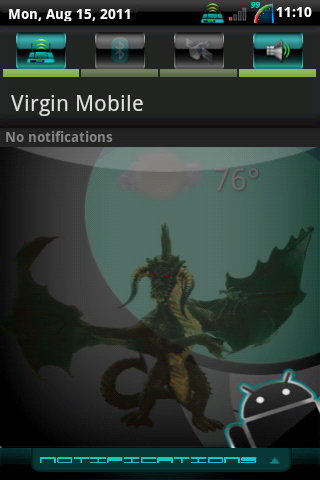
i like it clean I use folders instead of having a bunch of apps all over the place.

tcat007
Android Expert
Lots of cool stuff here. I decided my "Car mode" screen was too busy looking, so I got rid of Desktop VisualizeR and just use Minimalist Text... it's such an awesome app... any text any shape, size, color... use to activacte any app, link, bookmark, direct contact... or leave the text blank to use as a hidden link. My latest "Car mode" screen:


benslgdroid
rockstar
New theme:
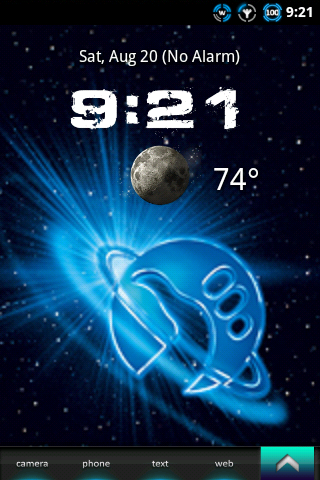
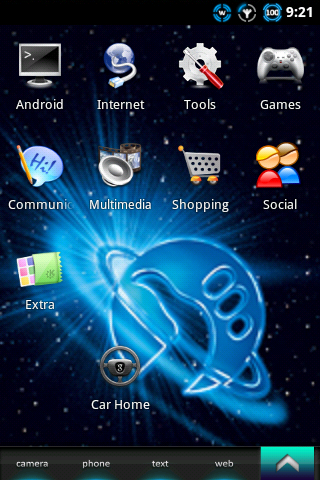
Bootanimation:

Bootanimation:

DMGO
Newbie
That's the perfect clock. What is the exact name of that app?This is my first smart phone. I'm still learning all of the bells and whistles but I'm very happy with it so far!
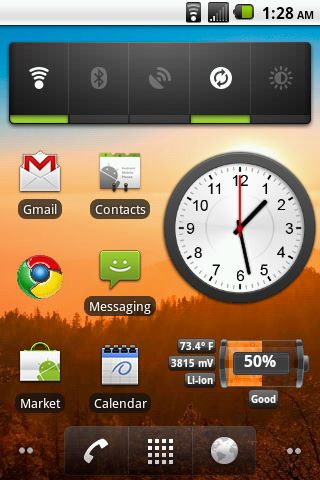
https://market.android.com/details?id=de.dnsproject.clock_widget_main&hl=en
i believe it is this one
i believe it is this one
DMGO
Newbie
https://market.android.com/details?id=de.dnsproject.clock_widget_main&hl=en
i believe it is this one
Ok, I followed your link, and downloaded that to my Optimus V. It shows in my list of apps, but it is a 'widget'. I'm not sure what that is, or how to get it to function on my home screen. Sorry, I'm old, and not real savvy with things like this. How do I actually get this to be a clock, and have it on my home screen, like the original poster has?

Petrah
Psychotic Female
DMGO... press your fingertip on your screen and hold it there (this is called a longpress) until a menu pops up. You'll see Widgets on the list, tap on that. Then go down the list until you find the widget that you want to add to your home screen. 
Another way to get to the Widgets list: there's 4 buttons on the bottom of your phone... menu, home, back, and search. Click on the menu button and then tap on Add.
Keep in mind though that normally you do not want to move widgets to the SD card if they're in use on your home screen.
Another way to get to the Widgets list: there's 4 buttons on the bottom of your phone... menu, home, back, and search. Click on the menu button and then tap on Add.
Keep in mind though that normally you do not want to move widgets to the SD card if they're in use on your home screen.
DMGO
Newbie
DMGO... press your fingertip on your screen and hold it there (this is called a longpress) until a menu pops up. You'll see Widgets on the list, tap on that. Then go down the list until you find the widget that you want to add to your home screen.
Another way to get to the Widgets list: there's 4 buttons on the bottom of your phone... menu, home, back, and search. Click on the menu button and then tap on Add.
Keep in mind though that normally you do not want to move widgets to the SD card if they're in use on your home screen.
THANK YOU--- I just learned a GREAT DEAL! I can't believe how EASY that was, once you know how.... My phone looks fantastic...... I can't believe it.....


syav
Well-Known Member
After υ υρload image from ImageShack, get the "Vieω full size" pic and copy the link/url for that ρic. That's hoω I get minε to ωοrκ.weddle said:I don't think that worked :/

weddle
Android Enthusiast
Alright let's try that again...
http://imageshack.us/photo/my-images/822/screenshot1314287504753.png/
yeah I resorted to a link lol...if this doesn't take you to my page thing, search for Weddle87. It should only have 3 images uploaded lol. Their my screens
http://imageshack.us/photo/my-images/822/screenshot1314287504753.png/
yeah I resorted to a link lol...if this doesn't take you to my page thing, search for Weddle87. It should only have 3 images uploaded lol. Their my screens


I think this this the longest I've kept the same setup- over a week now, so it must be special. 

All the usual suspects. Font is Pessima. Folder icons skulking about in the sideways-growing, strangely-colored bamboo, unabashedly adulterated, from Simple Desktops: http://simpledesktops.com/browse/desktops/2011/aug/12/bambu/
All the usual suspects. Font is Pessima. Folder icons skulking about in the sideways-growing, strangely-colored bamboo, unabashedly adulterated, from Simple Desktops: http://simpledesktops.com/browse/desktops/2011/aug/12/bambu/

DaManWitDaPlan
Member
Here's mine. Not too crazy. I used to have Launcher Pro and stuff but it was just taking up space and battery life so I went back to stock. I think it looks ok though.


