• After 15+ years, we've made a big change: Android Forums is now Early Bird Club. Learn more here.

Post your Screenshots and Wallpaper!

Why cant I find the digital clock widget in the market?
Noob question perhaps?

[AppBrain]Digital Clock Widget

chart
 
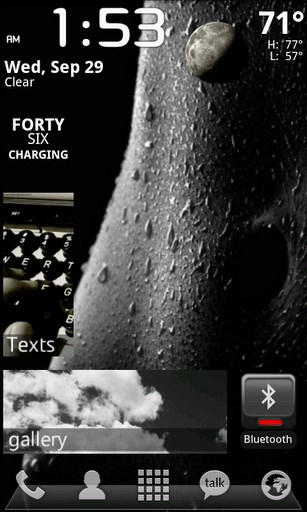
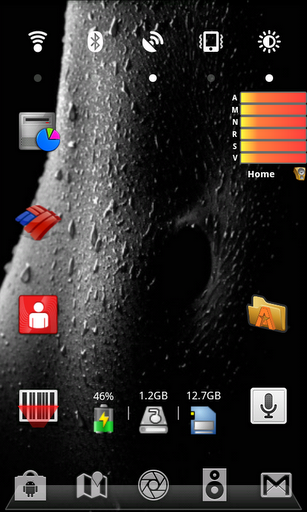
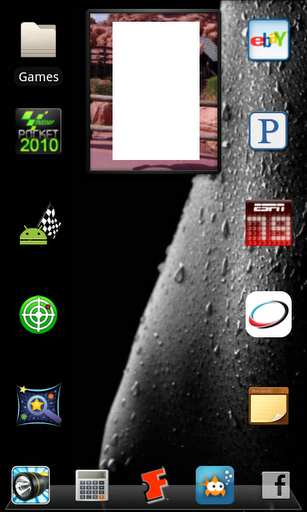
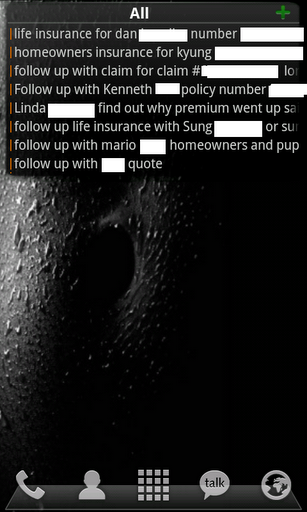
Using Launcher Pro Docks (many styles) and Icons (many color choices); keeping the screen simple and uncluttered as always. ;) I have a calendar and weather and other things on different screens; this is the home screen:


2nl5tmh.jpg
 
I like all of the widgets on your screens. How are you able to have different shortcuts at the bottom, is this LPP paid version options?
Nice setup.
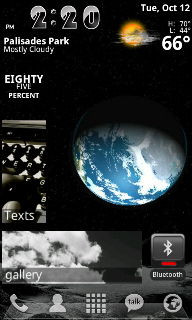
Even the free version of LP gives you 3 dock screen for 15 display icons and each icon has a touch and a swipe shortcut possibility so you can actually have 30 shortcuts. All you have to do to change a shortcut is long press it and follow the on screen directions. Might have to go into preferences>dock settings to turn on all 3 docks
 
Mine looks crappy compared to everyone else's rooted customized screens.
3 Screens.
Left:
58jT9.png

Home:
KxeqS.png

Right:
oY1t8.png


Apps: SwiFTP; Is an app that allows you to access your phone's files wireless, via your laptop pc.
Gmote; An app that allows you to control your laptop from your phone. Input destination folders you wish you access. [Music/Videos/Pictures] and play them on your computer, from your phone. Can also be used as a mouse.
Dolphin Browser HD; Self explanatory. Just a different web browser.

Link to image used as background: http://imgur.com/OyFIQ.jpg
 
I think most of us here are using launcher pro, at least i am, not rooted, and it is pretty great!
 
New theme!
So after looking at everyone's awesome customized themes on their SF.
It got me jealous and curious. So I got the Launcher Pro. I downloaded those dreamlyfe themes (the free ones of course, 'cause I'm not paying).
Customized it to my liking and I have to say, it's so much better.

BiP46.jpg

Background: Live "Galactic Core." Free from Android Market.
You'll notice that my dock says "monster" in it. All I did was open the original dock image from the dreamlyfe lux or w/e and colored over the name, and wrote monster. :]


Left screen: Facebook widget.
various icons. FB, Tumblr, Twitter, Email.
MSN Droid, AIM, Yahoo Messenger, Youtube.

Middle (Home): "The Weather" widget, free from Market.
Various icons; Camera, video player, gallery, music player
Android Market, Gmote, swiFTP, task manager.

Right screen: "Picture Dial" widgets. Free.

Dock: dreamlyfe lux apps icon. phone, contacts, sms, browser (Dolphin HD).
 
I think most of us here are using launcher pro, at least i am, not rooted, and it is pretty great!
Yeah I'd say we/this forum collectively is 70% LP, 20% ADW and 10%TW.
Well I finally got one board the BW train. This is about as much flash as you're getting from me.
snap20101014_003213.png
snap20101014_003642.png

I spoke too soon looks like I've be using the smaller home weather.
Although I am tempted by this look
snap20101014_004005.png

Very plain jane but very good battery life I suppose
 
Sure!!! Right here:

ADW.Theme.Two (BlackBlue) - Android app on AppBrain

I love it because the icons can be changed out with whatever you want at the bottom (Must create a custom short cut and then drag) and the actual icons light up, and in that samsung blue. By far my FAVORITE dock.

Just keep in mind you NEED ADW launcher.

You can also get it in pink, white and red, but you have to pay for each. Im thinking about grabbing the white one..but im not sure yet.

White: http://www.appbrain.com/app/adw-theme-two-(whitvert)/org.adw.theme.two.whitvert

Pink: http://www.appbrain.com/app/adw-theme-two-(pinksia)/org.adw.theme.two.pinksia

Red: http://www.appbrain.com/app/adw-theme-two-(redz)/org.adw.theme.two.redz
 
All you need is ShootMe. ShootMe (Screen Grabber) - Android app on AppBrain
Don't even need to be rooted either

Oh man, you ROCK!!! This app is PERFECT!! Thank you VERY much. Uploading now.

Lock Screen (Thanks to all for suggesting lock widget)
snap20101014_145048.png


Home
snap20101014_145042.png


Photo/video screen plus GF
snap20101014_150031.png


Misc/"I dont know what to do with this screen" screen
snap20101014_145207.png


Music Screen
snap20101014_145217.png


Social Networking screen
snap20101014_145224.png


Previews
snap20101014_145227.png


Gotta say, I LOVE ADW and its flexibility. Although I do like launcher pro more, it doesnt have the illuminated dock and the icons are VERY off center for the official Sense docks.

And yes...I do like sense...a LOT!!!
 
Nice shots. I can tell you will have a ShootMe addiction like I do. Whenever anyone on the forums has a question if I can show them with a screen shot I do. I have over 80 shots in my gallery of ShootMe shots. Terrific app
 
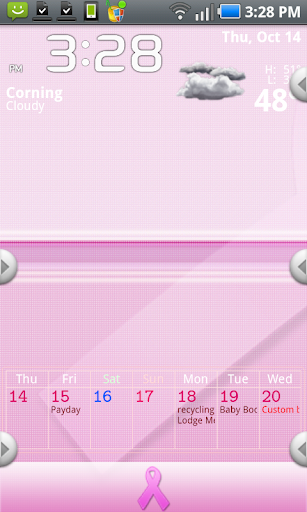
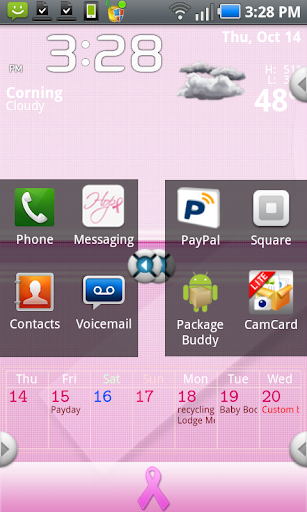
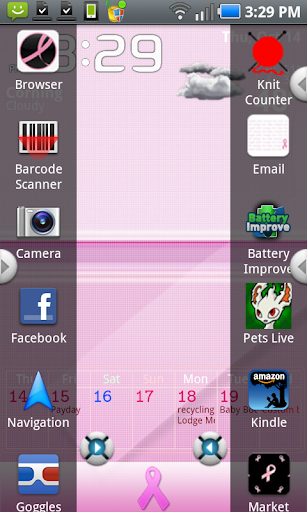
Nothing super exciting here- I'm using a downloaded theme (one for breast cancer awareness this month, as October is Breast Cancer Awareness Month, and it seemed fitting. The clock and weather is beautiful Widgets, and the calendar widget is Jorte, which I LOVE, set at total transparency so it looks great no matter WHAT background I have up.

I have my phone set with only one screen, as I like it better that way, and am using Panda Home 2, with dock bars.

snap20101014_152835.png


and the dock bars opened -
snap20101014_152856.png
snap20101014_152951.png
 
Does anyone know if you can change the color of the notifications bar or any other factors? Or is it simply just a phone specific thing?
 
Inspired by the "Android 7" design tutorials that mimic the "Windows 7" mobile layout, I spent some time creating photo-gallery icons for my normal homescreen apps.

I'm running LauncherPro on an unrooted DROID Incredible.

Lockscreen:


I'm using WidgetLocker Lockscreen and Beautiful Widgets smaller home with the "gearedup" clock skin and the "simplybeautiful" weather skin.

Homescreen Preview:


I cut down to just five homescreens... just don't need more than that right now.

Homescreens from left to right:


My Games home. For this and all of the homescreens I used only Desktop Visualizer widgets of various sizes. Most of them link to their respective apps, but the headers of homescreens 1, 2, 4, and 5 all link to specified Smart Shortcuts, which pops up a separate "app drawer" that shows only the apps you designate for that category. It works so much better than using folders.


My Entertainment home. All Desktop Visualizer widgets.


This is the main home screen. All Desktop Visualizer widgets except for the SwitchPro Widget. For some reason I didn't like this one the first time I tried it during my last layout period. But it does EVERYTHING I need it to do. Right now I have it set up for: LED flashlight, Vibrate/Silent, Screen Brightness, Wi-Fi, Bluetooth, and 3G-Hotspot. For my current layout, I think it works really well.


Communications page using just Desktop Visualizer widgets.


The last homescreen... just a collection of some stuff that I use often enough to get a widget. Using only Desktop Visualizer, the header and the "Travel" widget link to Smart Shortcuts.

That's it! (Until I find the next awesome way of arranging things.)
 
Back
Top Bottom