Install the app
How to install the app on iOS
Follow along with the video below to see how to install our site as a web app on your home screen.
Note: This feature may not be available in some browsers.
-
After 15+ years, we've made a big change: Android Forums is now Early Bird Club. Learn more here.
You are using an out of date browser. It may not display this or other websites correctly.
You should upgrade or use an alternative browser.
You should upgrade or use an alternative browser.


dufran3
Newbie
How long is forever....? Because I flashed my "new dialer" onto my phone, and watched it reboot (with that lovely nexus one bootscreen) for a GOOD 5+ minutes (maybe a good 7 mins or so) which is waaaaay too long for a boot.
However, it finally got to the home screen!!!! I don't know WHY it took that long....but I'm super glad I was busy with my hands all wet doing dishes, while I watched it on the table next to me. Otherwise (had I not had wet hands) I would have pulled the battery, and reflashed Fresh 1.1 all over again.
Not sure why it won't work for you. Others I have given this link to, have had success both with 1.6 and 1.5 OS.....I currently have this on my phone and I am running 1.5 with Fresh 1.1/Gumbo Kernal
The order I did all my flashing was...fresh, gumbo, set CPU, nexus one boot, then nexus one launcher.....and you can only see the nexus one launcher in the HOME setting, and not Sense.
MAYBE you should try doing one at a time.....reboot after each flash???
Keep us posted if you are still keeping at it!!!
Forever is like 20 min. All this flashing is done from recovery right? Not use pre-kitchen correct? Maybe I will let it sit a bit longer, maybe I'm not being patient, I will time it this time...just to be sure I'm not over-exaggerating my boot time. Just flashed launcher from recovery now, and booting. Will time it...hope it works, really like the nexus launcher. If that doesn't work, I will try to re-flash with Fresh 1.1 in the order you suggested, maybe that will work.

Konikub
Well-Known Member
Forever is like 20 min. All this flashing is done from recovery right? Not use pre-kitchen correct? Maybe I will let it sit a bit longer, maybe I'm not being patient, I will time it this time...just to be sure I'm not over-exaggerating my boot time. Just flashed launcher from recovery now, and booting. Will time it...hope it works, really like the nexus launcher. If that doesn't work, I will try to re-flash with Fresh 1.1 in the order you suggested, maybe that will work.
Yeah try that.....it's def not from using kitchen, it's using recovery....and just flashing the nexuslauncher.zip

Konikub
Well-Known Member
Go into applications.....scroll to HTC Sense, and click on it. Once it pulls up "clear the defaults" then click your HOME button. It will ask you "home, or Sense" click on HOME to take off sense....
To go back to it, go to applications, then go to home...click on it and clear the defaults, and hit the home button and switch back to HTC Sense.
Hope this helps you!!
To go back to it, go to applications, then go to home...click on it and clear the defaults, and hit the home button and switch back to HTC Sense.
Hope this helps you!!
dufran3
Newbie
Yeah try that.....it's def not from using kitchen, it's using recovery....and just flashing the nexuslauncher.zip
Got it! Had to re-flash Fresh 1.1 and all my other stuff. Working now though!! Thanks man! Not sure if I should re-up my images with the new launcher....prob wont...
Konikub
Well-Known Member
ok did it, sense is off now. but when i try to turn it back on i go to applications-home and no option to clear default? what ya think?
Unless you clicked on "use as default" after you hit the home button and clicked "home"....you should be able to hit the home button and "click HTC Sense"

MikeMcG
Well-Known Member
Go into applications.....scroll to HTC Sense, and click on it. Once it pulls up "clear the defaults" then click your HOME button. It will ask you "home, or Sense" click on HOME to take off sense....
To go back to it, go to applications, then go to home...click on it and clear the defaults, and hit the home button and switch back to HTC Sense.
Hope this helps you!!
I never knew that. Thanks. You would figure that with all the stuff I've flashed and re-flashed and tinkered with, I would have known how to do that.
Konikub
Well-Known Member
Got it! Had to re-flash Fresh 1.1 and all my other stuff. Working now though!! Thanks man! Not sure if I should re-up my images with the new launcher....prob wont...
SWEETNESS!!!!! Glad to see it working of you man! I remember when I wanted that launcher....nothing in this world was going to stop me from getting it, lol.
We really should see your new screens
 once you get all your new things/apps/widgets put together the way you want
Glad to see you happy!!!!!
Konikub
Well-Known Member
I never knew that. Thanks. You would figure that with all the stuff I've flashed and re-flashed and tinkered with, I would have known how to do that.
You are very welcome!!!! I found out how to do that through reading other peoples posts....so I can't take all the credit for it. Just glad I could resurface it for those who needed it


rockcrawler
Well-Known Member
where can i get the nexus weather and news zip?
HERE
I just threw the .apk on my server for you so download direct to your phone and install away, no unzip needed.
dufran3
Newbie
where can i get the nexus weather and news zip?
try here
Nexus 1 News/Weather Widget (works!) - xda-developers
Edit: lol, beat me to the punch
rockcrawler
Well-Known Member
Thats where I got it form too..... just could not find the thread.
Thanks Rockcrawler .....
NP

hokius_maximus
Newbie
I figured I should start contributing to this forum. I have gained a lot of information through these threads over the last couple of months. Thanks for all of the help. Time to start giving back...
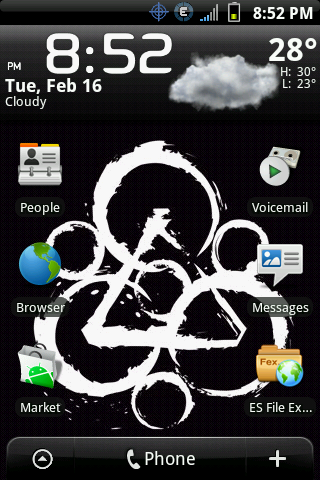
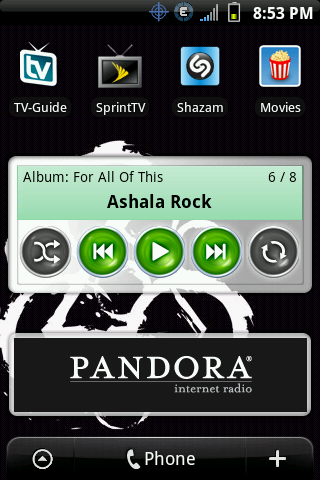
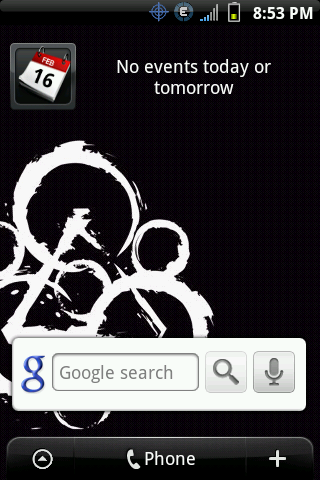
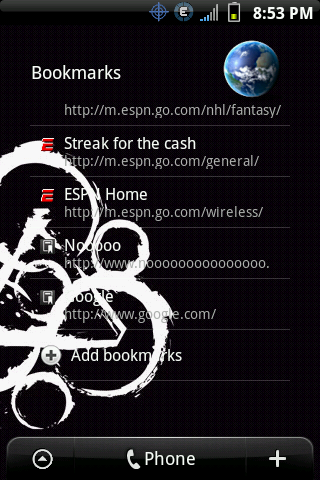
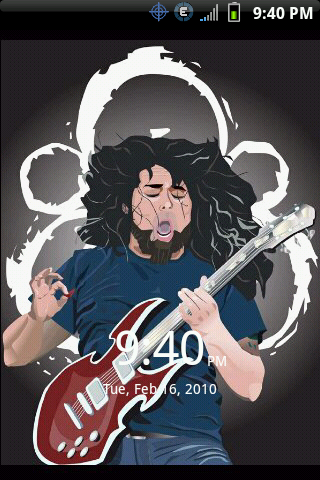
I am running Fresh 1.1, Gumbo kernel, setcpu, using the stock task bar icons, clear widget/lockscreen themes, and 2.1 icons. I also made my own wallpaper/lockscreen with photoshop.
lock screen ----------- main home screen
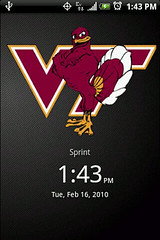
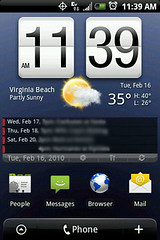
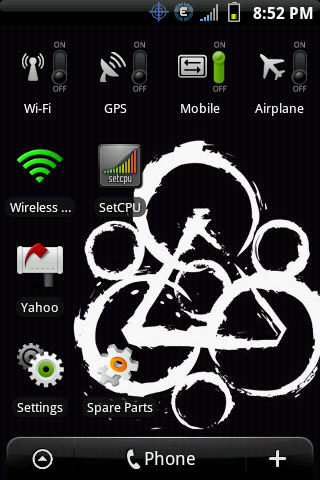
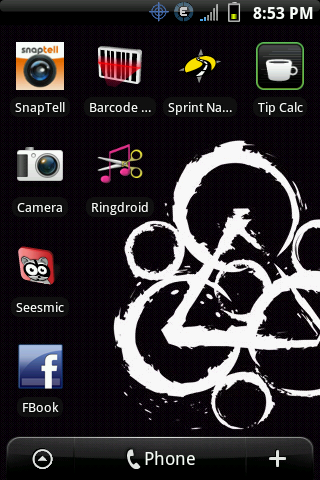
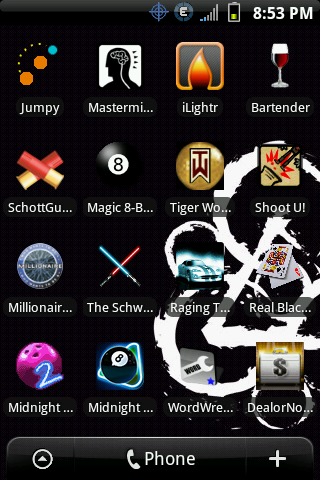
left screens (in order from left to right):
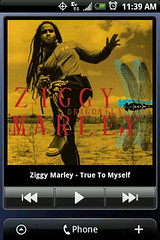
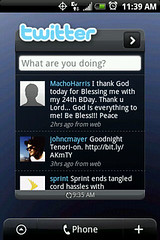
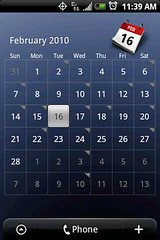
right screens (from left to right):
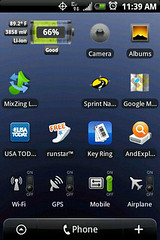
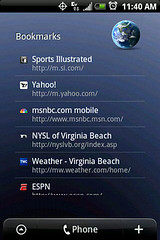
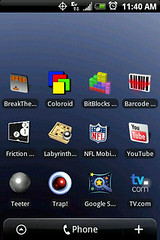
I am running Fresh 1.1, Gumbo kernel, setcpu, using the stock task bar icons, clear widget/lockscreen themes, and 2.1 icons. I also made my own wallpaper/lockscreen with photoshop.
lock screen ----------- main home screen
left screens (in order from left to right):
right screens (from left to right):
Konikub
Well-Known Member
I figured I should start contributing to this forum. I have gained a lot of information through these threads over the last couple of months. Thanks for all of the help. Time to start giving back...
I am running Fresh 1.1, Gumbo kernel, setcpu, using the stock task bar icons, clear widget/lockscreen themes, and 2.1 icons. I also made my own wallpaper/lockscreen with photoshop.
Thanks for sharing.....awesome set up. Question though, is that "Pure Calendar" I see you running..? If so how did you get that set up.

I have looked into this and tried hitting many differnt buttons to get a set up simialar to that. All I could come up with is what I am running in the above pictures of my screen setups.
Thanks in advance if you have the answers I so seek
hokius_maximus
Newbie
Thanks for sharing.....awesome set up. Question though, is that "Pure Calendar" I see you running..? If so how did you get that set up.
I have looked into this and tried hitting many differnt buttons to get a set up simialar to that. All I could come up with is what I am running in the above pictures of my screen setups.
Thanks in advance if you have the answers I so seek
I tried several calendar widgets before settling on this one. It's called "Agenda Widget". Has alot of nice features. And it's free! Give it a try.
Konikub
Well-Known Member
I tried several calendar widgets before settling on this one. It's called "Agenda Widget". Has alot of nice features. And it's free! Give it a try.
Thanks man...just downloaded it and the only problem I have is that it's for the "HOME" screen and that's it. I like my calendar on the second screen....as my first/home is taken with a photo and commenly used apps!!!
Thanks anyways, you are right it is a wonderful app!!!
hokius_maximus
Newbie
Thanks man...just downloaded it and the only problem I have is that it's for the "HOME" screen and that's it. I like my calendar on the second screen....as my first/home is taken with a photo and commenly used apps!!!
Thanks anyways, you are right it is a wonderful app!!!
I assume that you are referring to the middle screen as the "HOME" screen...
I am able to put the widget on any screen. Not sure exactly why you aren't able to do so. In fact, the widget allows multiple instances that can point to different calendars (ex: google, holidays, etc.).