aauussttiinn88
Member
yea john gotta love "WINBLOWS" haha
Follow along with the video below to see how to install our site as a web app on your home screen.
Note: This feature may not be available in some browsers.
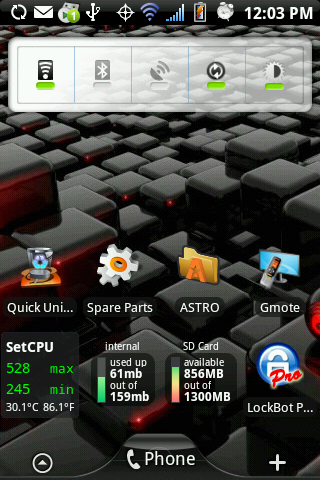
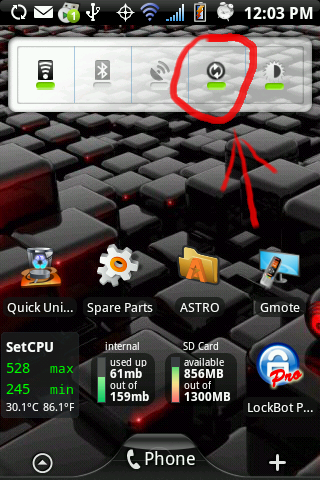
It's the "settings widget" from Open Home, available in the market. Saw it on a few screen captures and had to figure out where it was coming from. I like it so much more than individual icons.Is that settings widget something you got in a ROM or from the market?

It's the "settings widget" from Open Home, available in the market. Saw it on a few screen captures and had to figure out where it was coming from. I like it so much more than individual icons.

I'm having a hard time finding it, can you post a link please? Thanks!


Finally rooted. Running Fresh 1.1. Still wanna know how to customize the taskbar and what i need to get rid of some of the stock apps and possibly overclock.

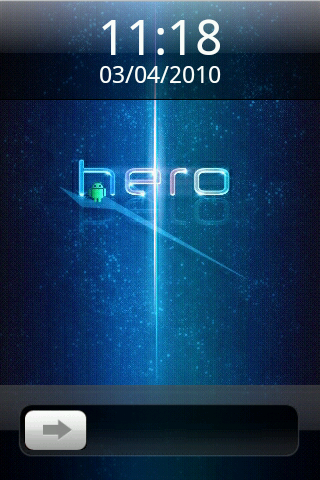
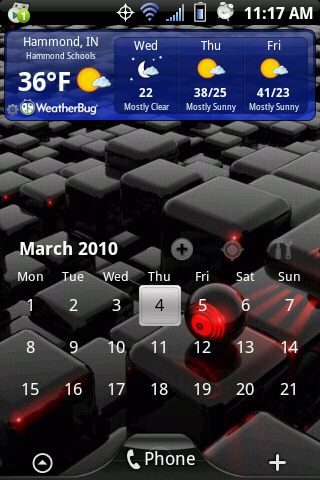
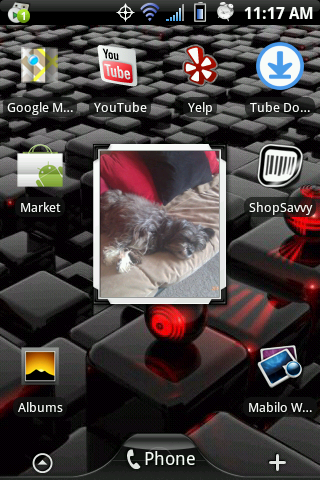
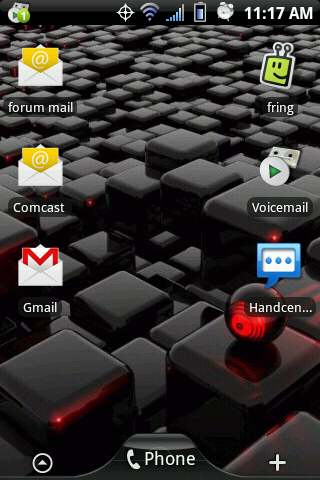
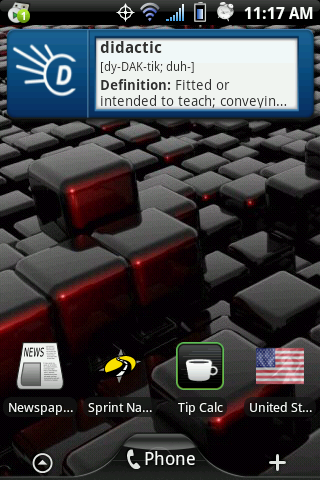
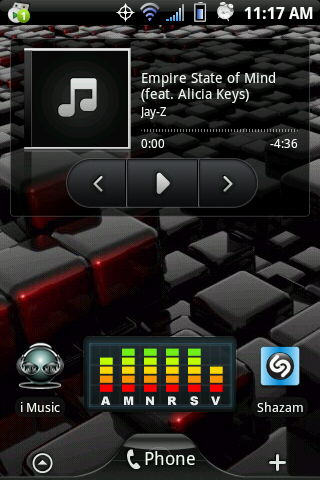
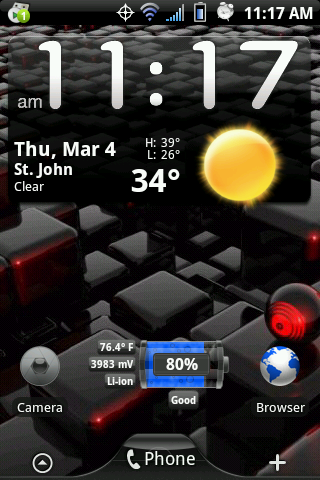
Here are my newest screens. I am testing out the DarchDroid ROM, so this is what I'm currently running (not using all screens):
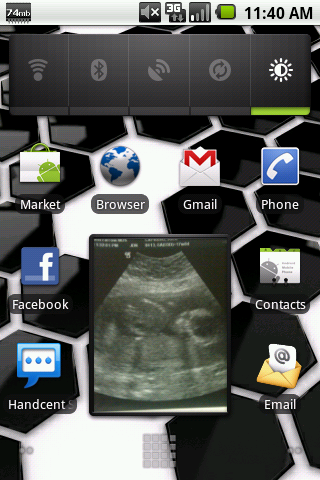
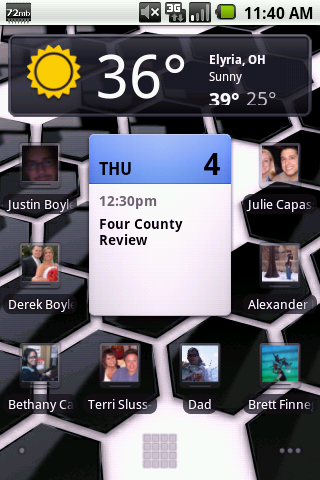
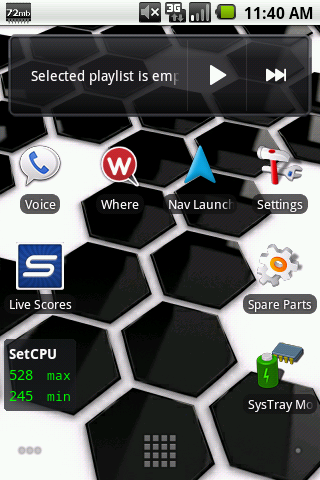
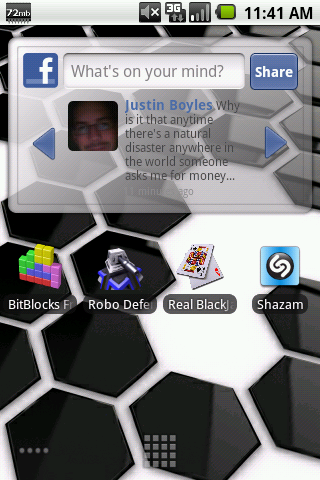

Nothing special but for now this gets the job done...

does anyone know what this one is for???

Sync? Mount Sd card?When you press it what does it do?
its for sync
got it @ mabilo wallpapers... here ya go


tried to find it on malibo...whats it called.....curious
does this rom have the white market????
 . Protected apps are working on it too.
Yes it does