
Install the app
How to install the app on iOS
Follow along with the video below to see how to install our site as a web app on your home screen.
Note: This feature may not be available in some browsers.
-
After 15+ years, we've made a big change: Android Forums is now Early Bird Club. Learn more here.
You are using an out of date browser. It may not display this or other websites correctly.
You should upgrade or use an alternative browser.
You should upgrade or use an alternative browser.
Show us your DHD Screens!
- Thread starter anneatkins
- Start date
-
- Tags
- htc desire hd


Mitchturbo
Well-Known Member
Thank-you for showing us the Circle launcher Whotton! Have now Installed it... looks fab and saves so much room plus it looks cool!

Uploaded with ImageShack.us
Running cm7 rc4 - gingerbread
Nexus S live wallpaper
My lock screen courtesy of widgetlocker - screen grid 7x8:
top widget - score mobile fc - excellent app for footy news, game stats, in game commentary, results, fixtures etc, & comes with this widget. Competely customisable for whatever leagues you follow, any country. Does the lower leagues too.
Automatically scrolls through games within tabs as well as the tabs themselves.
Works really well, & keeps me up to date on match days by simply pressing the screen on button. (i have a goal notification app too)
They also do a score app for all sports.
Below
6x app icons courtesy of blackberry icons (i have loads, give me your email address if you want them)
Call history, maps, opera mini, contacts, camera & tunein radio.
Pure messenger widget - gives me my call history, sms & email in one convenient widget. This is scrollable too (up to 200 sms, email, call), & works straight off the lock screen, so again, no need to go any further than the lock screen to see messages etc.
Can send sms & emails straight from here too.
Below
More good news app - comes with this widget, can set to whichever news feed you want, i use bbc.
Very reliable (i've found a lot that aren't - don't update stories like they should). Scrolls through stories itself, or can do manually. Tap on the story & it'll take you to a basic but very quick & clean reader.
3G watchdog - comes with 2 widget types, this basic one is all i need to know.
Below
Simple calendar widget - clean & classy looking, syncs with my google calendar. Fully customiseable (colours, fonts, size etc) & tells me up & coming events.
Power amp - comes with a varity of widgets, can have it with play, next track buttons etc if made big enough, the album cover is all i need, tap it to enter the main app.
(i use bluetooth headphones which can do the play, pause, volume & tracks prev/next + calls)
Below
Power control widget that comes with cm7. Have just these on the lock screen, but many more controls on home screens.
The widget functions work straight off the lock screen, but to start the apps requires my lock code after i've tapped on them.

I like that score widget, I'll need to take a look at that.
Is that a real mobile number underneath Tamworth? Would they be happy about having it displayed on the forum if so.
Is that a real mobile number underneath Tamworth? Would they be happy about having it displayed on the forum if so.
Is that a real mobile number underneath Tamworth? Would they be happy about having it displayed on the forum if so.
Just a work number.
I'm a simple man, not really into all these fancy widgets.
My Home Screen -

My Lock Screen -

My Home Screen -
My Lock Screen -
ranpreetbhatia
Newbie
My last screens seem to have disapeared .. I wonder why ..
Oh well, I changed things up a bit, I now use Go Launcher instead of LauncherPro, the rest is pretty much the same.
I have added SiMi Folder widgets, I also use GOTO Lockscreen.
Full Gallery --> Yfrog Album


Can you please share this widget locker theme....?
Thanks.
ranpreetbhatia
Newbie
This thread made me register here. It must be 2 weeks ago that I came across this thread and since then I have been decorating my home screens. Though, I am happy wiyh what I got in the end.
I love the Sense interface, so I don't find any reason to switch to any other launcher. Here are my screenshots:
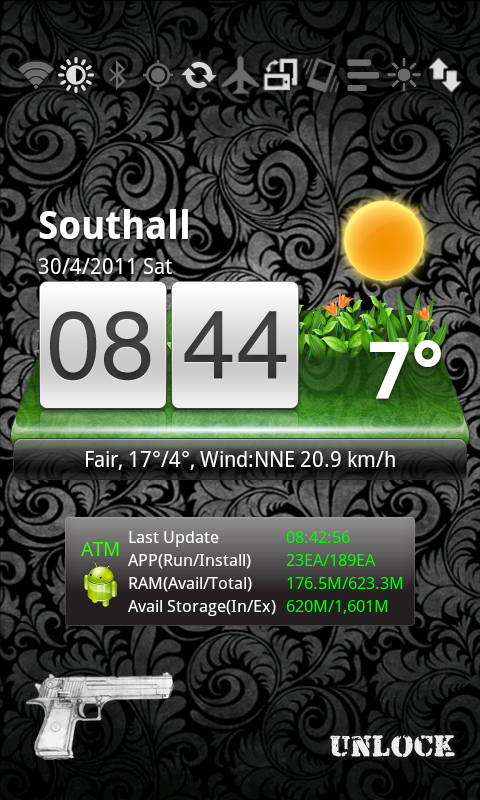
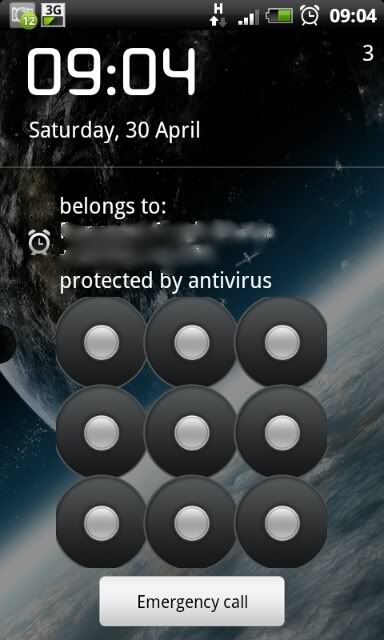
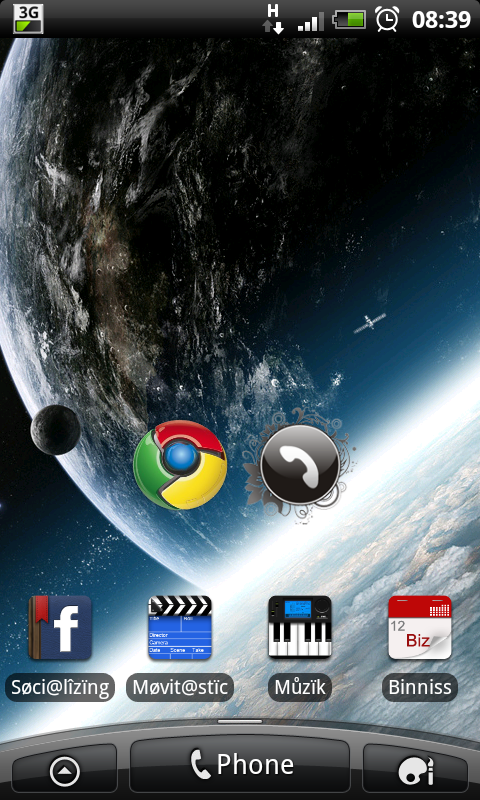
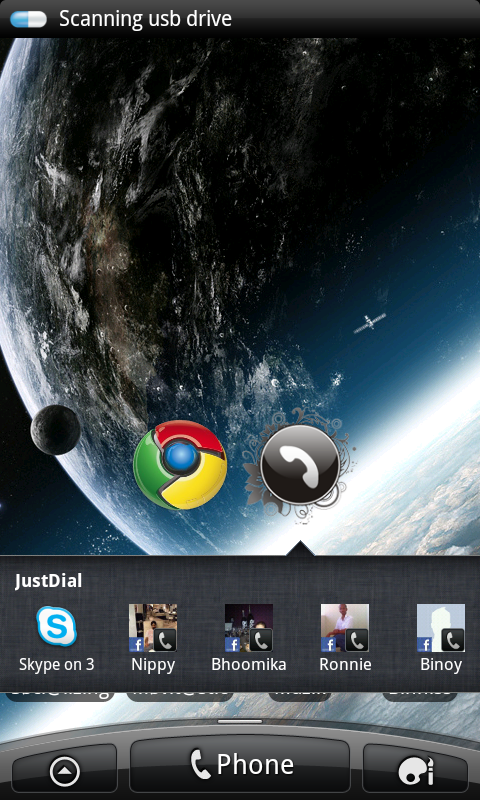
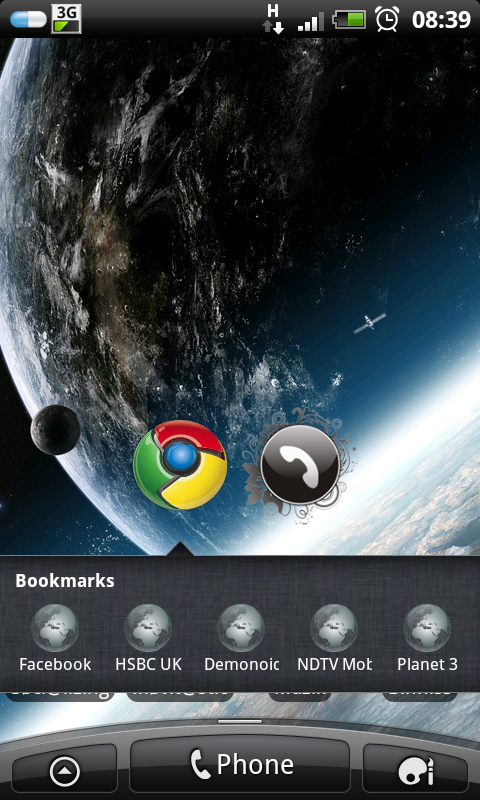
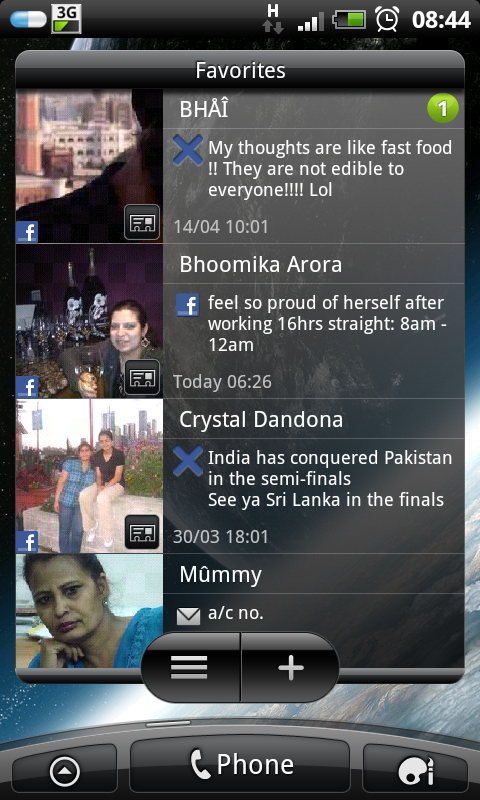
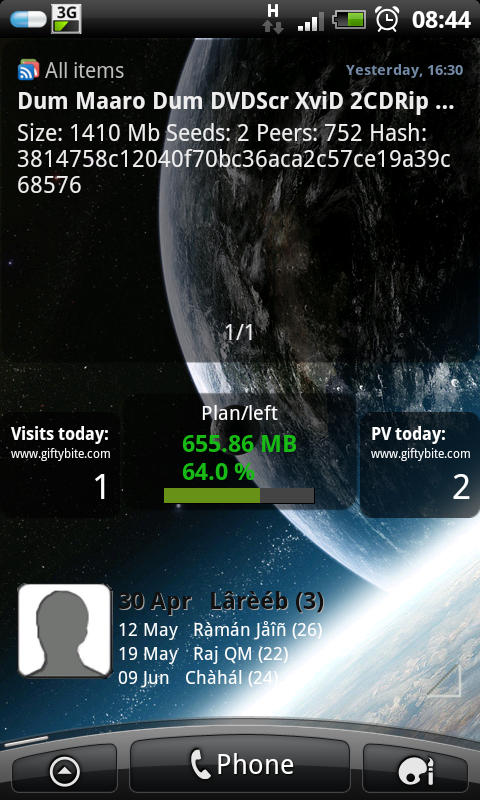
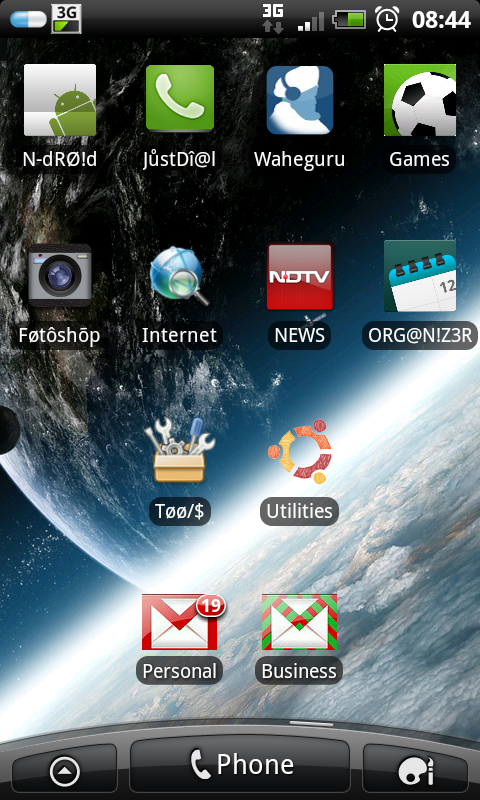
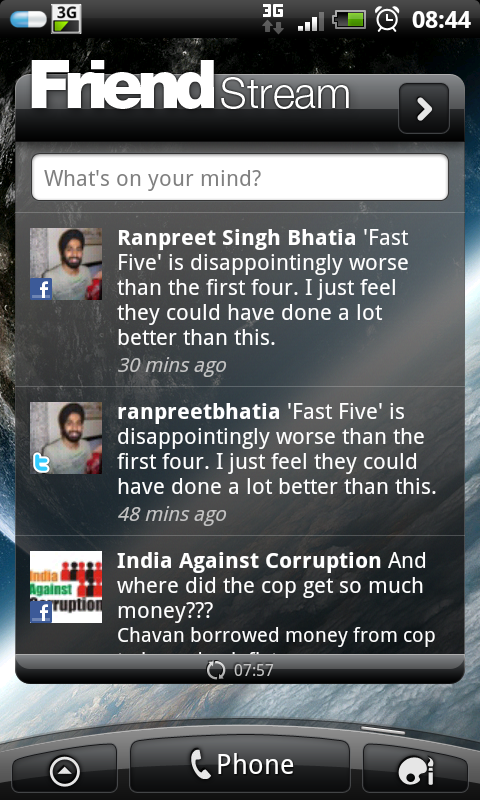
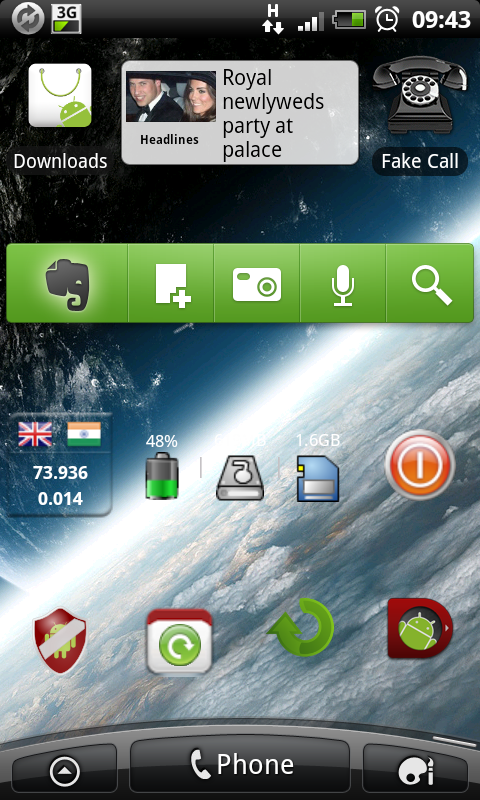
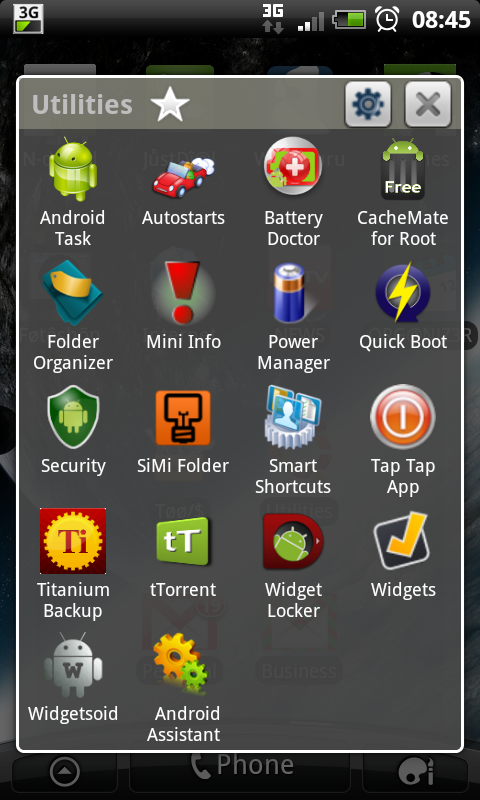
I love the Sense interface, so I don't find any reason to switch to any other launcher. Here are my screenshots:

KingDong
Android Enthusiast
What clock widget is that on your first screen, and how comes your lock pattern screen is so squished.This thread made me register here. It must be 2 weeks ago that I came across this thread and since then I have been decorating my home screens. Though, I am happy wiyh what I got in the end.
I love the Sense interface, so I don't find any reason to switch to any other launcher. Here are my screenshots:

poopookakada
Android Enthusiast
What clock widget is that on your first screen.
looks like beautiful widgets, selecting the 'home' widget
 | Beautiful Widgets by LevelUp Studio >250,000 downloads, 47924 ratings (4.5 avg) |
BobbyPhoenix
Well-Known Member
What clock widget is that on your first screen, and how comes your lock pattern screen is so squished.
It's Go Weather: https://market.android.com/details?id=com.mediawoz.goweather&feature=search_result
ranpreetbhatia
Newbie
What clock widget is that on your first screen, and how comes your lock pattern screen is so squished.
BobbyPhoenix gave you the answer for your first question and my anti-virus squashed my lock screen to make space for security texts.
These are all amazing. Does anyone know a site with a step by step guide or video that show us how to achieve screens like these. I'd really like to have a go but would like a starting point with a few tips or even just use one of these cool ones
Here's pretty much anything you need to know about Launcher Pro -
http://androidforums.com/android-applications/262316-launcherpro-faq.html
Don't use it myself, but some of the other folks on here think it's pretty good. ADW is another fave. I use Go Launcher for the simple reason it was free.
Minimalistic Text and ClockR are used for the majority of clocks. Bobclock D3 is another one you might wanna take a look at though.
For some of the weather/clock stuff, there's Beautiful Widgets and Fancy Widgets Pro.
The most popular lock screen app seems to be WidgetLocker.
Have a play about with those and see what you can come up with. There are others, but those are the most popular.
If you're not rooted and want to post the screens, this guide tells you how to do so.

essexgooner
Newbie
Here are my screens on unrooted HTC HD.

Go Launcher,
SiMi clock
Desktop Visualiser
Folder Organiser
HD Wallpapers


Go Launcher,
SiMi clock
Desktop Visualiser
Folder Organiser
HD Wallpapers

whotton
Newbie
Thank-you for showing us the Circle launcher Whotton! Have now Installed it... looks fab and saves so much room plus it looks cool!
the thing i like most is its customisability, if you grab one of the circle launcher icon packs your circle launcher no longer has to be circle!
Just getting into using other launchers and the biggest thing i miss from the Sense UI is the weather widget and the weather animations. Any chance there is a way to get that back? Or a similar widget? I am using the GO weather widget at the moment along with the Go launcher but it doesn't have any animations along with the weather. Anyone know an alternative?
Still learning all of this but ill stick up a Screenshot when ive fully built my homescreens.
Still learning all of this but ill stick up a Screenshot when ive fully built my homescreens.
Just getting into using other launchers and the biggest thing i miss from the Sense UI is the weather widget and the weather animations. Any chance there is a way to get that back? Or a similar widget? I am using the GO weather widget at the moment along with the Go launcher but it doesn't have any animations along with the weather. Anyone know an alternative?
Still learning all of this but ill stick up a Screenshot when ive fully built my homescreens.
If you're willing to pay the
R Deep Singh
Well-Known Member
Hi guys, this is my first reply on the site!!
The themes are really cool! How do you take screenshots? I tried to download an app a while back and it wouldnt work because it said it only worked with "rooted phones"?
Also how do you get such groovy themes?
The themes are really cool! How do you take screenshots? I tried to download an app a while back and it wouldnt work because it said it only worked with "rooted phones"?
Also how do you get such groovy themes?
Hi guys, this is my first reply on the site!!
The themes are really cool! How do you take screenshots? I tried to download an app a while back and it wouldnt work because it said it only worked with "rooted phones"?
Also how do you get such groovy themes?
Take a look at this post for a brief guide on some of the tools used to create some of the looks. Launcher wise, my preference would be Go Launcher, but that's cos it's free, ADW or LauncherPro might be better, but Go Launcher does me. If you want a detailed comparison of which Launcher offers what features, check this post.
I rarely pay for mobile apps, but Widgetlocker was well worth the money, you may want to give that a whirl.
If you're looking to take a screenshot, that can be done with the Android SDK. Initial setup is a bit long winded (but not difficult by any stretch of the imagination), but once setup, it's easy enough to do. Alternatively, you can use MyPhoneExplorer. Which ever method you use, I'd recommend installing myphoneexplorer any way, it's a cracking piece of software.
Once you've saved the pic, you can upload to imageshack then put the url between a couple of image tags like this -
[IMG]Your url[/IMG].
I hope that covers everything?

SB13X
Android Expert
Here are my screens on unrooted HTC HD.
Go Launcher,
SiMi clock
Desktop Visualiser
Folder Organiser
HD Wallpapers
I believe somebody has been on flamingtext.com lol

If you're willing to pay the
I don't think widgetlocker has it's own swipe pattern unfortunately. In the advanced section of the Widgetlocker options, there's a checkbox called "retain system keylock" uncheck that, see if it helps?
I've a similar setup and when I unlock, enter the pattern, go to my homescreen, I get the weather animations.
I've a similar setup and when I unlock, enter the pattern, go to my homescreen, I get the weather animations.