Ok I posted this here from another thread because I was asked a few times how I did this, so this is how:
My actual theme is still under construction, I have 2 kids and a full time construction job, so my time is limited. I should be working on it right now!

What I did was google some mario icons and wallpapers. This is the longest step in my opinion. Save these to your SD card in a folder named iconz or something.
Next download Launcher Pro from the market. Set it as your default launcher. Just as a note, when you use LP you don't have access to the Sense widgets. You can buy the LP+ and it has Sense like widgets, or just search for comparable widgets from the market.
Once you have LP running how you like it, long press the phone icon. Choose change icon and choose custom icon, then choose gallery. The icons you put on your sd card should show up. Choose the one you want for your phone and wolla!

the icon is changed. Do this for all the icons in the dock. You can also change the app in the dock using the same method.
Now to Change icons outside the LP dock you need to long press on your home screen, choose applications, click on the app you want. Once the pop up appears with the label box click on the app image, choose gallery and the icons should show up, click on the icon you want! This sets the icon image on your home screen only, it won't change the app icon in your app drawer unfortunately.

A huge thanks to An Urge To Dance for this pointer, I used to use another app to change the home screen icons, I didn't know LP could do this!
This is a little loophole to change icons for apps without getting into the framework files. That involves full blown themeing with different programs and actual code for colors and such. I'm not going to get into that here, cause I'm still figuring that out myself!
I'm going to copy this post over to the mario theme thread so others that go there can follow how I did this.
Hope this helps, and any questions please ask away!



 I'll post a screenie of my Handcent theme too. Thanks homie!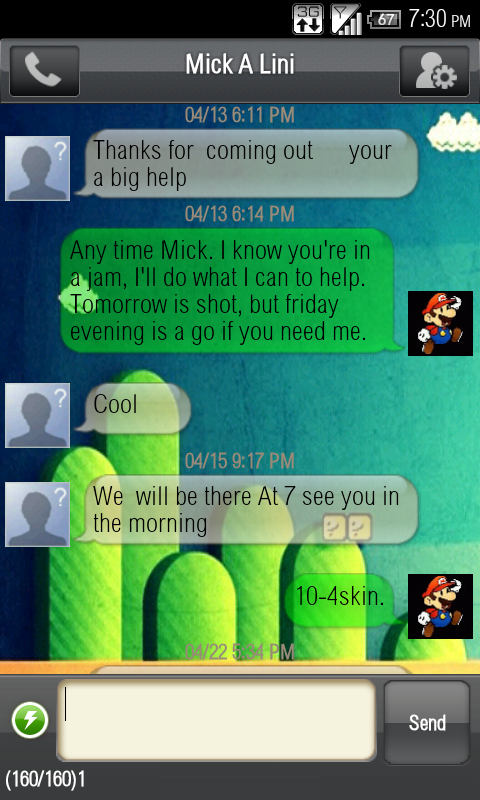


 I'll get back with yinz tonight.