• After 15+ years, we've made a big change: Android Forums is now Early Bird Club. Learn more here.

Root [Theme] xTheme (Droid X) for CyanogenMod 6

Fabolous

Superuser
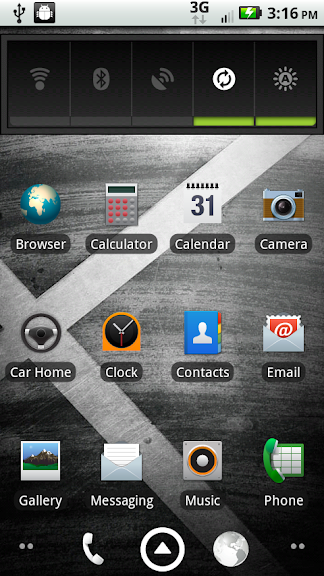
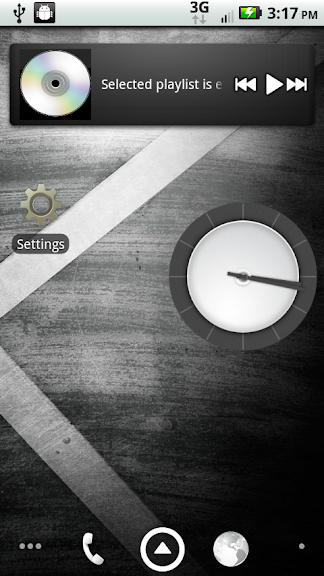
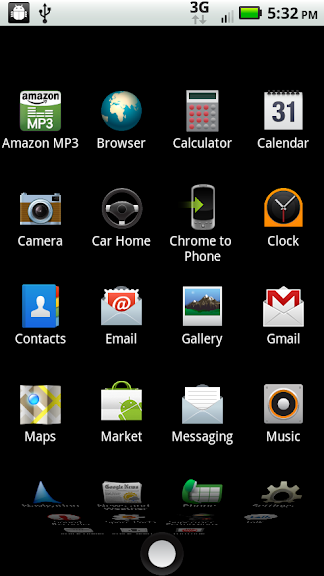
This is a port of the Droid X interface for Motorola Droids running CyanogenMod 6.

Source: From the Droid X system dump

Supports: CyanogenMod 6. It may work for other source builds, but I highly doubt it.

Download Link - For either clockwork or SP recovery

Fabolous_xTheme_CM6.zip

Goodies

Droid X default wallpapers:

xpapers.zip

Get Themed ADW Launcher next post

Installation Instuctions
This is an update.zip style file. Rename to update.zip if you're using SPR.

Then, boot into recovery and install the .zip (or use ROM manager to install ROM from SD card if you are using CW).

Included

-Themed framework and system apps (no gapps are themed -- this is the way it is on the DX)
-Installs the Droid X LWP
-Includes the Droid X video player
-Installs the Droid X boot animation

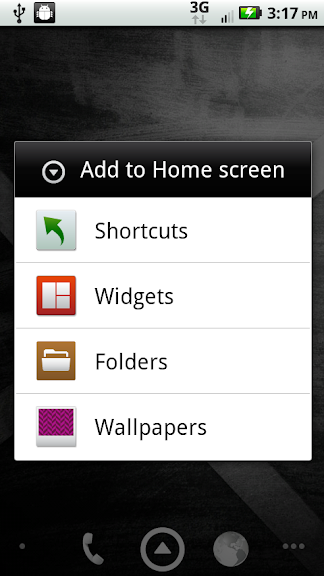
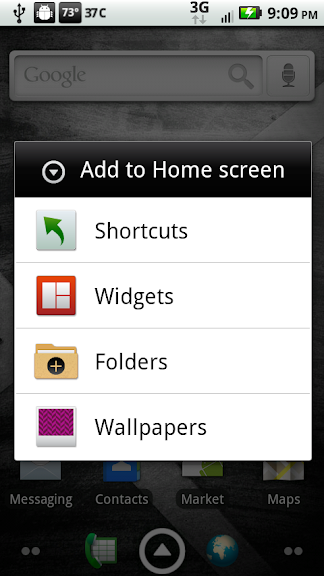
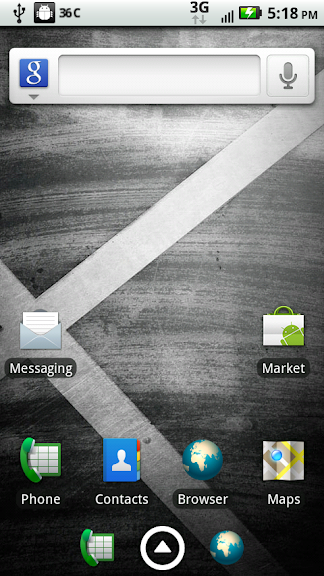
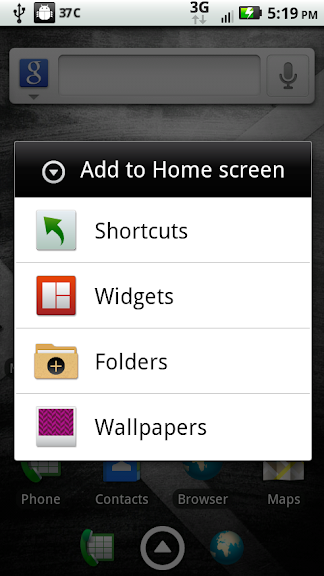
Screenshots
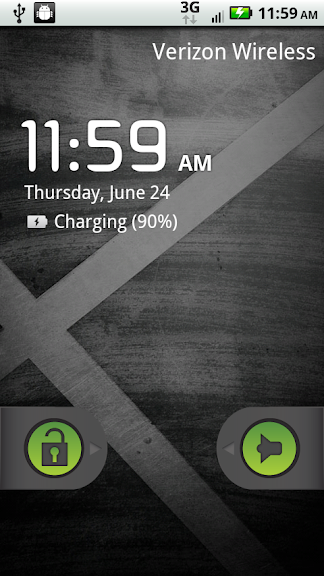
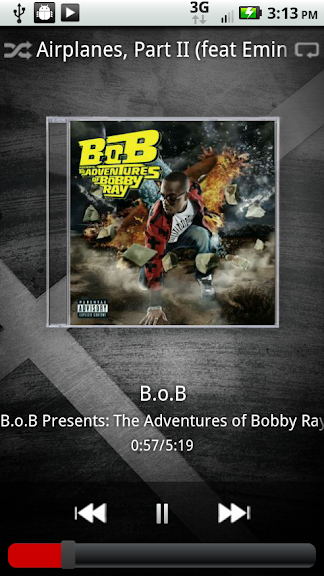
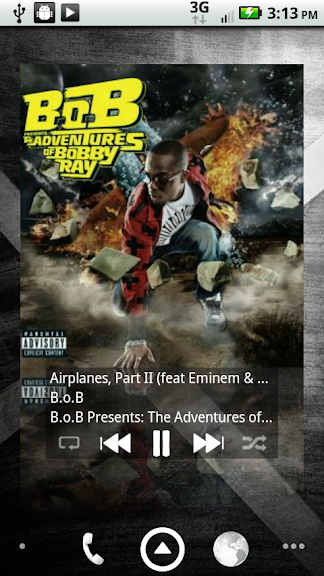
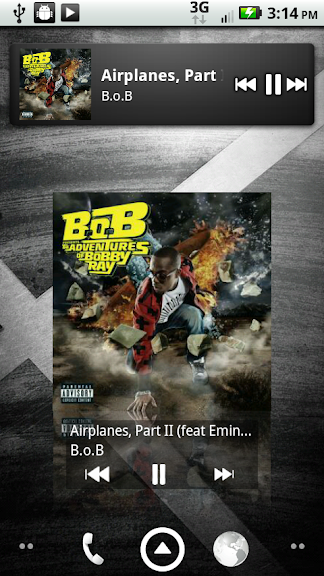
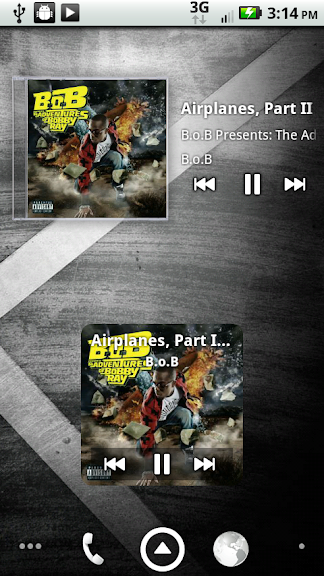
droidx.png
xbeast02-1.png


xbeast02-2.png
xtheme5.png


xbeast02-3.png


xmm1.png
xmm2.png


xmm3.png
xmm4.png

BUGS

-Well, not exactly a bug, but go ahead and change the clear notification button text color to white, if you'd like, using CM settings (hex is FFFFFF)

-Also, battery percentages are offset (nothing I can do about this really, without using different battery indicator images)
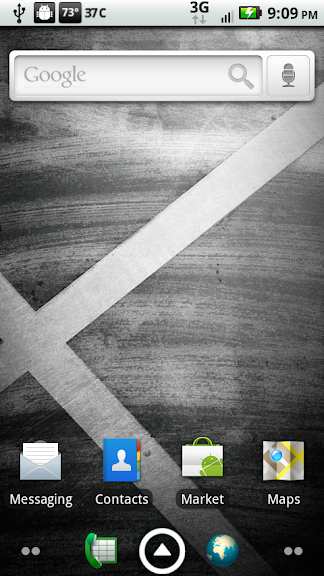
 
Installable Themed Third Party Launchers

-These are installable .apks. You don't need to push (don't push, actually), you don't need root, etc. If you have ADW or LP installed already, you do need to uninstall them first!

Themed ADW Launcher Standalone 0.9.0
org.adw.launcher.apk

Takes a little work (changing settings) to get it to look exactly like this:

xthemeadw.png
xthemeadw1.png

Themed LauncherPro Beta 0.6.7.2
com.fede.launcher.apk

Takes a little work (changing settings) to get it to look exactly like this:

xlp.png
xlp2.png
 
I can't seem to download from the link....
I've downloaded your theme for BB just now, but this link won't let me download....

Got it now.....it's my browser....I had to download thru my phone lol
 
I've been running CM6 since it dropped yesterday afternoon and Fab's xTheme and have not had 1 issue.
 
Any chance you'd made a version with a black notification bar?

He stated in the other thread he wont be adding a black notification bar. He is keeping it the same as the Droid X dump.

On another note. Fab, I love the theme and I noticed on this one you fixed some of the black on black text issues but there are some situations that are still black on black such as setting the desktop account on chrome to phone or options such as "download" or "preview" in gmail. It seems there is some other xml that might need to be edited but idk. Just thought I would let you know. Otherwise it is great.
 
Make sure to uncheck show battery percentage under CM settings, otherwise you get double #s. (strangely, I was getting two different figures - 90 and 100 :confused:)

Yep found that one out the hard way lol...

Oh and the reason you were getting different numbers is because CM has the battery in 10% incraments while the X theme has them in 20% incraments which is the norm.
 
OK, after much delaying, I am ready to make a backup of my current BB 0.4, make all new TiBus and SMS Backup,s and then flash over to Clockwork.

Then, gonna use the mashup of Fab's xTheme and the black status bar. Oh, and a jldfg 1200 kernel. Hello speed daemon!

I'll post back in half an hour or so when I am done.
 
Those settings are under 'CyanogenMod' in settings. You can change a whole bunch of cosmetic settings there, actually.

I figured Cyanogen would have implemented a fix. One of the reasons I keep sticking with CM ROMs. (just wish you don't have to do a reboot to make the changes)
 
hey fab, any chance you could release the Xtheme icons in an icon pack? I tried it out, but i'm back at nextheme, but I miss the DX icons. Hook it upppppp <3
 
ok - maybe a easy question, but I've installed the theme and can't seem to get the circular drawer button - any suggestions?
 
ok - maybe a easy question, but I've installed the theme and can't seem to get the circular drawer button - any suggestions?

Which launcher are you using? You need to install one of the themed launchers from above to get the circular app drawer. If you're already running ADW or LP, make sure you uninstall them first before installing.
 
Which launcher are you using? You need to install one of the themed launchers from above to get the circular app drawer. If you're already running ADW or LP, make sure you uninstall them first before installing.

Using ADW - Installed the Fabulous X _ CM6.zip from above. Tried uninstalling ADW first, but could not because it was running I assume. Any help is appreciated - thanks
 
Back
Top Bottom