Performance
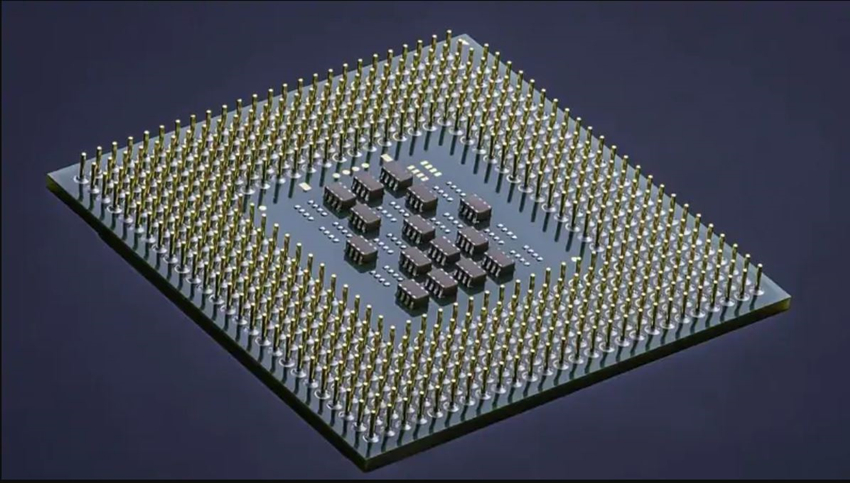
The 7T rocks a Unisoc SC9832E processor, which has a quad core CPU (4 Cortex-A53) running at 1.4Hz and Mali-T820MP1 GPU, and uses the 28nm HPC+ process. There’s also 2GB RAM on board to take care of multi-tasking and 16GB internal storage for apps and files. Meizu also uses the same internals for their C9 smartphone, a model that gained a lot of popularity in the Indian market.
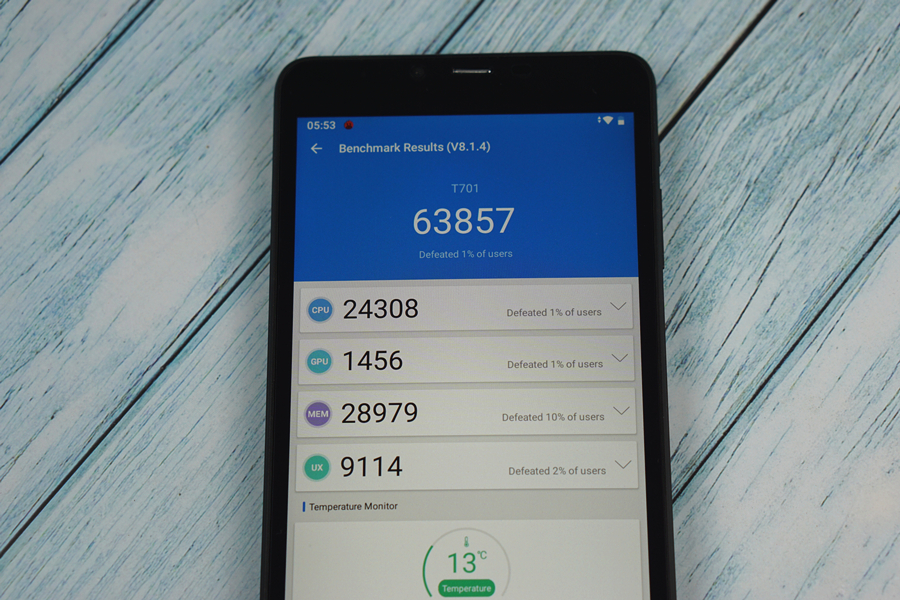
As expected, the slate is no benchmark king, as it only scored 63857 in Antutu V7.
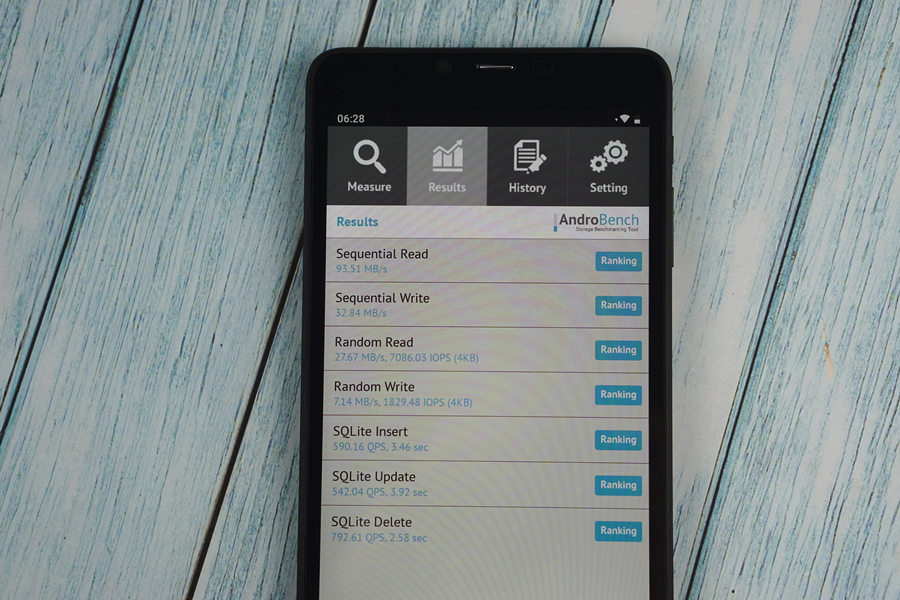
The eMMc storage isn’t very fast, either. In the Androbench test, the sequential read and write speeds are respectively 93.51MB/s and 32.84MB/S.
In the real-life use, the tablet is smooth if you don’t stress it too much. We didn’t experience frequent hiccups or delays when watching videos in the YouTube app, liking posts on Facebook and Instagram. But loading too many webpages in Chrome at the same time, or having too many big apps running in the background will result in stutters, delays and slower responses.
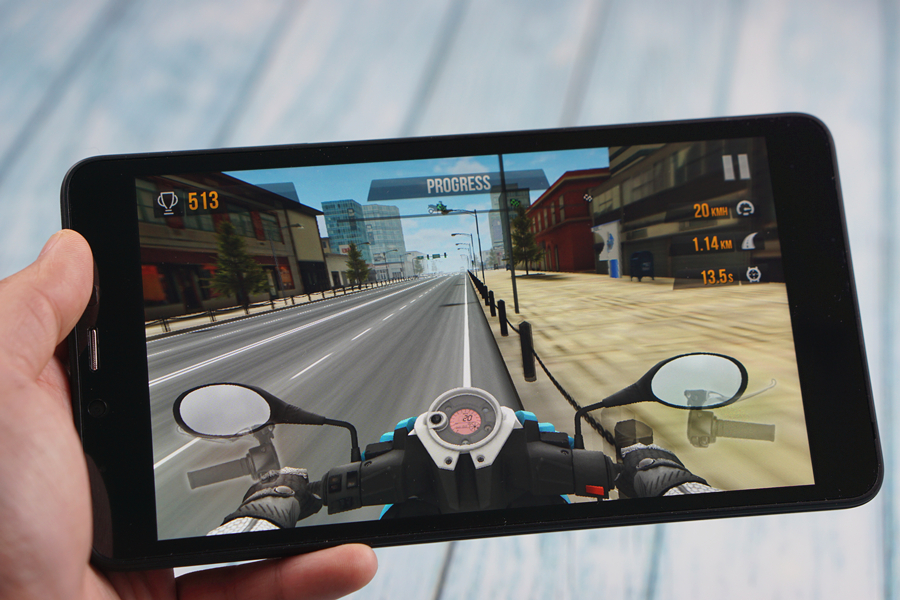
The device is also capable of running less demanding 3D games installed from Play Store at acceptable frame rates, but it is clearly not designed for intense gaming, as the less sensitive touchscreen and relatively weak GPU won’t really guarantee you a smooth and enjoyable experience.
Connectivity
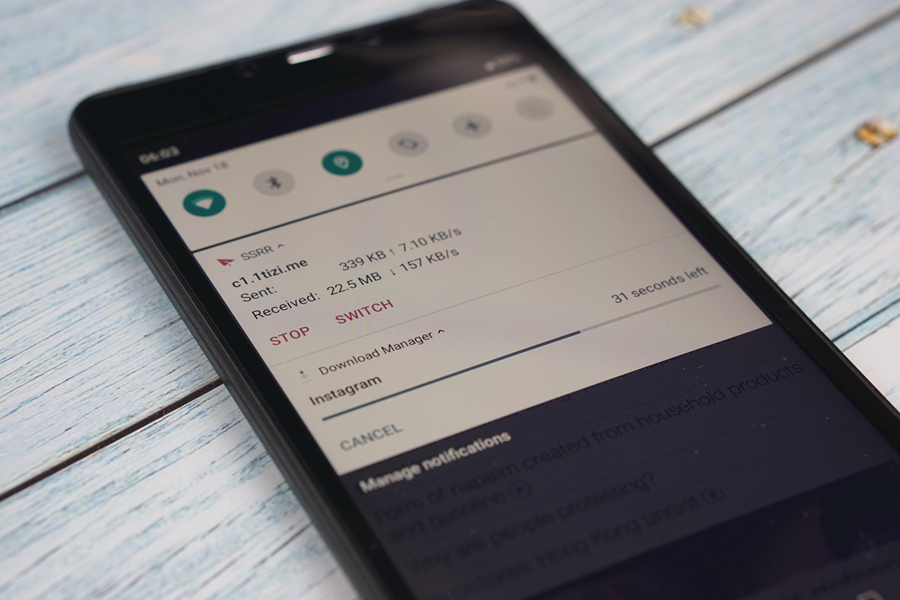
The 7T supports 802.11 b/g/n 2.4GHz WiFi, so it won’t pick up 5GHz Wi-Fi hotspots. Wireless connection is generally stable, though. The device also supports 4G mobile networks and full phone functionalities, you can even hold it to your face to make phone calls, thanks to the built-in earpiece. There are also Bluetooth 4.0 and GPS on board whenever you need them.
Cameras
Both cameras on the 7T are sub-par in specs when compared to the lens found on modern budget smartphones. And it’s highly unlikely the slate will ever be someone’s primary camera. The main 2MP camera is capable of scanning QR codes, but the pictures it takes won’t be used as Instagram material, unless you don’t really care about what people think about your page. The front VGA camera can be useful for video-chatting when there’s no phone or laptop within your reach, but you won’t ever want to use it for selfies.
Battery Life
The slate only packs a 2800mAh cell, but still manages to give me around 5 hours of screen time on a full charge, thanks to the lower-resolution display and the less powerful CPU. Foraverage users like myself, it is a two-day tablet. But for intense media consumers, charging the slate on a daily basis is inevitable.
Verdict
There’s not a lot to like about the Alldocube iPlay 7T, it is an entry-level tablet with the most basic specs. But there’s not much to dislike about it, either. At $69.99, this slate offers as much as it could within the budget. It is a nice substitute for media consumption when we want to give our smartphones a rest, the 4G and full phone functionalities will also come in handy in the time of need. However, in a world where almost all phones pack 6-inch plus displays and fast charging, there’s not much room left for a 7-inch tablet, even one with full phone functionalities to fit in.






 At this point all I can suggest is you create a new Google account, factory reset your phone and only use the new account for everything. If this was your primary email for account contact with banks, credit cards, shopping sites, etc. you will have to contact each one and have them change your account information to the new email. Each will have their own way to verify who you are, so be patient. Ultimately you'll be free of this hacker.


