
Install the app
How to install the app on iOS
Follow along with the video below to see how to install our site as a web app on your home screen.
Note: This feature may not be available in some browsers.
-
After 15+ years, we've made a big change: Android Forums is now Early Bird Club. Learn more here.
You are using an out of date browser. It may not display this or other websites correctly.
You should upgrade or use an alternative browser.
You should upgrade or use an alternative browser.
Unofficial Incredible Wallpaper Thread
- Thread starter DarbagDarbag
- Start date
-
- Tags
- htc droid incredible


DarbagDarbag
Android Enthusiast
the image you posted monopoly, is so small, is there another larger one to work with

DarbagDarbag
Android Enthusiast
here ya go, very basic and i had to resize the logo so it's not as clean as it should be but it'll do.
http://img203.imageshack.us/img203/3568/arizonastateinc.jpg
http://img203.imageshack.us/img203/3568/arizonastateinc.jpg
DarbagDarbag
Android Enthusiast
No problem

Does anyone have a plain black wallpaper?
Thanks!
Turn your flash off, cover your lens and take a pic. Bam! Plain black wallpaper.

Musky
Android Expert


detroitwhiteboy
Newbie


If someone could post correctly sized Metallica, Bullet For My Valetine, House MD, or The Office pics that would be great, or any pics that are cool. Also can you make a 480x800 your background? I tried and it only let me do the middle section of it. in other words, I got the 480 part, but only like 400 of the 800 part.
coco savage
Member
how about one of an nfl football...just the ball

I thought someone was looking for this one earlier...

and here's my current one...

I was wondering if anyone would be able to make the top picture in 960x800?
Allyourdroids
Lurker
Just registered to the forums today and I have to say this thread has some AWESOME wallpapers. I would love to see some Celtic knot work and/or symbols (Claddagh, Celtic crosses, tree of life, etc).
TIA
TIA

bulld0ggg
Newbie
here ya go....I was wondering if anyone would be able to make the top picture in 960x800?
DodgerinNH
Well-Known Member
Hi, I've been wondering for awhile: if you're using an alternate launcher (like Launcherpro or ADW) and have wallpaper scrolling disabled, which is a nice feature, 960 x 800 no longer seems like the optimal size.
In other words, you can get the green box to fit over the entire image, but because essentially you're only using one homescreen (or seven identical ones) the end result wall paper is blown up and you lose quite a bit of the actual image.
So I tried to use wallpapers that were 480 x 800 (the size of one home screen) and the photos look the perfect size when I download them and view them in the photo gallery. But when I try to set them as wall paper, the green box won't extend to capture the whole image.
Anyone else having this problem and can offer any solutions?
In other words, you can get the green box to fit over the entire image, but because essentially you're only using one homescreen (or seven identical ones) the end result wall paper is blown up and you lose quite a bit of the actual image.
So I tried to use wallpapers that were 480 x 800 (the size of one home screen) and the photos look the perfect size when I download them and view them in the photo gallery. But when I try to set them as wall paper, the green box won't extend to capture the whole image.
Anyone else having this problem and can offer any solutions?

Terabethia
Android Expert
Hi, I've been wondering for awhile: if you're using an alternate launcher (like Launcherpro or ADW) and have wallpaper scrolling disabled, which is a nice feature, 960 x 800 no longer seems like the optimal size.
In other words, you can get the green box to fit over the entire image, but because essentially you're only using one homescreen (or seven identical ones) the end result wall paper is blown up and you lose quite a bit of the actual image.
So I tried to use wallpapers that were 480 x 800 (the size of one home screen) and the photos look the perfect size when I download them and view them in the photo gallery. But when I try to set them as wall paper, the green box won't extend to capture the whole image.
Anyone else having this problem and can offer any solutions?
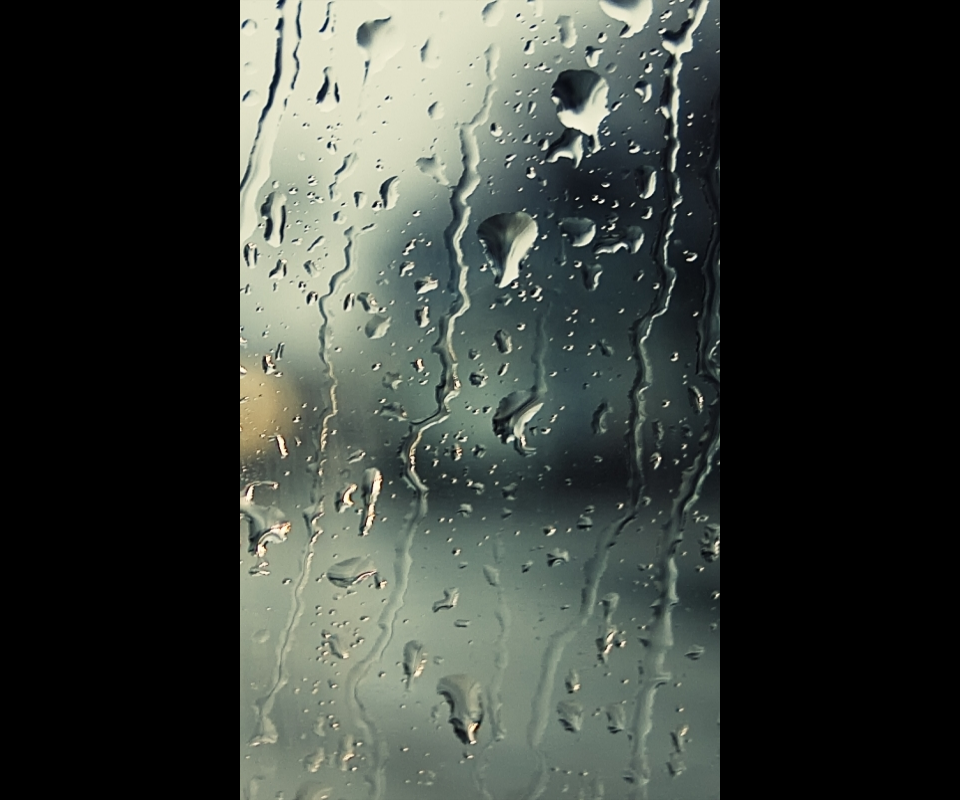
No matter what launcher you are using, the wallpaper size has to be 960x480 in order for it to show up correctly. If you disable the wallpaper scroll then you will only see 480x800 of that image (480 of the exact middle).
So... here's what you do.
Find wallpapers that you like that are 480x800 (I already had tons of them because it's what you use for custom lockscreens).
Then use your photo software to create a blank 960x800 template. Then simple copy/paste your 480x800 onto that and make sure it's centered.
This is super simple to do in Photoshop. I am sure it can be done in other programs though.
DodgerinNH
Well-Known Member
thanks to both of you, that's the first thing I've had to go on for awhile! I assume I can also resize any photos I take to 480 x 800 and copy/paste to that 960 x 800 template and they'll be centered nicely?
I'll try to figure out how to create that template in the meantime and if I can't figure how to do it, I'll be in touch, but thanks again!
I'll try to figure out how to create that template in the meantime and if I can't figure how to do it, I'll be in touch, but thanks again!