• After 15+ years, we've made a big change: Android Forums is now Early Bird Club. Learn more here.

What do your X Screens look like?

That is switch pro power widget.

Thanks! I just downloaded this. It's much nicer than the stock Power widget plus the 4 stock single widgets that don't appear to be customizable. But I wish the BT, GPS and WiFi just turned on and off instead of bringing up the settings. Not a huge deal. I replaced 4 other single widgets that I had downloaded with this as well.

I also wish there was a "screen off" button. I'm currently using "Lock Screen Widget" for that. Maybe after a few updates ...

I'll try to post my updated home screens when I get a chance.
 
But I wish the BT, GPS and WiFi just turned on and off instead of bringing up the settings. Not a huge deal. I replaced 3 other single widgets that I had downloaded with this as well.

Long press home screen -> choose a switchpro widget size -> Scroll down to the bottom and choose other options -> Under "Show settings panel" uncheck everything.

Then WiFi, BT, GPS will be a toggle switch instead of opening settings.
 
Long press home screen -> choose a switchpro widget size -> Scroll down to the bottom and choose other options -> Under "Show settings panel" uncheck everything.

Then WiFi, BT, GPS will be a toggle switch instead of opening settings.

Thanks again. I think I inadvertently checked those myself before experimenting with the widget and didn't realize what I did. :o

So far I've only purchased a few apps, but this was worth it for it's simplicity / functionality / aesthetics.
 
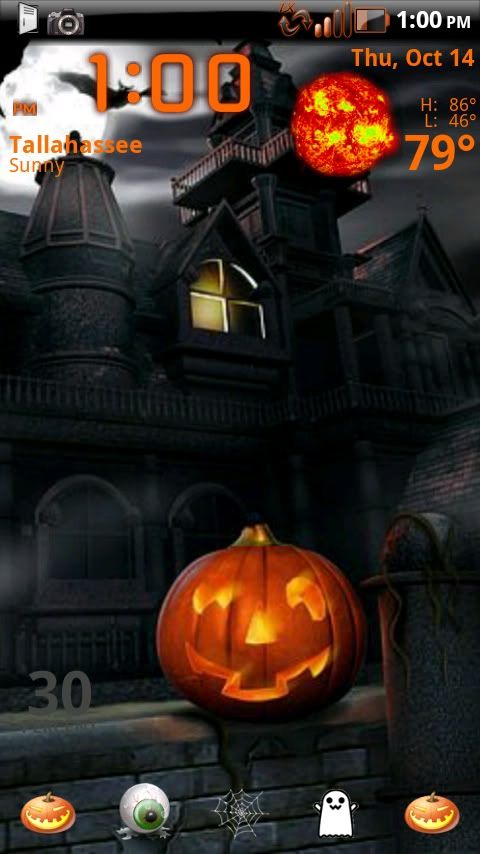
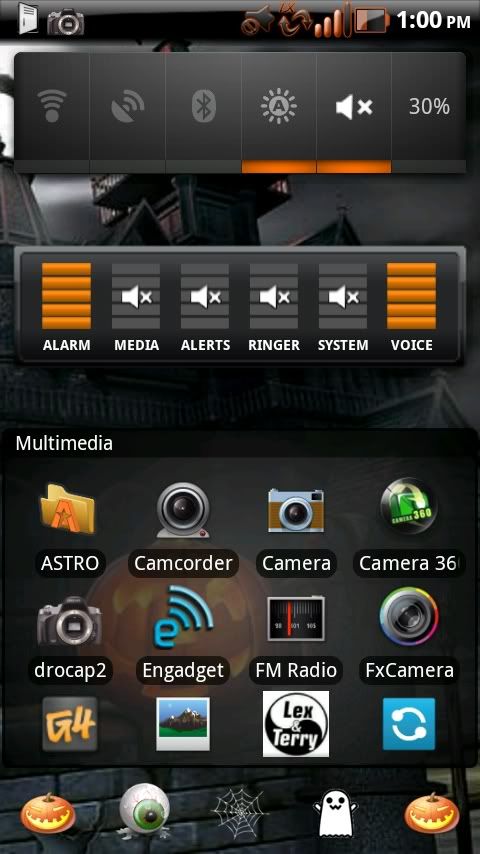
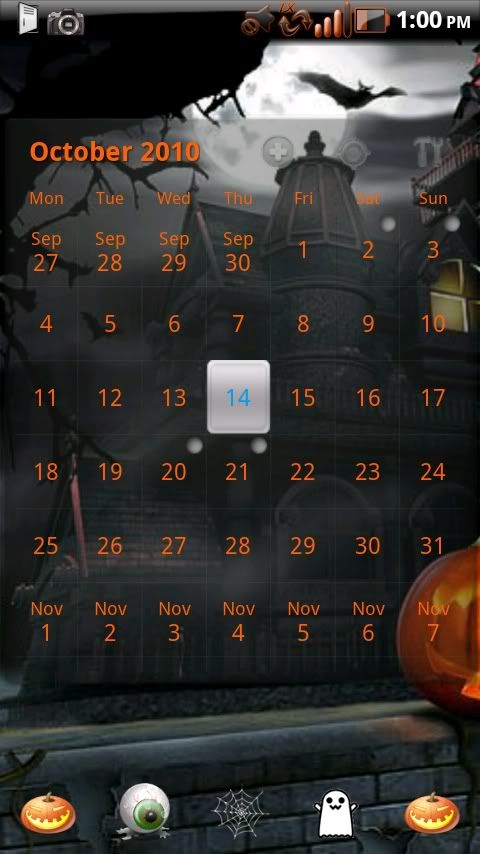
Thanks to GregTard and the BigDX theme here are my Halloween screens
CAP201010141300.jpg
CAP2010101413001.jpg
CAP2010101413002.jpg
 
Theming is actually pretty easy. Download a zip file, boot into recovery, apply zip and reboot. Doesn't get much easier.

There are some themes that are not packaged into a zip to make it that easy, but most of them are and if they aren't it still takes less than 10 minutes to apply a theme.

How does thsi go? You move the zip file to your DX via your PC? If so where do you move it to, or do you need an app on the phone to do this?

Sorry if these are dumb questions. Smartphone is new to me.
 
I searched in the LP forum but came up dry. Anyone know of seasonal themes for LP? I'm looking for autumn, winter, etc.
 
How does thsi go? You move the zip file to your DX via your PC? If so where do you move it to, or do you need an app on the phone to do this?

Sorry if these are dumb questions. Smartphone is new to me.
I make a folder on my SD card (so its easy to find) titled "theme zips" and put the zips there. Then I open Droid X Bootstrap Recovery and reboot into recovery and install the zip from SD card. I think when your in recovery you scroll down to "install from SD card" then chose choose from SD card and scroll Dow to where you put the zip. To select in recovery use the camera button, to scroll use the volume up and down buttons.
 
2 new modifications (status bar and notification window)
 

Attachments

  • CAP201010141752.jpg
    CAP201010141752.jpg
    257.7 KB · Views: 100
  • CAP2010101417521.jpg
    CAP2010101417521.jpg
    182.8 KB · Views: 641
How does thsi go? You move the zip file to your DX via your PC? If so where do you move it to, or do you need an app on the phone to do this?

Sorry if these are dumb questions. Smartphone is new to me.

You can either directly download it to your X or download it to your PC then move it to your X via USB. Just connect your X in Mass storage mode and you can drag and drop just like any other external storage drive.

The easiest way to boot into recovery mode to apply the zip is with this app:
Droid X Recovery Bootstrap - Android app on AppBrain
If you don't want to buy that app I think you can boot into recovery by holding the home button and the power button when you turn the phone on. Then in the menu there just choose apply zip from SD then choose zip. You navigate in recovery mode using the volume buttons, the camera button selects, and the power button goes back.
 
No theme. Looks to be rooted (hence the blacked-out notification bar) and I believe it's just a custom launcher (probably using LPP).
 
hal400.jpg

what theme is this?

No theme. Looks to be rooted (hence the blacked-out notification bar) and I believe it's just a custom launcher (probably using LPP).

There is a theme there, the battery indicator is a dead giveaway. if there was no theme it would be the standard battery icon in the notification bar. whatever theme was used for the black bar also changed the icons.
 
hal400.jpg

what theme is this?

No theme. Just Tranquility with Teenfaces Black Status Bar, Launcher Pro with custom made docks and icons with cropped NBC wallpaper.

I have some of the NexTheme and Revolution themes that I pulled out, but none of those show in the image, they are mainly apps.

Good call JubbaTheHutt.
 
So you can blackout your toolbar without theming? I didn't know that was possible. I have my toolbar hidden, but blacked out would be cool too. How do you blackout?

Scrolling through this thread is very interesting to me. There seems to be at least 3 or 4 apps that appear on most people's homescreens, but then again on everyone's homescreen I have seen at least a couple apps that not only do I not have, but that I haven't seen on anyone else's devices either. Just goes to show how big the app store is and how different people get different things out of it.

What widget is that which shows the different volumes for things on you phone anyhow?
 
So you can blackout your toolbar without theming? I didn't know that was possible. I have my toolbar hidden, but blacked out would be cool too. How do you blackout?

This is where I got mine from. There are 4 different versions on that post. You just modify the framework-res.apk and services.jar to create most of them. Most themes include status bars, but everything in a theme can be applied individually.

Scrolling through this thread is very interesting to me. There seems to be at least 3 or 4 apps that appear on most people's homescreens, but then again on everyone's homescreen I have seen at least a couple apps that not only do I not have, but that I haven't seen on anyone else's devices either. Just goes to show how big the app store is and how different people get different things out of it.

What widget is that which shows the different volumes for things on you phone anyhow?

The widget is Audio Manager. All of my icons are customized so sometimes it is hard to tell what apps I have because I use different icons. Titanium Backup and Real HDMI are 2 that I changed just because they didn't fit with my "theme". All of them have a smoked glass background though.
 
I found Smart Shortcuts for now. It doesn't do quick tasks but it shows my favorites with a gesture.

Just thought I would let you know, I found an app called Call Dock Bar that has a widget with 4 contacts that gives you an option to select what action (text, call, email) when you tap a contact. It might do what you need.

calldockbar.jpg
 
Back
Top Bottom