• After 15+ years, we've made a big change: Android Forums is now Early Bird Club. Learn more here.

Lets see your UI layout!

Finally found an icon pack that I actually like. I'm amazed really. :P

o8i339.png


292tn3t.png


2cfr1w4.png


noftw4.png
 
Inspired by the "Android 7" design tutorials that mimic the "Windows 7" mobile layout, I spent some time creating photo-gallery icons for my normal homescreen apps.

I'm running LauncherPro on an unrooted DROID Incredible.

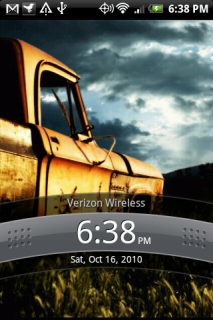
Lockscreen:


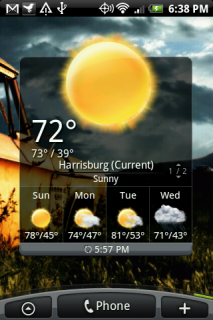
I'm using WidgetLocker Lockscreen and Beautiful Widgets smaller home with the "gearedup" clock skin and the "simplybeautiful" weather skin.

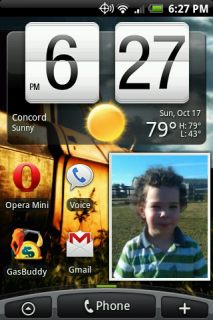
Homescreen Preview:


I cut down to just five homescreens... just don't need more than that right now.

Homescreens from left to right:


My Games home. For this and all of the homescreens I used only Desktop Visualizer widgets of various sizes. Most of them link to their respective apps, but the headers of homescreens 1, 2, 4, and 5 all link to specified Smart Shortcuts, which pops up a separate "app drawer" that shows only the apps you designate for that category. It works so much better than using folders.


My Entertainment home. All Desktop Visualizer widgets.


This is the main home screen. All Desktop Visualizer widgets except for the SwitchPro Widget. For some reason I didn't like this one the first time I tried it during my last layout period. But it does EVERYTHING I need it to do. Right now I have it set up for: LED flashlight, Vibrate/Silent, Screen Brightness, Wi-Fi, Bluetooth, and 3G-Hotspot. For my current layout, I think it works really well.


Communications page using just Desktop Visualizer widgets.


The last homescreen... just a collection of some stuff that I use often enough to get a widget. Using only Desktop Visualizer, the header and the "Travel" widget link to Smart Shortcuts.

That's it! (Until I find the next awesome way of arranging things.)
 
My old Eris finally got the scroll wheel wouldn't scroll down problem after 8 months. Just got my new Eris and put XtrSense on it. Runs much smoother.

snapshot8.png
snapshot.png

snapshot7.png
snapshot6.png


snapshot5-1.png
snapshot4-1.png

snapshot3-1.png
snapshot2-1.png
 
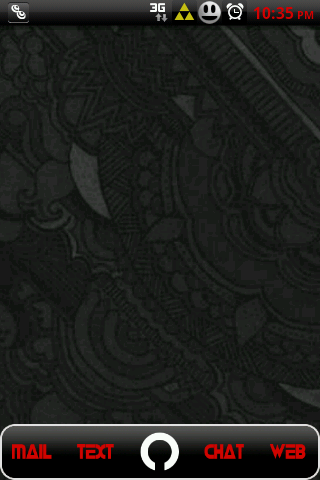
This is kind of mid-theme right now- so there is not much going on, but I thought I'd share my new battery and signal icons with y'all. :)
4 bars and the tri-force glows. Face gets frownier as the bat dies.
I still need to tweak the transparency, but I was just building off the orig. icons.

snap20101018_223532.png


Nonsensikal Black 8.2
 
I just saw that over at XDA and think I'll be trying it out soon. I'm a big fan of sense so I was happy to see a new version floating around

I've been considering trying it too, I haven't used a sense ROM yet, and I'm a bit bored with Froyo to be honest. <.<
 
Rooted with 1 click rooting and no custom rom (yet at least). Running ADW Launcher.

Left to right.
 

Attachments

  • CAP201010242345.jpg
    CAP201010242345.jpg
    113.5 KB · Views: 105
  • CAP201010242137.jpg
    CAP201010242137.jpg
    129.4 KB · Views: 85
  • CAP201010242346edit.jpg
    CAP201010242346edit.jpg
    110.7 KB · Views: 96
After admiring in this thread for quite awhile, I figured I'd show mine. :)

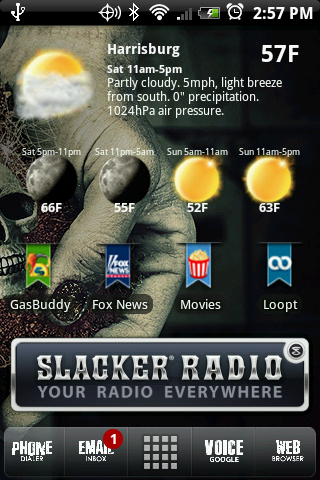
xtrROM 4.6
Beautiful Weather Forecast
Launcher Pro Plus
Tamj (clock on main screen)

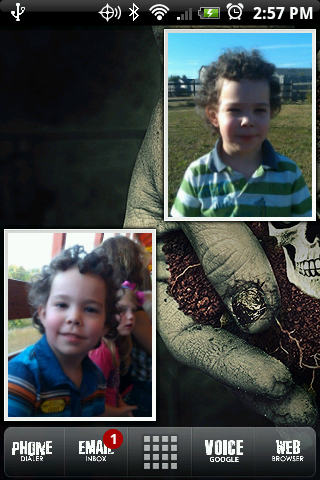
I have 7 home screens, but the ones not pictured are mostly just widgets. Full screen People, 2x3 Bookmarks, and Power Control with a couple photos in there.

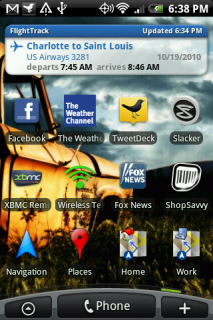
Main:
Main.png


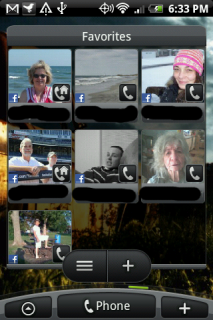
Left1:
Left1.png


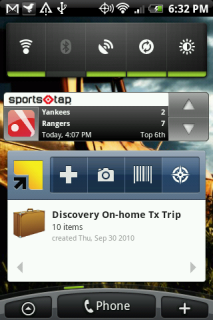
Right1:
Right1.png


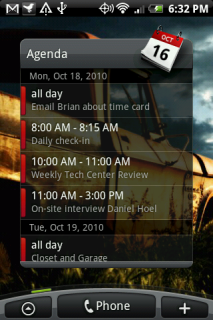
Right2:
Right2.png
 
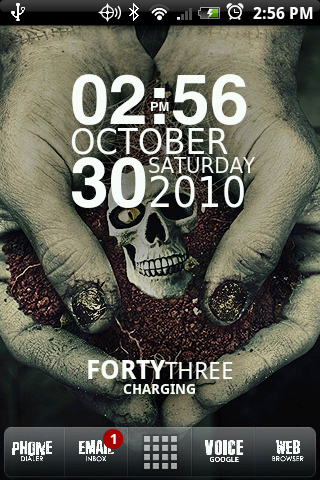
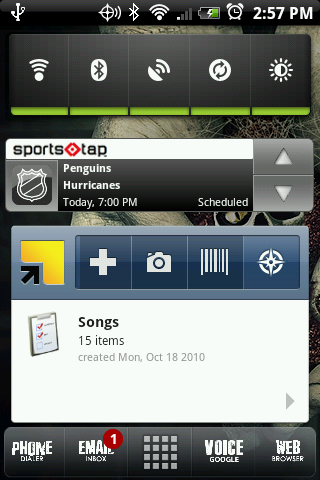
ROM: Nonsensikal v10.8.1
Launcher: LauncherPro Plus
Icons: LauncherPro Icons App
Weatherbug Elite Widget
SwitchPro Widget
System Info Widget
Pure Grid Calendar Widget
Background from Zedge, search for blue and black
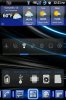
Font: Calibri/ Neutra
 

Attachments

  • CAP2010103012111.jpg
    CAP2010103012111.jpg
    125.9 KB · Views: 139
  • CAP2010103012112.jpg
    CAP2010103012112.jpg
    114.3 KB · Views: 102
Back
Top Bottom