Right 2 Screen: Transparent Pandora Widget and Stock Music Widget

Where/how did you get the transparent Pandora widget? I have been trying to find it for awhile now...

Follow along with the video below to see how to install our site as a web app on your home screen.
Note: This feature may not be available in some browsers.
Right 2 Screen: Transparent Pandora Widget and Stock Music Widget

Where/how did you get the transparent Pandora widget? I have been trying to find it for awhile now...

Snagged a couple of the icons but used them slightly different.

 , nice work by the way
Is there some place I can get more icons like those ?
I browsed through a couple of threads over at XDA, and several members posted their icons. I would imagine some used Google to find the pics, then used photoshop to size them and add text.
[Layout] Android Phone 7 (HDPI) - xda-developers
[Layout] Android Phone 7 (MDPI) - xda-developers

Thank you! You rockHere ya go: transparent.png

I don't know if I'm missing something, but that website sends me to a blank page.Here ya go: transparent.png
I don't know if I'm missing something, but that website sends me to a blank page.
is this a launcher pro plus calender?Not much of a change from my last layout.
All relevant info:
Cyanogen Tazz v8 w/ collin_ph battery tweak
signals23's modified LauncherPro
Dock Icons where a quick creation of my own
Main Screen:
Left Screen:
Right Screen 1:

Right Screen 2:

Ok, I broke down and did the AndroidPhone7 customizations (I used the ported version for smaller screens). It was a bit of a bear looking for all the right pics.. I was going for an Art Deco look, and I think I got the look I was going for. Still not settled on the wallpaper, but this one works so far. Dark definitely works better than light.
Home screen:

Left screen:

Right screen:


Not much of a change from my last layout.
All relevant info:
Cyanogen Tazz v8 w/ collin_ph battery tweak
signals23's modified LauncherPro
Dock Icons where a quick creation of my own
Main Screen:

Left Screen:

Right Screen 1:
Right Screen 2:


whats the music widget?
MixZing
Which version of MixZing is this? The one I'm using has a more detailed interface... unless there's a way to simplify the display? At any rate, much prefer MixZing to the stock (and most of the other) music apps.

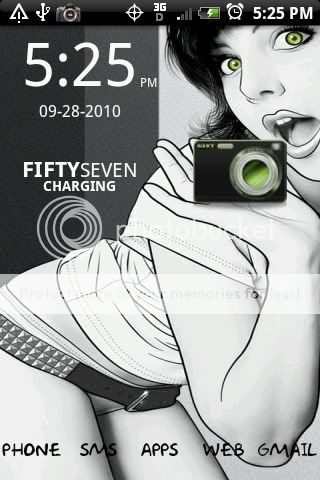
Oh, can't forget the lock screen.

I just started using this lockscreen and am loving the look. Quick question, how do you change the font on the lockscren? I have comfortaa installed and shows up everywhere but my lockscreen? Does the lockscreen use the font from beautiful widgets by any chance? It seems foolish to think it would but they look very, very, similiar

Work in Progress , kinda, don't know still feel like I'm missing something, any suggestions
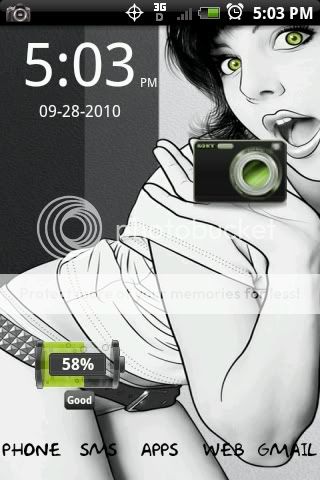
and Yes the Camera does works