• After 15+ years, we've made a big change: Android Forums is now Early Bird Club. Learn more here.

What Does Your Epic 4G Screen Look Like?

Hidden Notification Bar
snap20101213_010530.png
snap20101213_010541.png
 
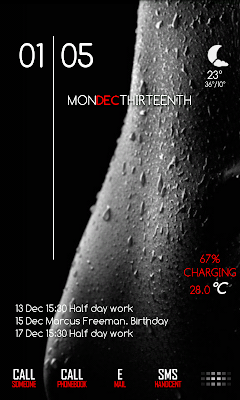
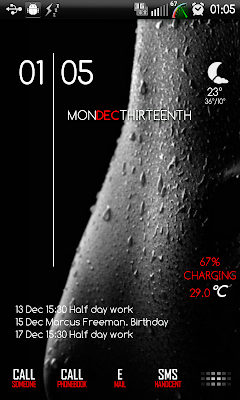
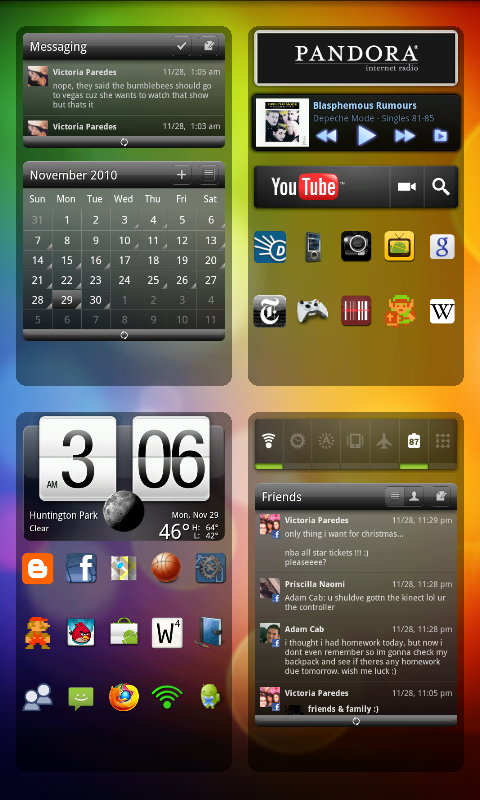
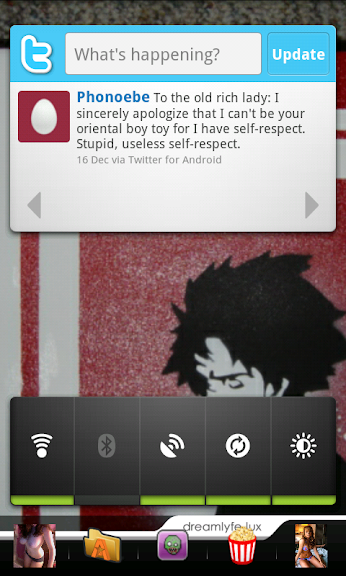
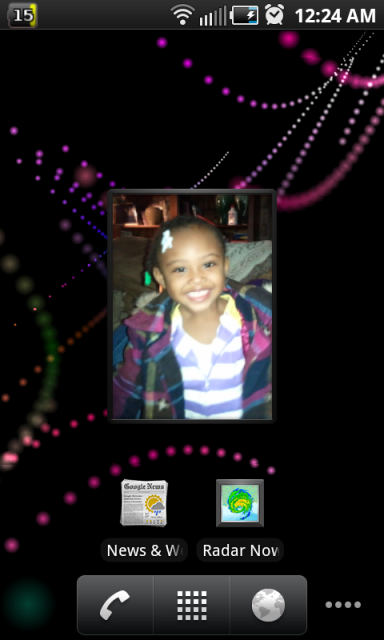
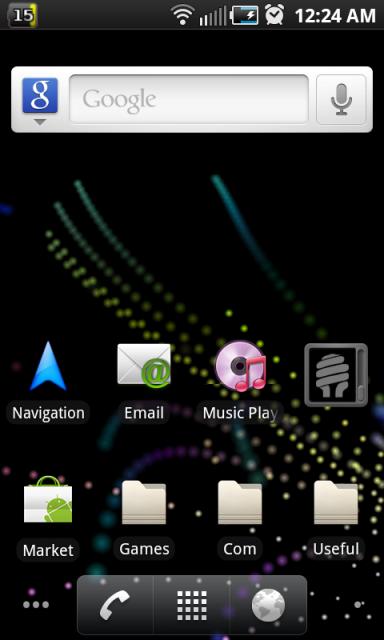
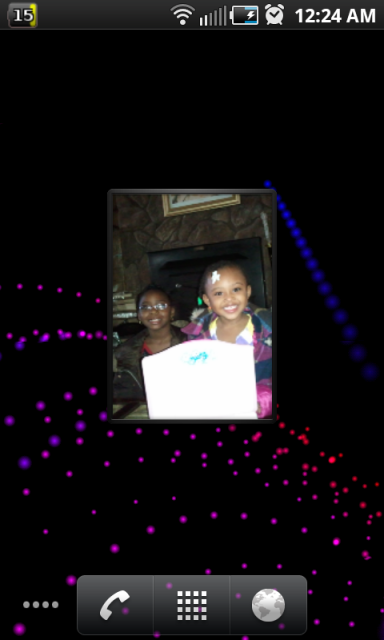
here's my latest desktop setup, using LauncherPro+, HTC Sense Dock and Fancy Widget for the clock. Folder Organizer for the homescreen folders, 5 rows and hidden status bar, no labels

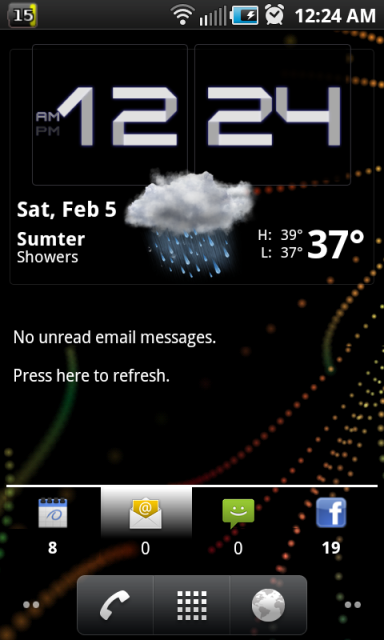
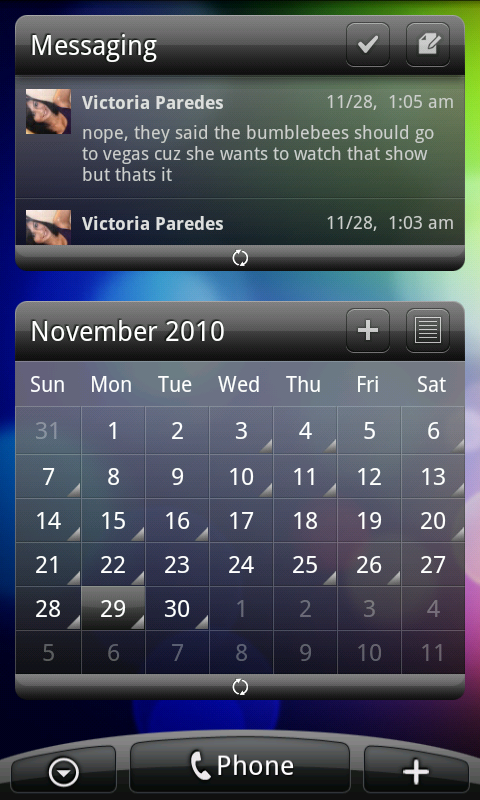
Messaging & Calender Widget (LP+)
snap20101129_030636.png


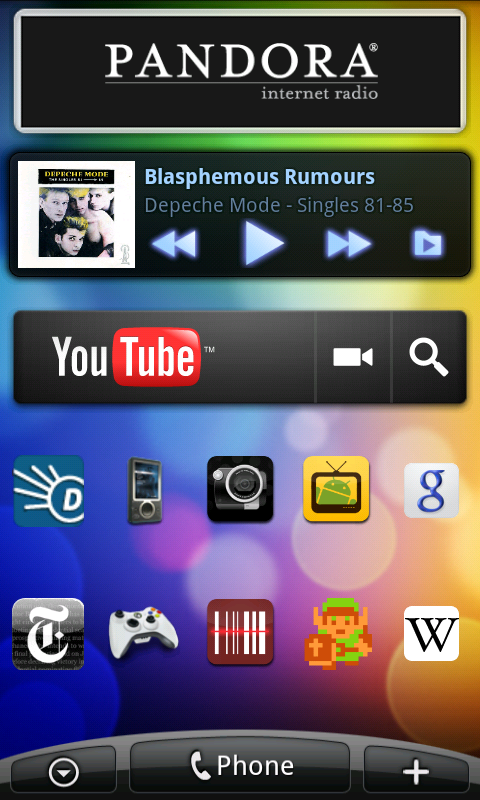
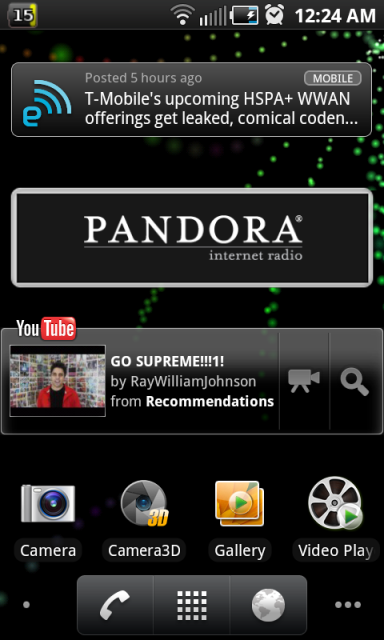
Pandora, PowerAMP, and YT Widgets
snap20101129_030641.png


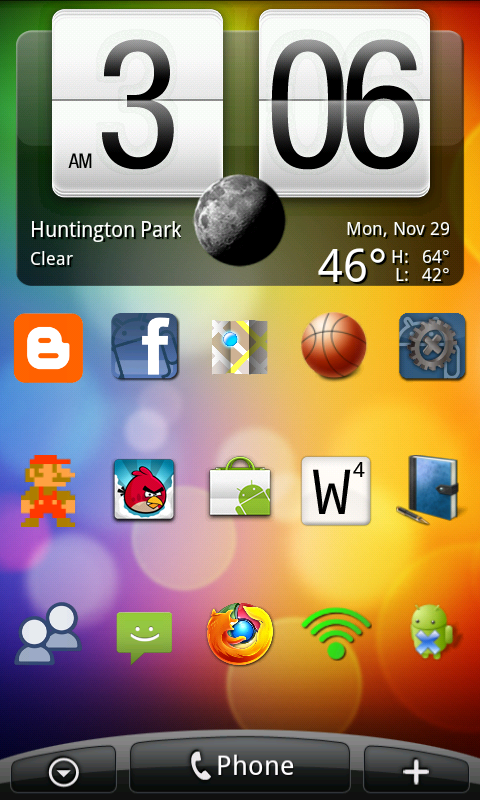
Fancy Widget (not in market)
snap20101129_030644.png


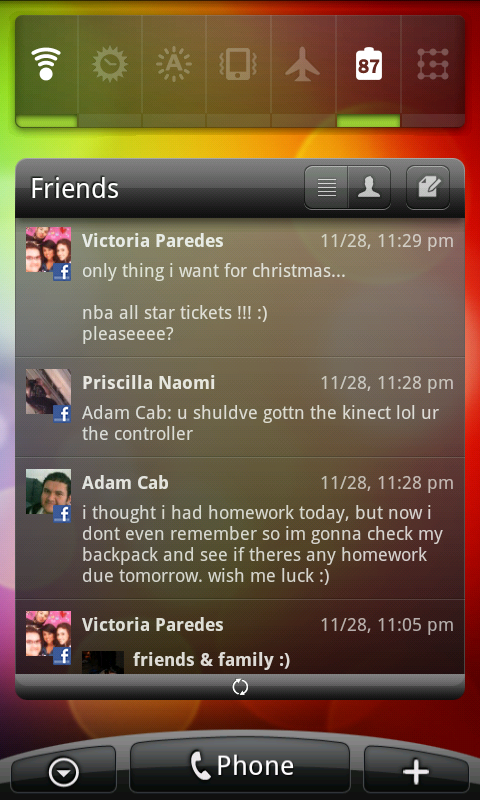
SwitchPro and Friends (LP+)
snap20101129_030647.png


snap20101129_030655.png


Curious to know where you got the HTC sense dock from? I searched in the marketplace and could not find it. I use Launcher Pro Plus as well. Would love to install HTC sense theme on my EPIC:)
 
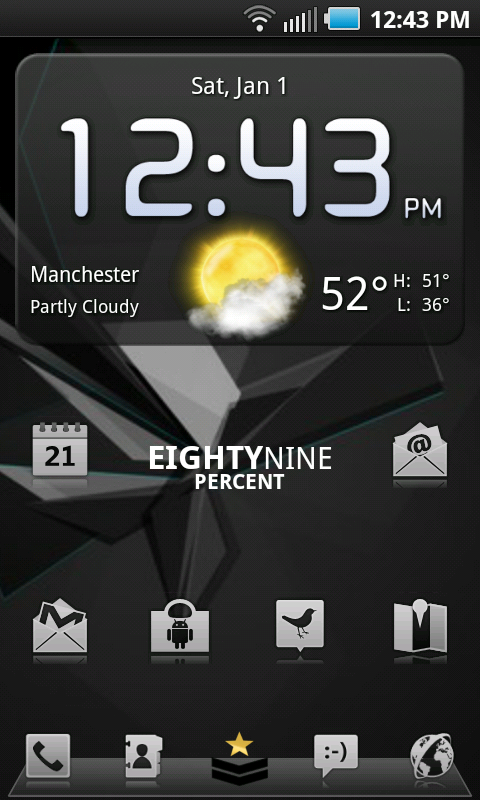
Okay, I think I have finally reached the end of tweaking my "Android7 Theme":


Uploaded with ImageShack.us

Device: Unrooted HTC Droid Incredible.
Launcher: LauncherPro (Plus).
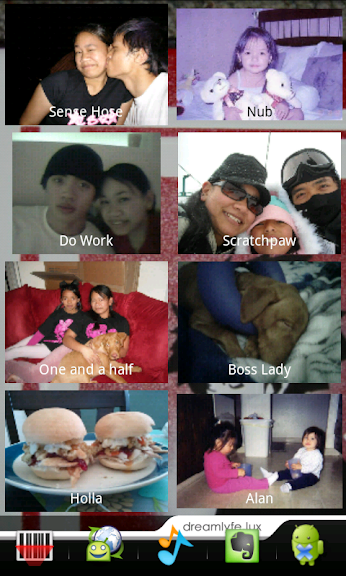
Image widgets: Desktop Visualizer.
Lockscreen: WidgetLocker.
Lockscreen clock: Beautiful Widgets.

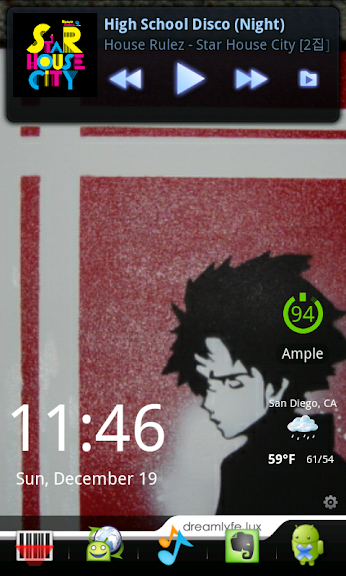
The first image in the second row is my main homescreen. The blue widgets are a combination of free widgets I downloaded and reskinned using APK Manager. They aren't exactly the "Living Tiles" of the Windows Phone 7- but they all work- including the notification badges on the Phone, Message, and Gmail widgets.

Details on this theme are in this thread: Android Phone 7 Theme.
 
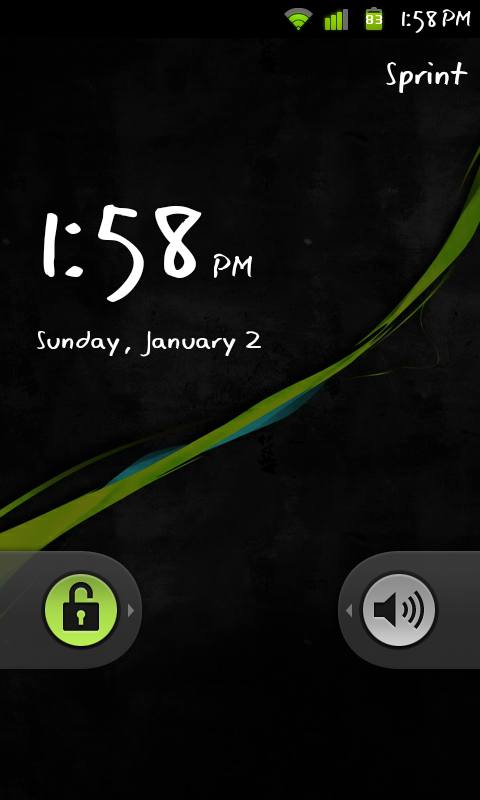
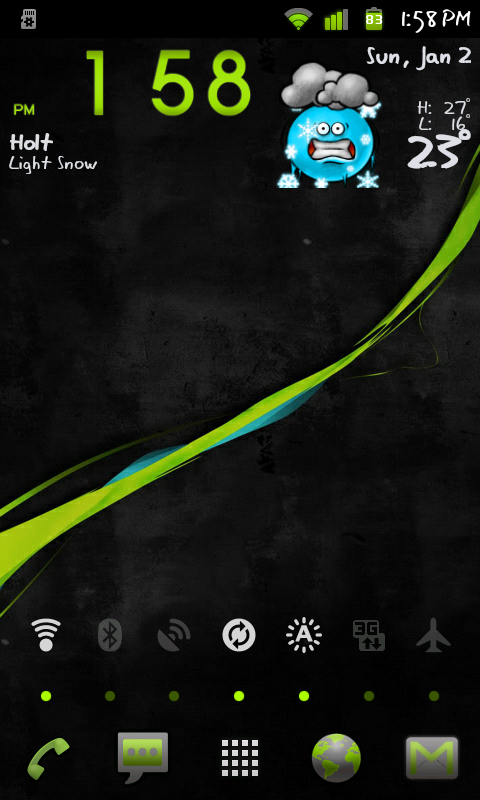
Here are a few of my current screens. I am rooted and running midNIGHT v2.4 with EXT4 and the Gingerbread theme (1.6.5).

snap20110102_135828.png


snap20110102_135839.png


snap20110102_142245.png
 
why would anyone want to change it to that? i did it by mistake and it looked terrible

Well you can do that and tell your phone not to use the TouchWiz UI so you can then run the stock android 2.1 UI or install another launcher program (launcherpro or AWDLauncher) instead.

Its just a way to customize the UI without rooting.
 
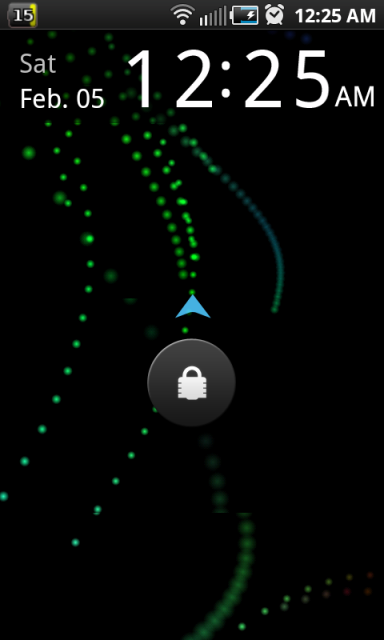
I tend to go by the K.I.S.S. rule. For those that don't kno what that means, it stands for "keep it simple stupid". I like the look of stock Froyo so here are some pics of stock Froyo (DK28).

snap20110205_002411.png


snap20110205_002424.png


snap20110205_002434.png


snap20110205_002445.png


snap20110205_002515.png


snap20110205_002456.png
 
i want to change my themes...how do i do that without rooting. i'm on the stock 2.1 for the epic.
 
Thanks, it definitely spaces the widgets out a bit more. Not sure if I like it better or not. I'm still not satisfied that the height of my 1x2 icons are not exactly the total height of two 3x1 icons. I tried increasing the pixel size to greater than 266, but DV just sized it down and the whole thing looked worse. Oh well...
 
Thanks, it definitely spaces the widgets out a bit more. Not sure if I like it better or not. I'm still not satisfied that the height of my 1x2 icons are not exactly the total height of two 3x1 icons. I tried increasing the pixel size to greater than 266, but DV just sized it down and the whole thing looked worse. Oh well...

I assume that you are using pixel dimensions of 110x260 for the 1x2 and 350x125 for the 3x1 images?

Other than that, I can't figure why they wouldn't line up. If it still bugs you, post or PM me a full-sized screenshot and I'll take a look at it.
 
I assume that you are using pixel dimensions of 110x260 for the 1x2 and 350x125 for the 3x1 images?

Other than that, I can't figure why they wouldn't line up. If it still bugs you, post or PM me a full-sized screenshot and I'll take a look at it.

I've been following a post from an outside website that gave the dimensions 115x266 and 355x132 for the respective sizes.
 
Back
Top Bottom