Thetaman
Android Enthusiast


702DROID, where is the blue freshilly's clear theme located? I've looked all over this site, XDA, and geekfor.me. I can't find it.
I have Fresh 1.1 installed, can I install on it?
Follow along with the video below to see how to install our site as a web app on your home screen.
Note: This feature may not be available in some browsers.

702DROID, where is the blue freshilly's clear theme located? I've looked all over this site, XDA, and geekfor.me. I can't find it.
I have Fresh 1.1 installed, can I install on it?
it was a add on to fresh .7 if you cant find it still...and sorry it dont work on any fresh rom higher then .7 i was lucky to get tit to work on the new modoco 2.2

thinking the same thing when i seen your avi lmao .....it should be ready for the new kitchen FLIPZ is putting out very soonThanks for the info, I'll just admire your screen shots and dream of what could have been.
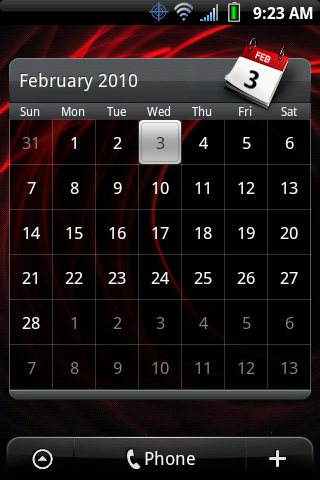
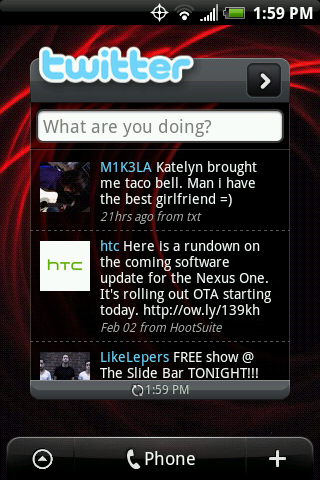
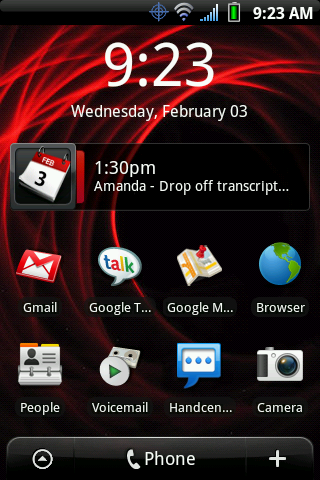
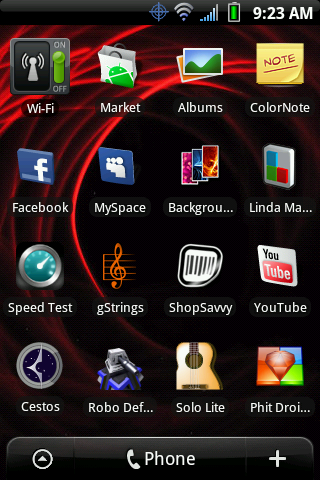
ok...kind of a mess, but here it goes

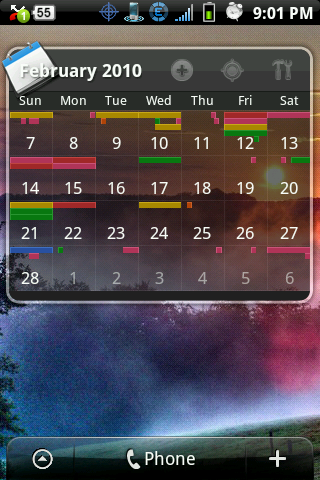


What taskbar are you using? And how did you get the weather to show up like that?
Thanks for the info, I'll just admire your screen shots and dream of what could have been.
thinking the same thing when i seen your avi lmao .....it should be ready for the new kitchen FLIPZ is putting out very soon

Everytime i try to install it says it cannot install to this phone....
Rooted, running fresh rom 1.1

hey everyone! just picked up my hero over the weekend, what a great phone! Could someone help me with a resizing issue. When I download a picture and set it as my lock screen, it wont let me use the whole picture. Instead I can only use about half of the picture, but for wallpaper it'll let me use the whole picture! Any advice?
Also, can you change the look of the lockscreen without modding, etc...

+1 !!!
I'd like to have her as a lock screen! Haha.


Also, can yo, can you change the look of the lockscreen without modding, etc...
I actually set her up as a lock screen. I couldn't get it to cover the entire screen...a little bit of black on the left and right, but still looks pretty good.
Google Colts Chick under Google Images, you will find her.