• After 15+ years, we've made a big change: Android Forums is now Early Bird Club. Learn more here.

Lets see your UI layout!

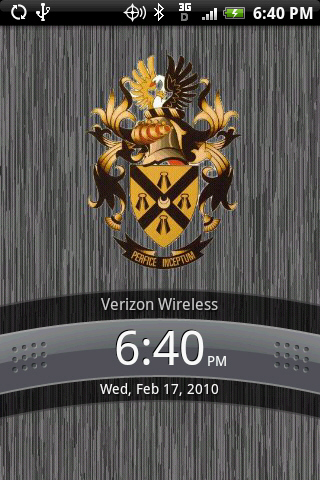
Maybe a couple of dumb questions but...How do you get the wording on the lock screen changed (i.e. where it says Verizon Wireless)? And is it the OpenHome app or the GDE app that changes the icons and screens to look like 2.0?
Lock 2.0 or LockBot. Find em in the market.
 
home.png
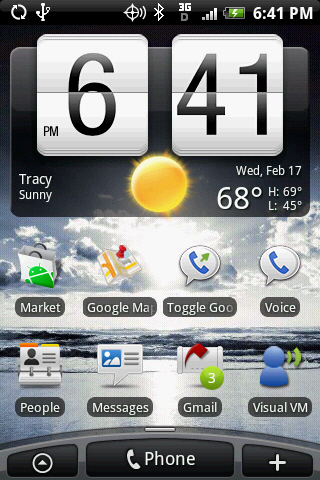
I was using PandaHome as well, but could never get the radio buttons shown notifying me of the number of texts/emails that I had. They would appear only on the top bar... So I'm a little lost. Am I missing something?
 
I was using PandaHome as well, but could never get the radio buttons shown notifying me of the number of texts/emails that I had. They would appear only on the top bar... So I'm a little lost. Am I missing something?

Probably using Gmail Unread Count widget. I'm using the same. Don't know about the other one though.
 
What widget are you using to toggle the settings for wifi and all that? Also does it have a mobile network toggle and a vibrate toggle? I think I see mobile network but I'm not sure.
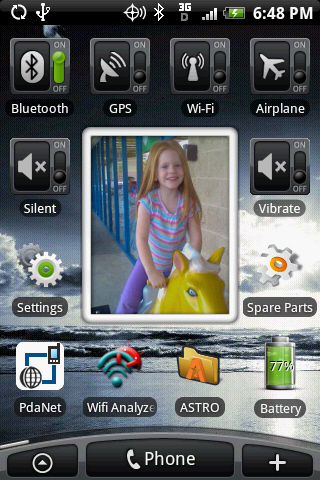
its a widget that comes with open home. it toggles wifi, bluetooth, gps, sync, and screen brightness. it does not do mobile network or vibrate.
 
Don't have that many special widgets or anything

RoMote - Roku remote
Internal Memory Widget/SD Card Memory Widget
Battery Life
Spare Parts
Tunewiki - music/music video player w/ lyrics
Pandora
Android Agenda Widget


RoMote is definitely a better remote for the roku box than the actual physical one it comes with.
 
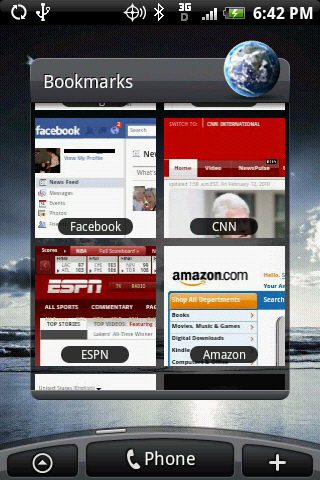
When you add the bookmark widget to the page you want, just select this set up as your option. It will then pull up your stored book marks and display them like this.
 
When you add the bookmark widget to the page you want, just select this set up as your option. It will then pull up your stored book marks and display them like this.

i have this set up. I was just asking how to get pages other then ones preloaded(Google, Verizon, yahoo etc) to show the actual page. I added Phandroid to my bookmarks and in its box its just a black box that says Phandroid and has a bookmark in it
 
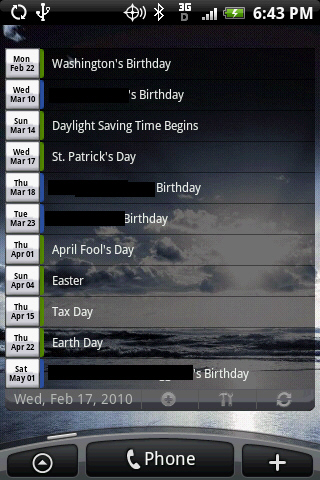
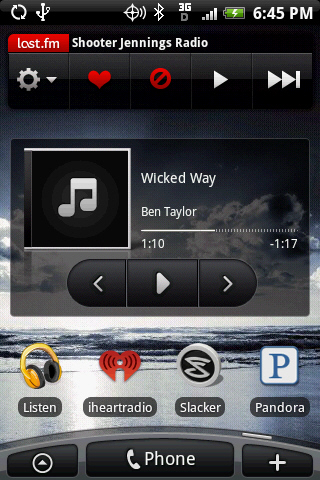
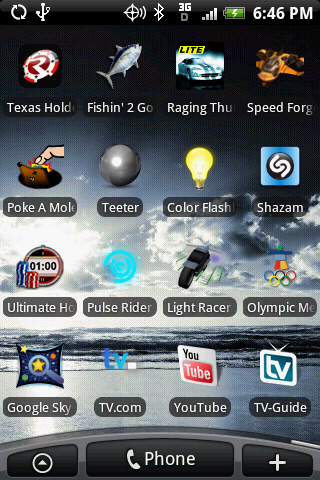
Nothing to fancy here, just about two weeks into my Eris! Just thought it might be a good idea to document my setup before the 2.1 ota wipes everything clean.

lock.jpg
home%204.jpg


3.jpg
5.jpg


2.jpg
6.jpg


1.jpg
7.jpg
 
Thanks the208 (your fast), and yes Mays24, i love this widget, dev is doing some work on it now, but i still find very stable on my Eris.
 
It is definitely a nice widget. I think I like Pure Calendar Widge a little better. Easier to work through the settings. Plus I like the look better of the Pure. Thanks for the info though.
 
I really want to post my Layouts, but I downloaded the SDK but I don't see a .dmg to open or "execute". (Gasp, I don't have have a PC, and would rather avoid turning on my fusion ware windows xp..it makes me feel gross.)

Am i doing something wrong?

Edit: Tampering with forces of nature, downloading Eclaire or something, hoping that this has a DDMS file or something like that.

I guess being at apple has made me want everything to kind of just work, very simply. :/
 
Here's my current layout, only using 3 slides at the moment.

eris.jpg


I just noticed that my signal bars changed in the middle of taking these shots. Funny since I didn't move my phone an inch and they were taken about 5 seconds apart. :-p
 
i have this set up. I was just asking how to get pages other then ones preloaded(Google, Verizon, yahoo etc) to show the actual page. I added Phandroid to my bookmarks and in its box its just a black box that says Phandroid and has a bookmark in it

Sometimes you have to 'update' the bookmark. While in the browser: Menu / Bookmark / select the bookmark to open/update. Any time you select a bookmark it updates the thumbnail. You must be in thumbnail view, not list. If you're bookmarks are listed in the browser, to change to thumbnail: Menu / Bookmark / Menu / Thumbnails.

Hope this helps.
 
Back
Top Bottom