
some.devil
Android Enthusiast
1) Long pressing the menu button brings up the Google Now search app!
2) Long pressing the home button brings up the multi-tasking menu.
2) Long pressing the home button brings up the multi-tasking menu.
Follow along with the video below to see how to install our site as a web app on your home screen.
Note: This feature may not be available in some browsers.
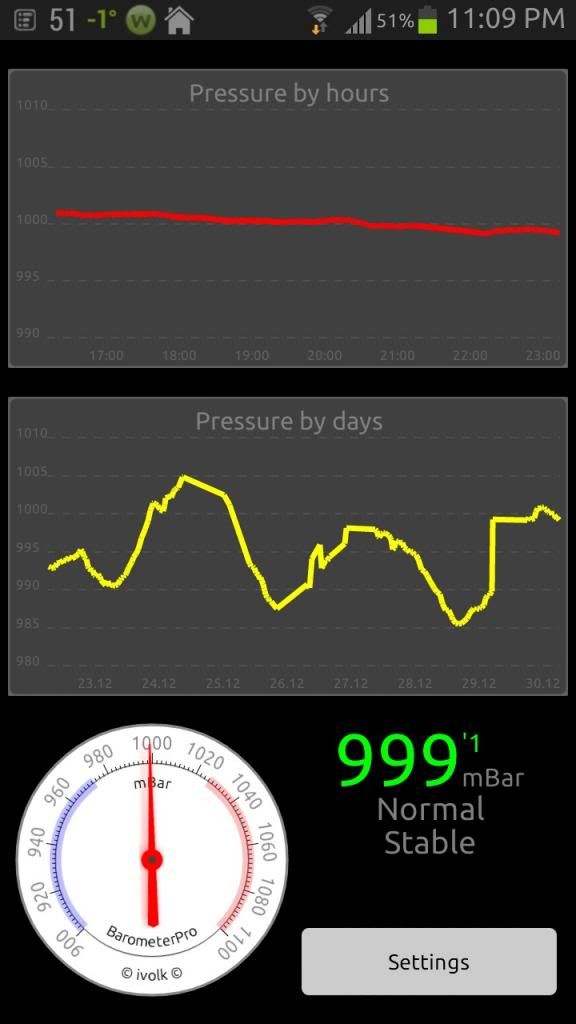
I'm using Barometer Pro (a paid app) which I bought when I had the Note. I installed it on my Note 2 just for the heck of it. There are other apps in the Play store now. Just search for barometer.Where do you find that?
Thought I would post the link here too... I tried it (just now) but not sure if it worked for me because I don't have another carrier's SIM to try.
XDA Developers - Unlock Galaxy Note 2 by hidden menu
I'm using Barometer Pro (a paid app) which I bought when I had the Note. I installed it on my Note 2 just for the heck of it. There are other apps in the Play store now. Just search for barometer.

Yeah, always heard about bad weather there. But that's ridiculous. Though in Canada we do have some days where we experience all 4 seasons...Make sure you pick up a snowboard, umbrella and flip flops at the airport on the way in. You'll need them all on the first day.

Yeah, always heard about bad weather there. But that's ridiculous. Though in Canada we do have some days where we experience all 4 seasons...

Sucks this doesn't work for sprint or verizon
CDMA seems to be a pretty locked down type of network. If you're looking to do this sort of thing it's best to be on a GSM carrier, such as T-Mobile or AT&T.

I am activating this by doing a two fingered push and hold then doing a twist/rotate motion while still double pressing

So Ive been reading thru the tips and tricks, and was trying to do the press and turn to activate the camera and stumbled upon this! Did anyone know you could add more panes?

In England we don't really need a barometer as the weather is always terrible


