
Install the app
How to install the app on iOS
Follow along with the video below to see how to install our site as a web app on your home screen.
Note: This feature may not be available in some browsers.
-
After 15+ years, we've made a big change: Android Forums is now Early Bird Club. Learn more here.
You are using an out of date browser. It may not display this or other websites correctly.
You should upgrade or use an alternative browser.
You should upgrade or use an alternative browser.


I was just checking through the .apk files and mine are exactly the same as what others are putting up to have that square clock, no matter what lockscreen I load it'll still do the bar style clock. It must be something elsewhere other than the lockscreen .zip that I can get to, to modify


ccapasso
Android Expert
Getting ready to leave work here, not sure I'll have much time on forums tonight. Out of curiosity though though ddrees, have you tried flashing one of the lockscreens I made? Or have you tried just making one with the HtcLockscreen.apk you downloaded without modifying it.
Lastly, just thought of this, which download link did you use to try this? The first one (from filesavr) or the backup (for those having issues)?
If you tried the second one, try the first, if you can't get it to download, try firefox or I can email you the apk. I don't think it is a problem with the alternate download, but then again, I didn't test that one, nor did I upload it.
Lastly, just thought of this, which download link did you use to try this? The first one (from filesavr) or the backup (for those having issues)?
If you tried the second one, try the first, if you can't get it to download, try firefox or I can email you the apk. I don't think it is a problem with the alternate download, but then again, I didn't test that one, nor did I upload it.

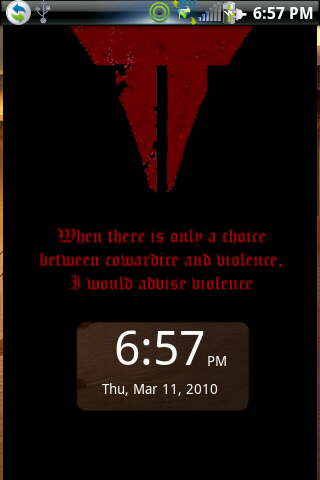
Why won't it show up on my phone like that? I've pushed it onto my sd card, booted into recovery, did the apply update: choose zip, and rebooted phone through recovery and it still isn't showing up with that clock.
John_Droid
Member
Think I realize what is going on in your setup. I'm willing to bet you've never had a clear lockscreen originally configured before trying to apply any of these custom designs, and the custom designs only handle the lockscreen_topendge.png portion of the clear lockscreen.Why won't it show up on my phone like that? I've pushed it onto my sd card, booted into recovery, did the apply update: choose zip, and rebooted phone through recovery and it still isn't showing up with that clock.
The other elements of the clear lockscreen, the images you are still seeing, are handled in the com.htc.resources.apk, and in your setup, have yet to be made transparent.
You can easily test this, since you are using the pre-kitchen, by going to the 'install theme' section and selecting the 'ClearLock-OrigNotifi_signed.zip' file. This will apply the default settings for making all of the necessary files transparent that need to be, at which time you can then go and apply any of the custom screens here, or one of your own.
Give it a shot and let me know.

mysticmead
Android Expert
yes.. make this a sticky!!!!

clfblackhawk
Newbie
Quick question, does anybody know the manual command lines to clear a cached lockscreen... ive tried a hundred times doing it through pre-kitchen and all it does it give me the original lockscreen picture that the phone comes with.
Oh yeah, and please sticky this! Aweosme thread
Oh yeah, and please sticky this! Aweosme thread
Ok, so i read the tutorial a few times and jumped in and created a couple of custom lock screens. Pushed them to the Hero via the Kitchen and rebooted. Everything works fine.
I would however like to be able to change the color of the clock text so match some of the lighter background i have. Anyone know how to do that?
Download, use and abuse these at your will.
Black Label

Download
Heroics
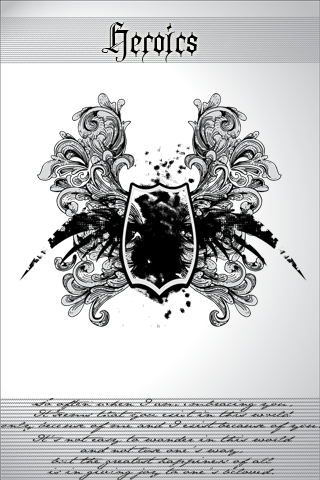
Download
I would however like to be able to change the color of the clock text so match some of the lighter background i have. Anyone know how to do that?
Download, use and abuse these at your will.
Black Label
Download
Heroics
Download
ccapasso
Android Expert
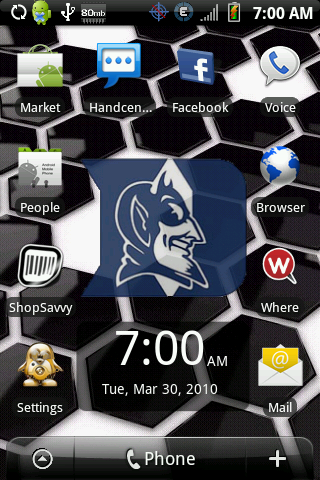
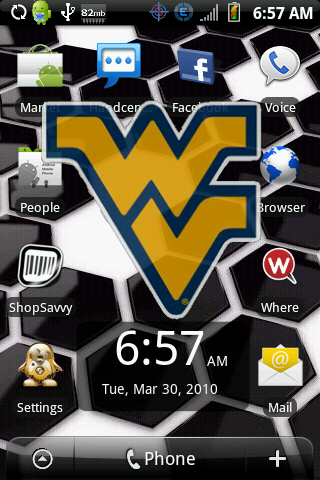
Being as it is time for the Final 4, I figured I'd create 4 new lockscreens. Choose your favorite team. Again, this is Fresh 1.1.
These are signed zips. Flash from SD Card
(As always, nandroid backup first)
Duke
West Virginia
Butler
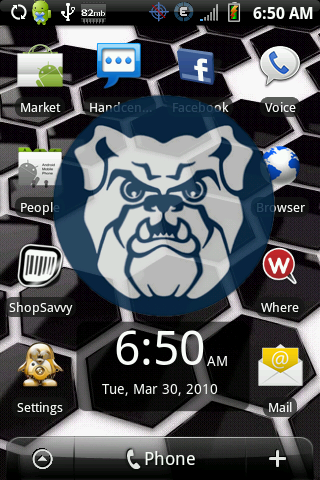
Michigan State
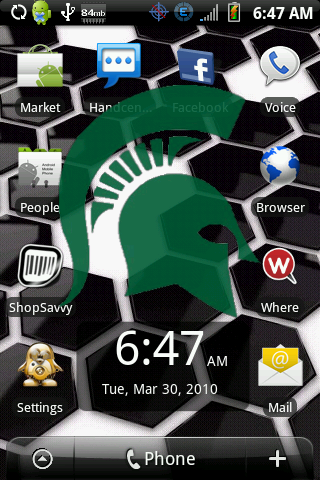
These are signed zips. Flash from SD Card
(As always, nandroid backup first)
Duke
West Virginia
Butler
Michigan State
mysticmead
Android Expert
yes... thank you very much for making it a sticky
mysticmead
Android Expert
now ya gotta get busy on creating lock screens for 2.1...I really want a custom one with Fresh 2.0d