
Install the app
How to install the app on iOS
Follow along with the video below to see how to install our site as a web app on your home screen.
Note: This feature may not be available in some browsers.
-
After 15+ years, we've made a big change: Android Forums is now Early Bird Club. Learn more here.
You are using an out of date browser. It may not display this or other websites correctly.
You should upgrade or use an alternative browser.
You should upgrade or use an alternative browser.
Root ***[How-To] Root your Droid X***
- Thread starter Fabolous
- Start date
-
- Tags
- motorola droid x

chrlswltrs
Extreme Android User
Ok I am stuck. I have downloaded everything I need and am familiar with using a command prompt. Here is where I am stuck:
In the device manager my phone is listed as "Android Composite ADB interface" but at the command prompt I type "adb devices" and the list is empty so I can't get past this step. I am running Windows Vista 32bit. Can someone please help me get past this step? Thanks.
In the device manager my phone is listed as "Android Composite ADB interface" but at the command prompt I type "adb devices" and the list is empty so I can't get past this step. I am running Windows Vista 32bit. Can someone please help me get past this step? Thanks.

GasserBGB1
Member
I'm pretty good with computers but have had an EnV2 until now so as you could guess I'm pretty far behind when it comes to phone tech. Can anyone explain to me the pros (I'm sure there are tons but once again a noob) of rooting it. Isn't it already supposed to be pretty much "uncapped" since it runs Android and not a Mac based software? Again any help with understanding this is appreciated.
Ok I am stuck. I have downloaded everything I need and am familiar with using a command prompt. Here is where I am stuck:
In the device manager my phone is listed as "Android Composite ADB interface" but at the command prompt I type "adb devices" and the list is empty so I can't get past this step. I am running Windows Vista 32bit. Can someone please help me get past this step? Thanks.
u did turn usb debugging on right?
chrlswltrs
Extreme Android User
u did turn usb debugging on right?
yes I turned it on. When I am in PC mode USB debugging is not connected. When I switch to USB storage mode then USB debugging connects, but then when I try to push superuser.apk to the SD card I get an error saying "Permission denied"
bumpylemon
Well-Known Member
not working for me either. im on windows 7. that adb thing is what wont work. it says everything is updated to the latest drivers. then when i run the cmd prompts for adb i get
"adb is not recognized blah blah"
what do i do now
also when i try to browse and click on the folder i get
"best driver for this device is already installed"
"adb is not recognized blah blah"
what do i do now
also when i try to browse and click on the folder i get
"best driver for this device is already installed"
Attachments

question regarding adb. i have it all setup for my dinc. if i installed drivers for the Dx, that won't mess up my connectivity with my dinc right?
also...for the wifi tether. for those who got it to work. there's no special things you have to do? just install from market? i remember for my dinc i had to put some files in some directories to make it work.
gotta do this tonight with my wife's phone.
also...for the wifi tether. for those who got it to work. there's no special things you have to do? just install from market? i remember for my dinc i had to put some files in some directories to make it work.
gotta do this tonight with my wife's phone.

Fabolous
Superuser
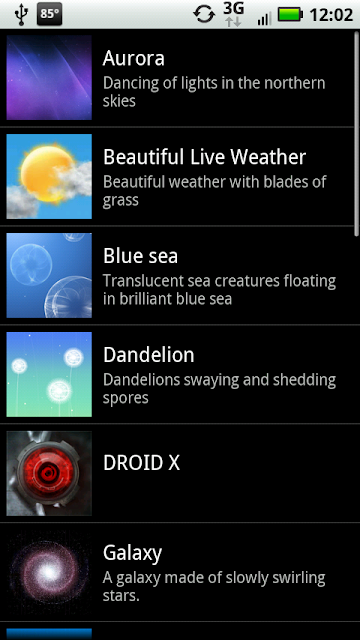
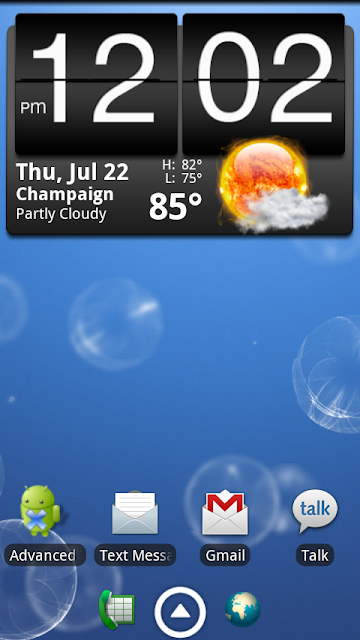
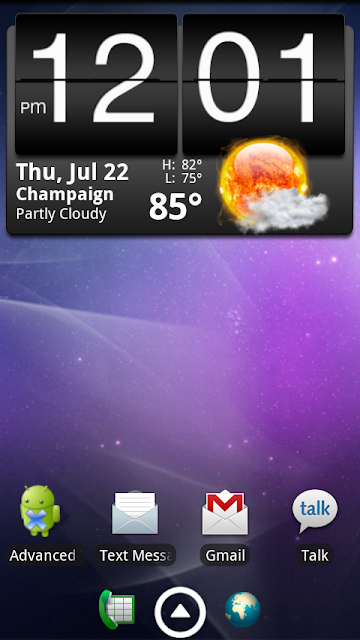
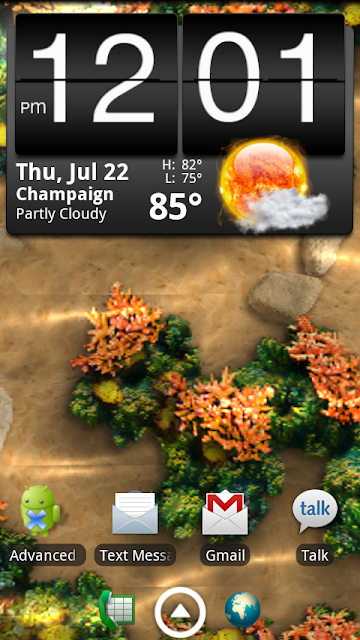
We now have an all things root Droid X subforum!
Here's the very first thread!
http://androidforums.com/all-things...ng-galaxy-s-live-wallpapers-your-droid-x.html
If you have root related topics, please create them in there now, thanks!
Here's the very first thread!
http://androidforums.com/all-things...ng-galaxy-s-live-wallpapers-your-droid-x.html
If you have root related topics, please create them in there now, thanks!
Excellent,
my gratitude goes to all those involved in this process. Now comes (from what I've read) the much more difficult part of cracking the boot loader.
Once that's done we'll truly have a way of ensuring custom updates and back-ups if we screw up. Not to mention eliminate the need/ chance for future ota's undoing all the changes.
my gratitude goes to all those involved in this process. Now comes (from what I've read) the much more difficult part of cracking the boot loader.
Once that's done we'll truly have a way of ensuring custom updates and back-ups if we screw up. Not to mention eliminate the need/ chance for future ota's undoing all the changes.

Airmaxx23
Android Expert
not working for me either. im on windows 7. that adb thing is what wont work. it says everything is updated to the latest drivers. then when i run the cmd prompts for adb i get
"adb is not recognized blah blah"
what do i do now
also when i try to browse and click on the folder i get
"best driver for this device is already installed"
I'm having the same issues...

mortymouse
Well-Known Member
What is everyone using for the free wifi tether?
wireless_tether_2_0_2.apk - android-wifi-tether - Wireless Tether for Root Users 2.0.2 - Project Hosting on Google Code
This version works great on the DX. Fast and strong.
mortymouse
Well-Known Member
Ok I am stuck. I have downloaded everything I need and am familiar with using a command prompt. Here is where I am stuck:
In the device manager my phone is listed as "Android Composite ADB interface" but at the command prompt I type "adb devices" and the list is empty so I can't get past this step. I am running Windows Vista 32bit. Can someone please help me get past this step? Thanks.
What folder are you in (at the cmd prompt)? You need to be in your androsdk tools dir. As an example, mine lives on my C drive located as C:/androidsdk/tools
Once you are in the TOOLS dir of your androidsdk folder, THEN type adb devices and see if you are able to locate your device.
chrlswltrs
Extreme Android User
What folder are you in (at the cmd prompt)? You need to be in your androsdk tools dir. As an example, mine lives on my C drive located as C:/androidsdk/tools
Once you are in the TOOLS dir of your androidsdk folder, THEN type adb devices and see if you are able to locate your device.
Tried that, there is still no devices listed.
It will list it when I switch my X to USB mass storage, then USB debugging connects.
When I am in PC mode my phone is not listed in ADB devices and USB debugging will not connect
Fabolous
Superuser
Tried that, there is still no devices listed.
It will list it when I switch my X to USB mass storage, then USB debugging connects.
When I am in PC mode my phone is not listed in ADB devices and USB debugging will not connect
Get the Motorola drivers here:
Motorola DROID X - Motorola USA
I had to install them first before I could get USB debugging in PC Mode.
chrlswltrs
Extreme Android User
OK I got to the step - run chmod 4755 /system/bin/su
I get a message saying: no such file or directory
What now??
Nevermind - I missed a space earlier
I get a message saying: no such file or directory
What now??
Nevermind - I missed a space earlier
chrlswltrs
Extreme Android User
THANK YOU EVERYONE, I now have a rooted Droid X!!!!!
Just a few things that were hanging me up:
1: You need the Android SDK from Android SDK | Android Developers. I put it in my DroidXRoot folder which is in my C:. (So it's C roidXRoot/android-sdk-windows/).
2: If, when you run "adb devices" you get "adb is not recognized as and internal or external command, operable program or batch file.", then you need to do a little extra.
-in Windows 7/Vista. click start and type system var and hit enter. Go into "Environment Variables". From here, select "path" from the bottom list box and choose "edit". Add your sdk location (mine is CroidXRoot/android-sdk-windows/tools) to the end of this. Just copy and paste the following to the end of the string which pops up when you click "edit":
;C:\DROIDXRoot\android-sdk-windows\tools
In XP, right-click "my computer" choose "properties" . from he select advanced, and then "environmental variables". Now follow the instructions just above.
Now, re-run "adb devices" and your X should show up.
1: You need the Android SDK from Android SDK | Android Developers. I put it in my DroidXRoot folder which is in my C:. (So it's C
roidXRoot/android-sdk-windows/).2: If, when you run "adb devices" you get "adb is not recognized as and internal or external command, operable program or batch file.", then you need to do a little extra.
-in Windows 7/Vista. click start and type system var and hit enter. Go into "Environment Variables". From here, select "path" from the bottom list box and choose "edit". Add your sdk location (mine is C
roidXRoot/android-sdk-windows/tools) to the end of this. Just copy and paste the following to the end of the string which pops up when you click "edit": ;C:\DROIDXRoot\android-sdk-windows\tools
In XP, right-click "my computer" choose "properties" . from he select advanced, and then "environmental variables". Now follow the instructions just above.
Now, re-run "adb devices" and your X should show up.