• After 15+ years, we've made a big change: Android Forums is now Early Bird Club. Learn more here.

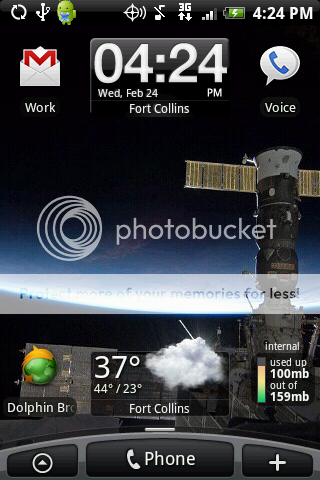
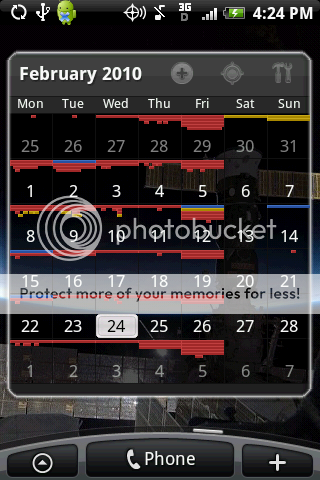
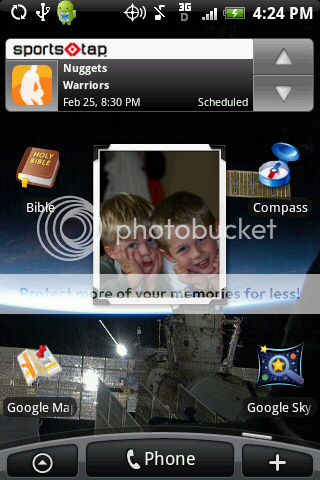
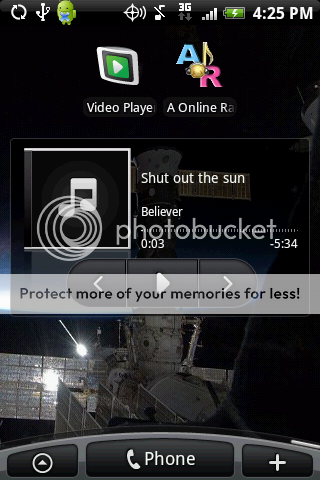
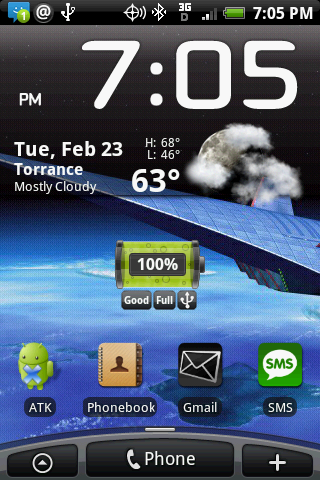
Lets see your UI layout!

no they are part of the beautiful widgets pack, but im pretty sure u could better cut them. wen i tried to make my own toggle widgets it would force close on me. maybe it was just me, but you could try. but everything on my home screen i used better cut and photoshoped my icons

I have Beautiful widgets, and my settings widget options are not that bad ass..
 
I really want to post my Layouts, but I downloaded the SDK but I don't see a .dmg to open or "execute". (Gasp, I don't have have a PC, and would rather avoid turning on my fusion ware windows xp..it makes me feel gross.)

Am i doing something wrong?

Edit: Tampering with forces of nature, downloading Eclaire or something, hoping that this has a DDMS file or something like that.

I guess being at apple has made me want everything to kind of just work, very simply. :/

Not sure if anyone has told you .. yet,, (not in a mean way ) its super easy .. and i dont do these kinda of things with phone.. this is my first smartphone ever ( Eris ) and i have never ever messed with it like i have ..:D
 
So after many modifications, here is my layout using dxTop (with the Eclair theme)...

dxTop lets you utilize the bottom row as a dock for 5 more buttons that show up on every screen. That wasn't enough for me, so using the row above that, I added the same four buttons to all four of my screens - effectively achieving the same result. You can still access the all programs list and DXtop's task list by holding menu and back respectively.

2nd from bottom row:
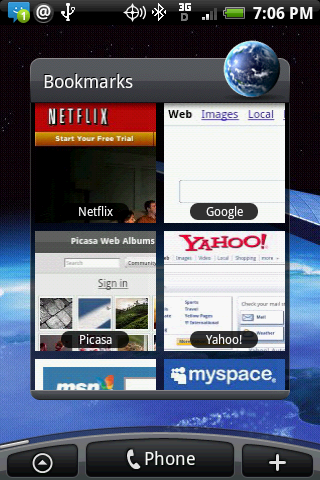
Apps, Games, Bookmarks, Quick Profiles
I use AbcOrganizer to categorize things into Apps and Games. I also have two subgroups you can't see: Archive (icons I don't use) and NewStuff (things I just downloaded and haven't categorized yet). It was for the uncategorized feature alone that I bought it. Bookmarks is self explanatory. Quick Profiles lets you set up profiles like Work, Bedtime, Car, etc. and manually trigger them in just two clicks(my life is too varied to have those set automatically like Locale does). Each profile can have GPS, wifi, ringer, volume, bluetooth, screen timeout, wallpaper, etc. It can even be configured to just toggle ringer/GPS/wifi, etc - leaving everything else intact. You can create a shortcut for any profile too.

Bottom row:
Messaging, Gmail, Open Search, 3banana Notes, Camera
Nothing exciting here. Open Search is great - pops up a search box just like the system one, but lets you install any search engine that MyCroft supports - IMDB, Metacritic, Wikipedia - even the Market! I use 3banana (Snaptic) Notes because is much faster than Evernote.

I chose dxTop because of the bottom row dock and the diamond pattern layout. All four of my screens are only one swipe away from any other screen... Oh - and did I mention that dxTop let me create these screenshots with just a click? :-)

SCREENS:
up: Executive Assistant, DXtop Weather Widget
down: AudioManager
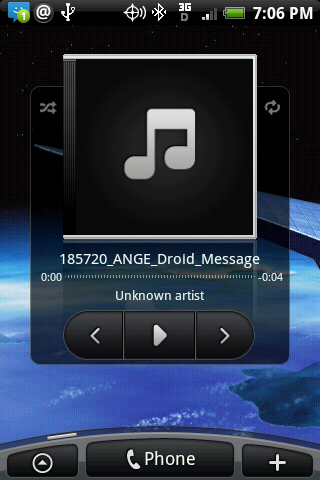
left: Pandora, BeyondPod
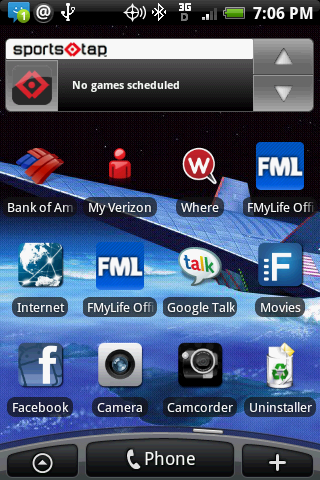
right: SportsTap, Facebook


Up:
mcg9hy.jpg
Down:
2crjywm.jpg
Left:
5fgoko.jpg
Right:
208gorc.jpg
 
4385191803_972dd6a055.jpg
4385191873_47339dd2c8.jpg
4385191921_ca9f79076d.jpg
4385191969_6854e2292f.jpg
4385192049_8337b03442.jpg
4385192127_11f3c85603.jpg
4385192203_ee1efdd9d4.jpg


Flickr is a pain to do this with, for the record. I had to look at each picture's page, view source, and then hunt for the .jpg file that they converted my precious .png into. Garbage.

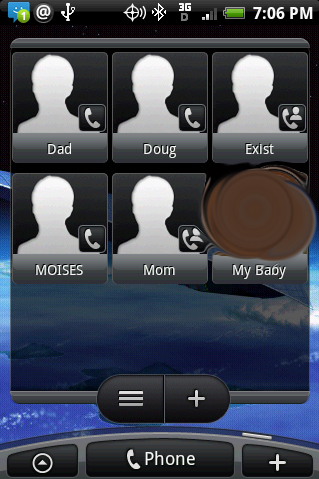
Anyway, this is my scene right now. I have a lot of others, like one for work with more work related apps around, and a shortcut to call my On Call voicemail, and the office, etc etc... but I've had this scene for a few weeks now and love it. The apps are grouped by color, not functionality. the 4th one is, clearly, my middle screen. The female is my gf.
 
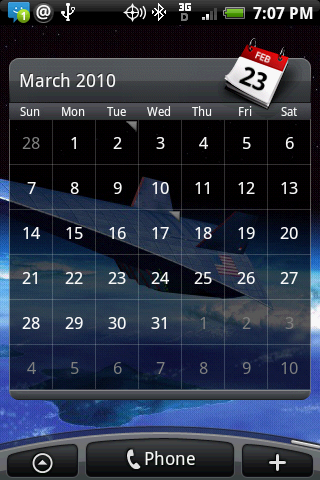
Calendar
9gvmm1.png


I love this Android Agenda Widget, just downloaded it but I'm having one hell of time trying to get the dates (on the left hand side, looks like they are on a calendar) to show up like that. Can anyone give me some hints? I'm new to the smart phone world and its been fun learning how to do things but also infuriating. Any help will be greatly appreciated!


Never mind, I'm an idiot!
 
Back
Top Bottom