• After 15+ years, we've made a big change: Android Forums is now Early Bird Club. Learn more here.

Post your Screenshots and Wallpaper!

Very much agreed having or using 1 launcher only is the way to go. If you prefer TW get rid of LP, if you preferred LP try this to get rid of TW http://androidforums.com/fascinate-all-things-root/205635-goodbye-touchwiz.html
IMO there is a tangible reduction in the so called lag by ditching TW altogether when using LP

+2 here. Maybe thats why I have never experienced lag. I deleted the Blur launcher on my X and moved LPP to the system folder. To me thats always been the advantage of LP is the speed.
 
adriana_lima_36-960x800.jpg
 
Okay, I think I have finally reached the end of tweaking my "Android7 Theme":


Uploaded with ImageShack.us

Device: Unrooted HTC Droid Incredible.
Launcher: LauncherPro (Plus).
Image widgets: Desktop Visualizer.
Lockscreen: WidgetLocker.
Lockscreen clock: Beautiful Widgets.

The first image in the second row is my main homescreen. The blue widgets are a combination of free widgets I downloaded and reskinned using APK Manager. They aren't exactly the "Living Tiles" of the Windows Phone 7- but they all work- including the notification badges on the Phone, Message, and Gmail widgets.

Details on this theme are in this thread: Android Phone 7 Theme.
 
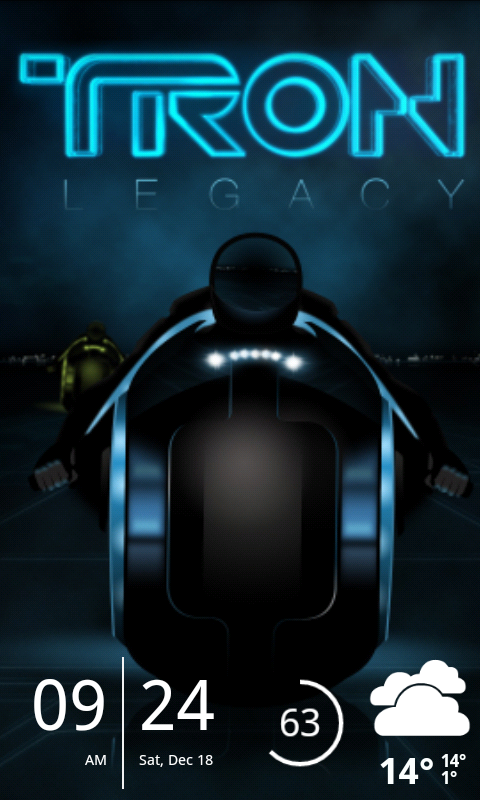
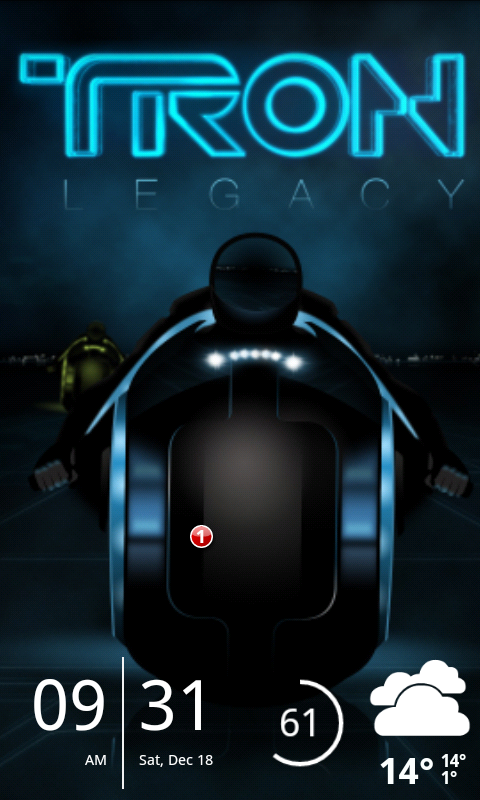
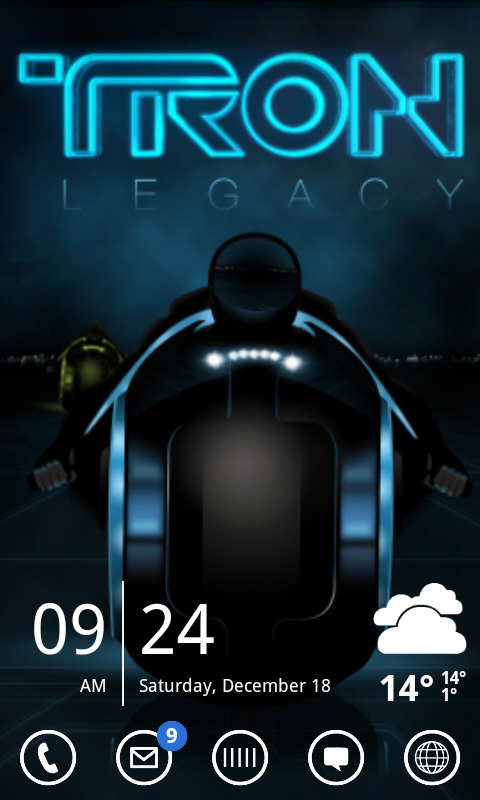
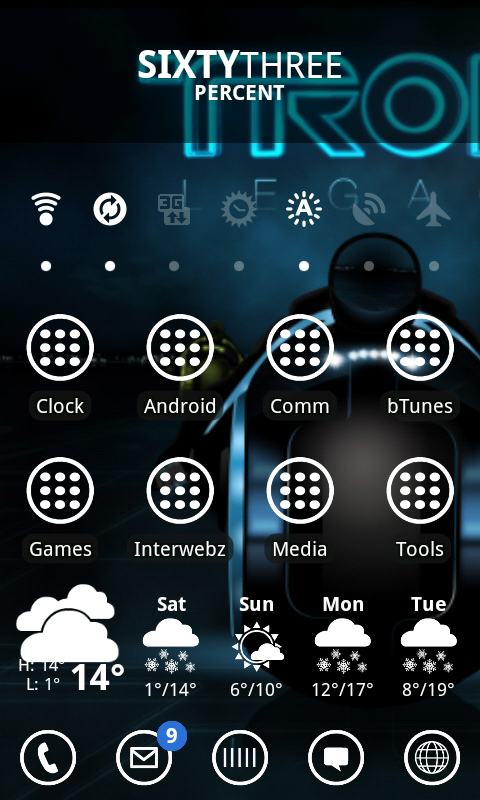
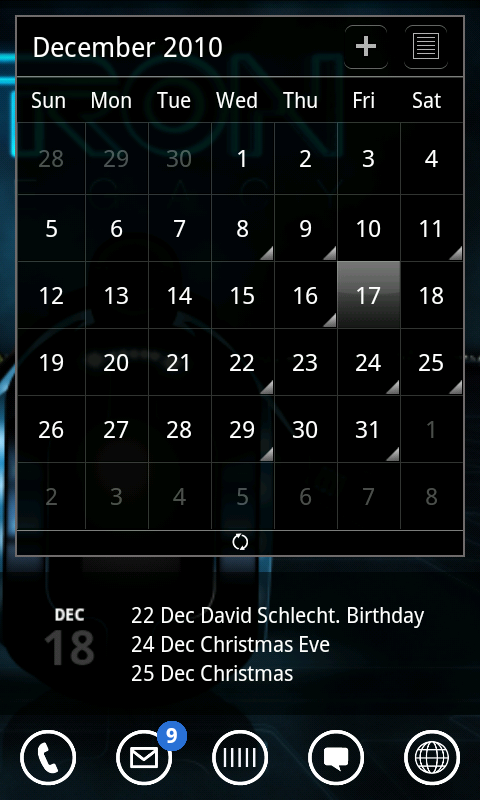
In honor of Tron: Legacy being released yesterday

I have LauncherPro Plus with a Gingerbread theme and Windows 7 icons

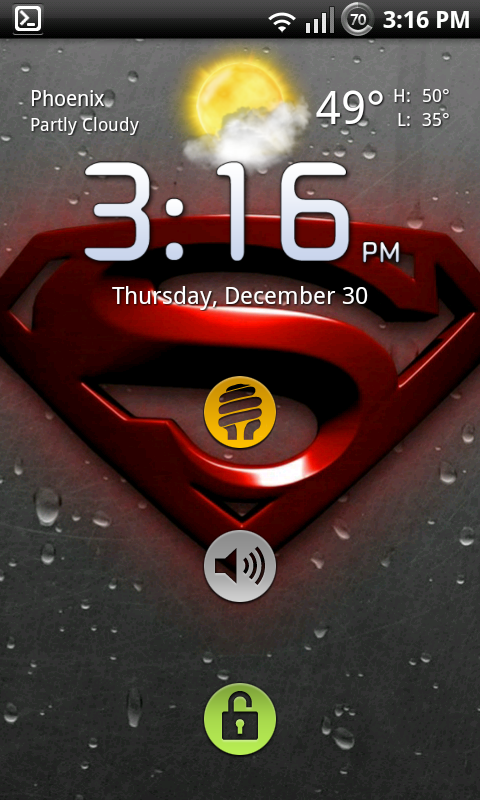
Lock Screen:
WidgetLocker with simi Clock, Circle Battery Widget, Beautiful Widgets, and SMS Unread Count that I modded to not show up unless there is a missed text or phone call. I have a text in the second image to show what it looks like. To the left is the widget for a phone call that you can't see because I don't have a missed call.
snap20101218_092417.png


snap20101218_093125.png


Main Screen:
Simi Clock, Beautiful Widgets
snap20101218_092420.png


Left Screen:
Battstatt, SwitchPro Widget, Smart Shortcuts, Beautiful Widgets
snap20101218_092423.png


Right Screen:
LauncherPro Calendar, Modded Smooth Calendar
snap20101218_092427.png
 
Nice theme, taking my son to see this is afternoon actually

Well worth it. I went to the midnight release Thursday night/Friday morning. I got there an hour early and waited in line. I was the first one in line so I think I got there a little early :o
 
jt1134 super clean with blue theme and an inset wallpaper of mine, framed.. special clock...etc..


2ppcuvq.jpg
 
I'm completely new to Android. I'm coming from an old Samsung flip phone so this is a huge learning experience for me. So, here is what I've gotten thus far. Not rooted, but will be soon. I wanted to change out the icons on the bottom of the home screen, but when I downloaded Launcher Pro, it did something crazy to my phone and I had to do a factory reset on it just to fix it. Now I'm afraid to download it again. Anyways, here's my screen shots. I'm a minimalist when it comes to my screens.


Left
snap20101228_154923.png

Home
snap20101228_154918.png

Right
snap20101228_154927.png
 
I'm completely new to Android. I'm coming from an old Samsung flip phone so this is a huge learning experience for me. So, here is what I've gotten thus far. Not rooted, but will be soon. I wanted to change out the icons on the bottom of the home screen, but when I downloaded Launcher Pro, it did something crazy to my phone and I had to do a factory reset on it just to fix it. Now I'm afraid to download it again. Anyways, here's my screen shots. I'm a minimalist when it comes to my screens.


Left
snap20101228_154923.png

Home
snap20101228_154918.png

Right
snap20101228_154927.png

Looks good. :) welcome to our little fascinate community...some things in android have a bit of a learning curve....but we ve all been there...,and you ll get the hang of it
 
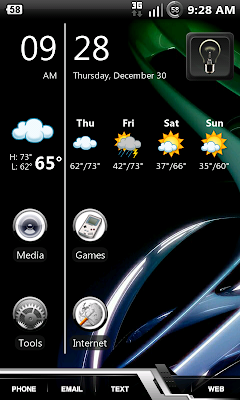
alright so I'm super in love with my new homescreen... like got maybe 2 hours of sleep last night b/c i couldn't stop till it was how I wanted.

snap20101230_092803.png


-Dock icons/dock from the demo of DREAMLYFE.ICE by. Dreamlyfe Design
-SiMi Clock
-BW 1x4 weather (yr-icons weather skin)
-LP+ of course
-the lightbulb is a widget from Flashlight app - toggle for my LED
-the icons are Apps Organizer widgets (still tweaking them: icons and actual organization of apps)

The key was placing the 1x3 SiMi clock last before stretching it down to the bottom to extend the line. Then you gotta tweak the pixel distance in SiMi options so that it's centered between the first 2 BW icons =D
 
I guess mine will be the first screenshot of 2011... and also my very first attempt at doing so... This is a Shootme shot of my homescreen with the live fireworks wallpaper set to only white fireworks, only one launched at a time, and slowly. As some of you may be aware about me... I love the minimalist look. Okay.. wish me luck... I'm keeping my fingers crossed that I can get it from the phone to here
snap20101128_154512.png

snap20101128_154512

DropBox
 
hmmmm.... bummer.... I guess I need to work on this a bit..lol... it's a tad MINI. I know I'm a minimalist, but I was sure hoping it would appear not so minimally.. sigh
 
hmmmm.... bummer.... I guess I need to work on this a bit..lol... it's a tad MINI. I know I'm a minimalist, but I was sure hoping it would appear not so minimally.. sigh
Sign up for a photobucket account. Grab screenshot and Photobucket mobile from the market. Open Photobucket and create a new folder with a few 1's at the beginning so its always at the top. Using the settings menu, make that your default upload folder.

Open screenshot and tick the invert colors box, ensure high quality PNG is set, and hit take screenshot. By default you'll have five seconds to get to the screen you want snapped. If that's not enough, up the timer or try the shake to shoot feature.

Now go to your gallery, tap the screen, and hit share. Select Photobucket and wait a minute. Then open up Photobucket and hit my albums tab, menu button for albums, then tap your album which should be up top and select your photo. Hit menu again and view links. You want the one that says IMG on the next screen. Come back in paste your clipboard into the box and you should be good to go.

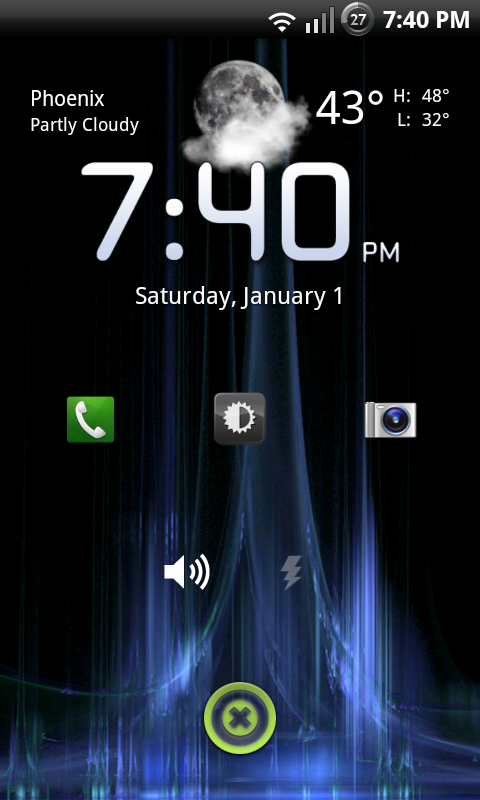
Alright, here's my efficienimus maximus lock screen!!

ScreenShot-15.png


Fancy widget
Widgetsoid (phone, brightness level widget, camera)
Widgetsoid (ringer mode, flashlight)
Widgetlocker slider w/ unlock button
 
Just simple

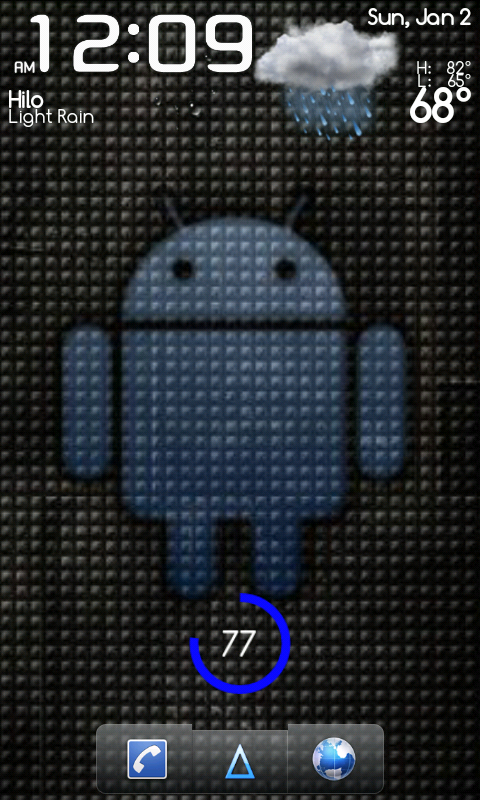
snap20110102_000935.png
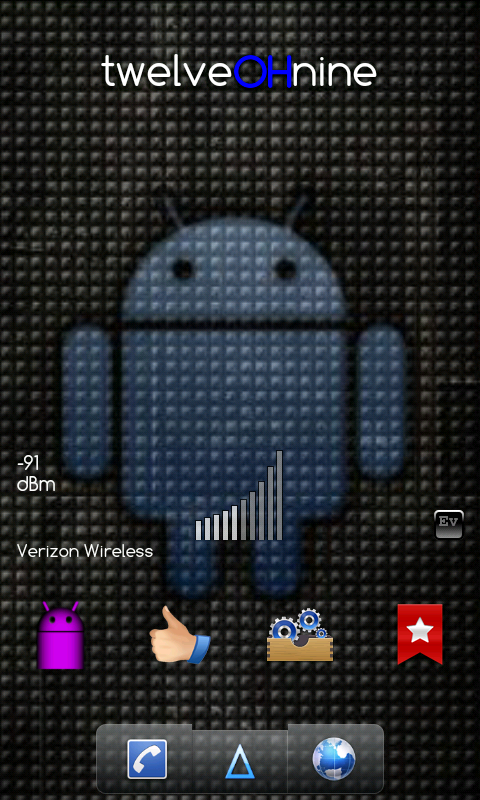
snap20110102_000940.png


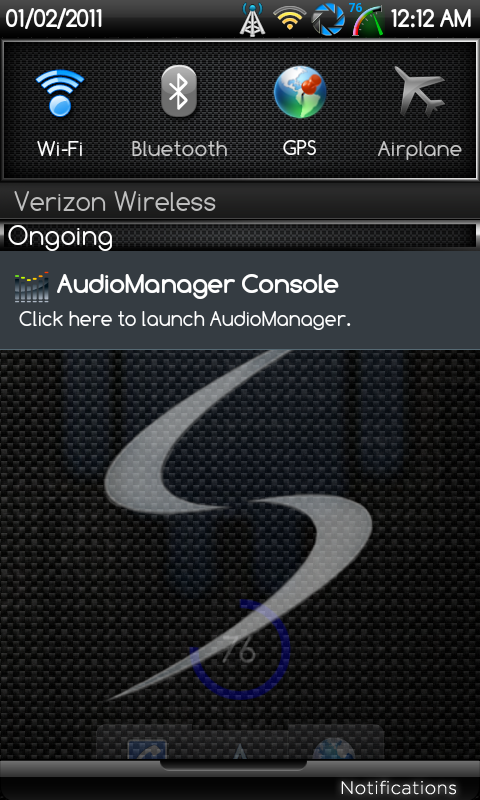
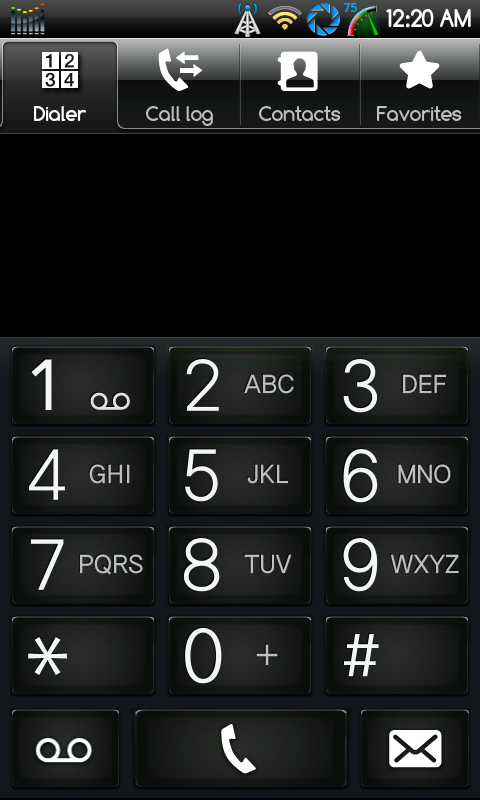
I'm using Blackish Storm v02 theme and heres what the notification bar pulled down and the dialer look like

snap20110102_001236.png
snap20110102_002032.png
 
Back
Top Bottom