
Dang i'v been on these forums a couple of days and i already see a couple people are from Raleigh
Dude I have been cruising the XDA forums alot as of late and there are a lot of NC peeps there.
Follow along with the video below to see how to install our site as a web app on your home screen.
Note: This feature may not be available in some browsers.
Dang i'v been on these forums a couple of days and i already see a couple people are from Raleigh
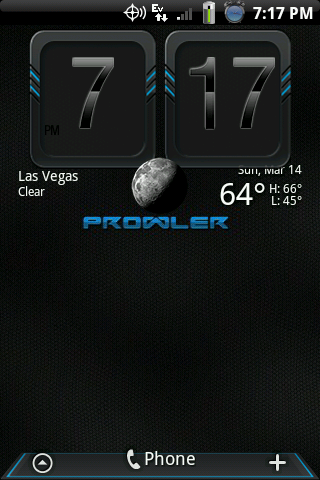
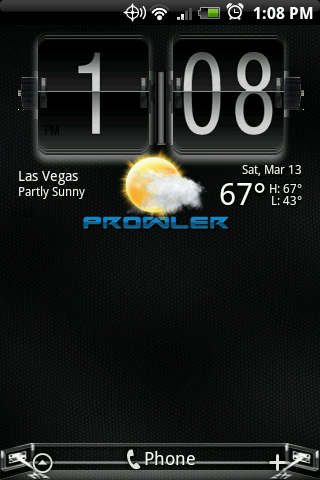
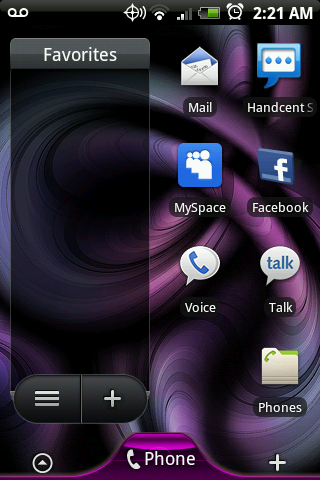
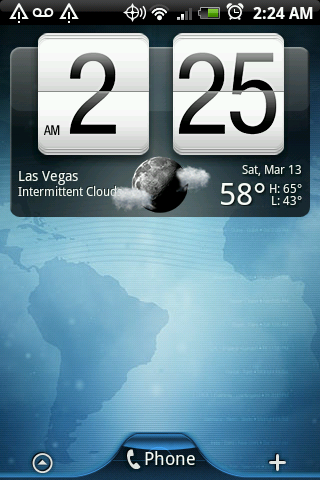

Here are a few I have been working on.


@ BOO5TED: How do you get the picture frames on your screen. I have put up albums, but I would like one picture in a frame like you have.
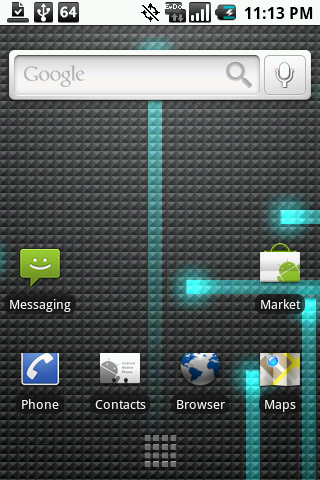
just released i never posted mine, nothing fancy just plain ole 1.5 on a hero.
Charging screen/lock screen
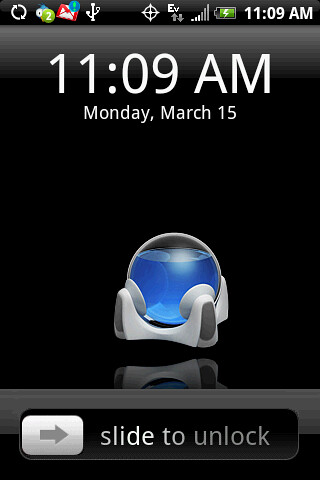
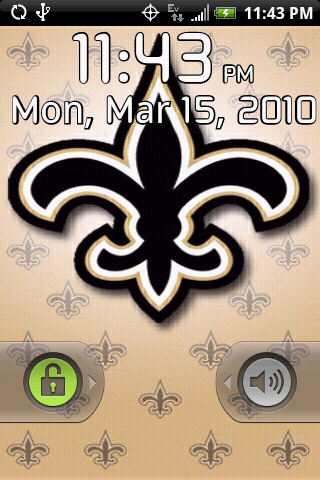
from right to left
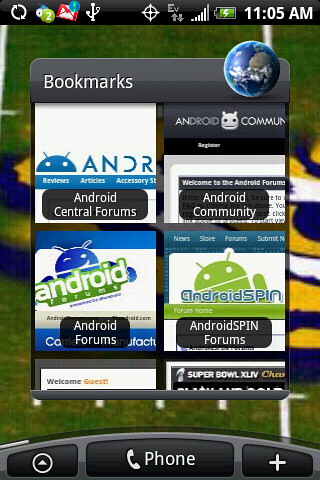
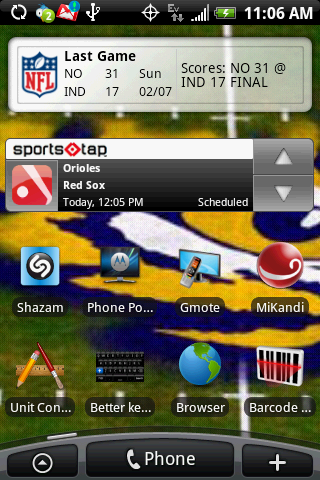
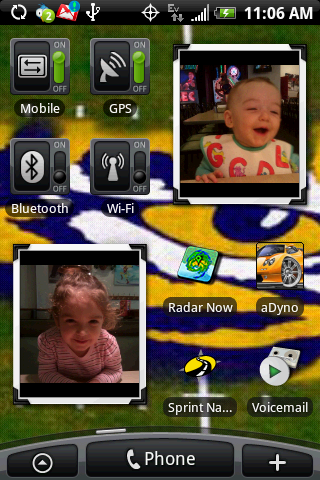
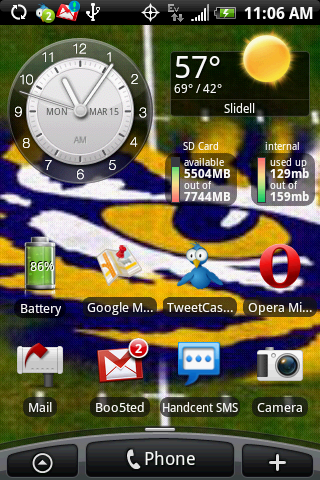
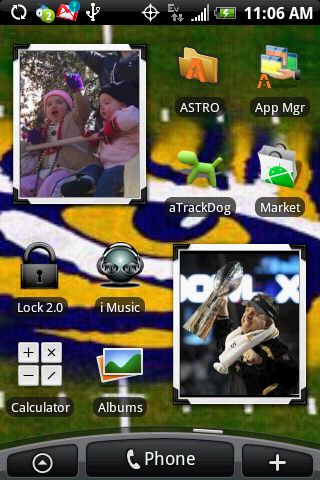
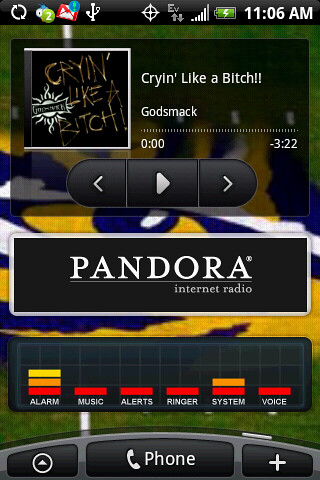
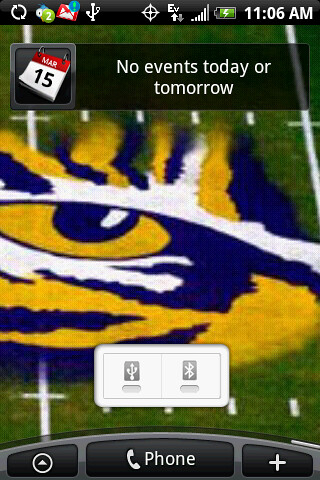
roll tide my man!!! Haha!

Only because they have Lil Nicky Satan. Without him they got nothin' LOL. Oh Who Dat?!?!
Even better is to ask if they know who Bear is and the look on their face is priceless. Haha!

My first post!! Please tell me what you think!
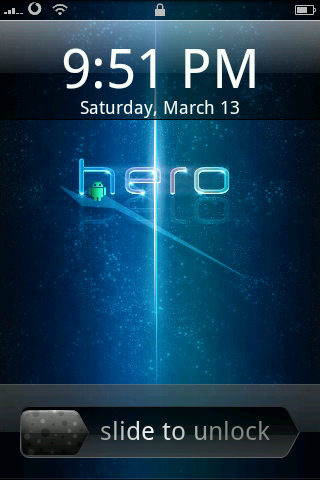
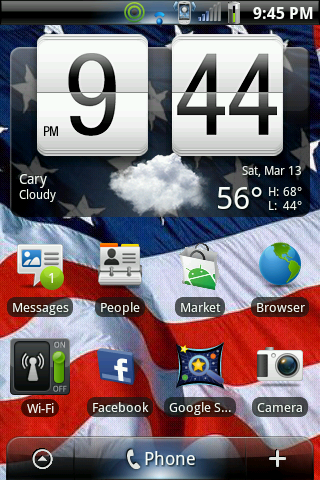
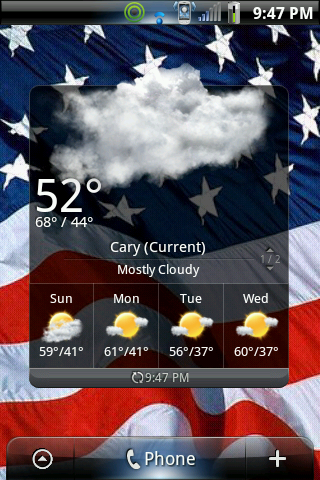

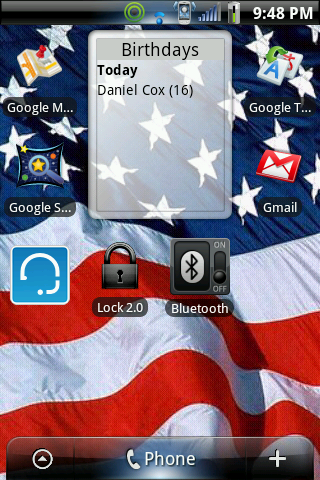


My first post!! Please tell me what you think!
Go to the link above and copy and paste the down icon and send it to urself through gmail, open up gmail with ur phone then download it on ur phoneits not on the marketplace its called taps of fire
here's a download for it when you download it put it on your sd card then look for it on a file manager like es file explorer or astro on you phone then click it and open in manager or something like that and then install it and you should be good.
TapsOfFire104.apk - tapsoffire - Taps Of Fire (1.0.4) - Project Hosting on Google Code

I'm quite disappointed, I have tried looking a screen shot apps and the only ones that I've found are for rooted phones... and I'm not planning on rooting my phone, it looks quite complicated and I don't wanna mess up my phone... any advice on free screen shot apps for non-rooted phones? Thanks in advanced!
I like the lockscreen wallpaper, where did you get it?


