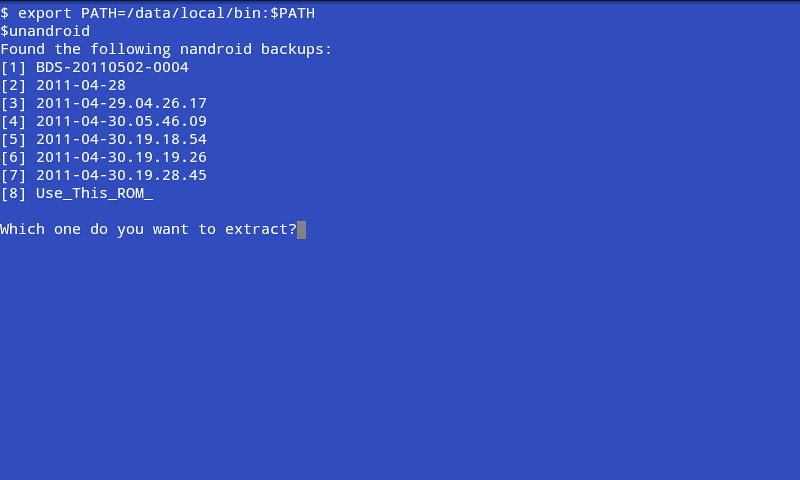
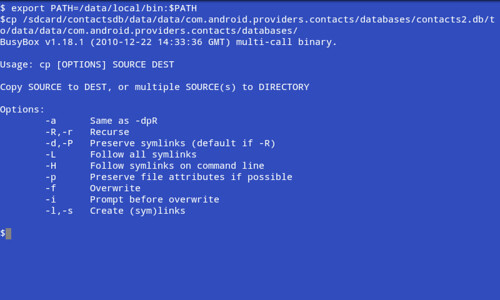
You can copy it with any method you like. Those first few commands, there, didn't work because they aren't commands. Just typing the path to a directory with no actual command will not do anything. Anyway, now that I can see the whole name of the file, I forgot that TB gzips the files, too, so there's one extra step. Now that the file is copied, just do this:
cd /sdcard/contactsdb
gunzip nameoffile.tar.gz (I'm too lazy to write it all out

)
tar xvf nameoffile.tar
Of course, Astro might actually have the ability to both unzip gz files and untar tar files, so you're welcome to try that, first, if you're getting tired of the command line. It's up to you. Or, you can browse through TB and try to find the actual entry in there for it, which will automatically restore it. I'm sure it's there somewhere.