
Install the app
How to install the app on iOS
Follow along with the video below to see how to install our site as a web app on your home screen.
Note: This feature may not be available in some browsers.
-
After 15+ years, we've made a big change: Android Forums is now Early Bird Club. Learn more here.
You are using an out of date browser. It may not display this or other websites correctly.
You should upgrade or use an alternative browser.
You should upgrade or use an alternative browser.
Unofficial Incredible Wallpaper Thread
- Thread starter DarbagDarbag
- Start date
-
- Tags
- htc droid incredible


dibs ODDJOB
Android Enthusiast
Cropped and scaled to the correct size and resolution. Make sure you are resizing and dragging the green box around the whole picture, or else it only uses the initial cropped area.
It's a little fuzzy, because your image I took was a lower resolution, but I currently have this one working on my Inc, full size, no problem.
It's a little fuzzy, because your image I took was a lower resolution, but I currently have this one working on my Inc, full size, no problem.
Attachments


TheGoatLantern
Android Expert
Couple of quickies that I GIS'd and resized.
Thank you for the GL!!!!!!

syrguy1969
Well-Known Member
Yes, it is an app from the market, with free and pro versions.
I said it's not the bet because there may possibly be some bugginess in it, although I haven't really seen it. And also it adds a bunch of screen lock features that you may not need, but you don't have to use them. If all you want to do is change the screen lock background, there may be other apps out there.
But this one works for me.
Thanks, I'll look into it...I get my Incredible on Saturday.
terporiolefan
Newbie
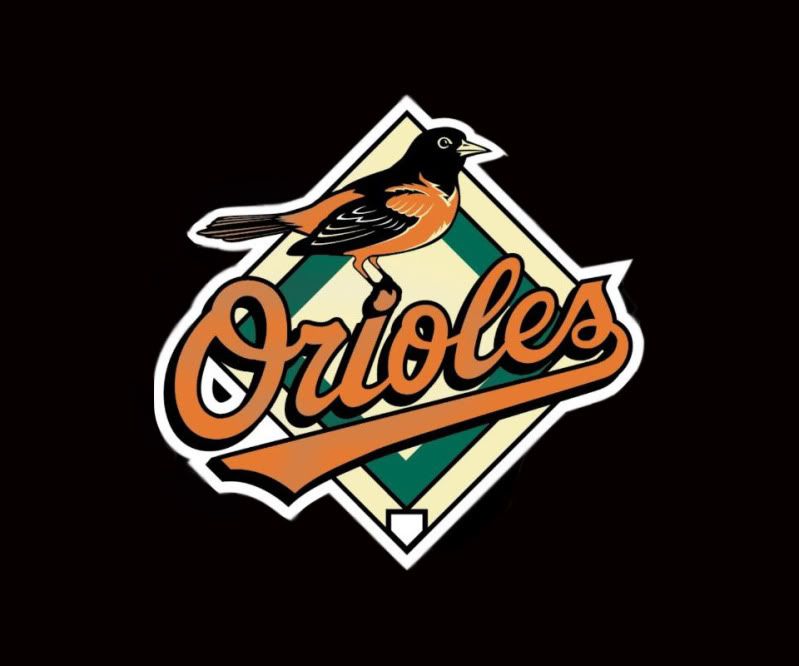
Would anyone be willing to make me a Baltimore Orioles wallpaper? (yes I'm a fan, no jokes please =P) I would love something simple like the "bird logo", "Orioles script", or "O's logo" on a black background...thank you so much in advance!
Very nice. If I could get something like this made to the appropriate size for the phone, it'd be a mainstay as my background. This will make an excellent lock screen, though.
Soooo i got it and it's great but how do you change the lockscreen wallpaper
Doesn't seem like this has been answered?
trying to figure out how to change just the lockscreen imagae without changing the wallpaper on the whole theme.
from what i can discern from numerous searches, on the eris in 'settings' there were separate settings for wallpaper and lock screen wallpaper. Doesnt seem like theres a similar options for us unfortunately...
Any ideas?

Quintessence
Android Enthusiast
Would anyone be willing to make me a Baltimore Orioles wallpaper? (yes I'm a fan, no jokes please =P) I would love something simple like the "bird logo", "Orioles script", or "O's logo" on a black background...thank you so much in advance!
I went ahead and took a logo and made it 960x800. I was messing around and I am not sure how exactly it will come out on your phone, so any feedback is welcome.
Attachments

Couple of quickies that I GIS'd and resized.
wow thanks. please be sure to post any other super hero ones you create.
I'm taking the Green lantern one
Running stock, you can't change the lock screen wallpaper. With lockbot you can. And you can wake it with the track pad.Soooo i got it and it's great but how do you change the lockscreen wallpaper
Sent from my ADR6300 using Tapatalk
syrguy1969
Well-Known Member
I know I posted this yesterday but seems like others have had their requests taken care of pretty quickly.
Would anyone be able to make wallpaper with the New Jersey Devils Logo?
Thanks in advance!
Something like this?
Attachments


skunis1
Android Enthusiast
dibs ODDJOB
Android Enthusiast
Also, Nash or otherwise. Any chance we can have this one in 960x800?

so it stays centered, and the pattern looks constant throughout?
Thanks in advance
Look about 5 posts before you, already did it.
I am completely new to android - just received my Incredible yesterday.. coming from a BB. Everyone on here seems helpful and was wondering if someone could size this image for my wallpaper (yes I am a twilight dork). Also if anyone can tell me a good place to learn the basics and where to get themes I'd appreciate it. Thanks!!!!
Attachments

Thanks. I haven't met too many people that have even heard of The Format. Good stuff.
Anyways, to stay on track:

Re-sized to 480x800.
Gotta give props to twynn373. he created it, I just moved "android" to fit around the eris lockbar
P.S: you can't even see that ugly brownish spot left over from photoshop when it's on the lock screen
I still can't this image to fit. Cropping doesn't cover the whole thing and yes I tried to extend the green box as far as it will go.
dibs ODDJOB
Android Enthusiast
I still can't this image to fit. Cropping doesn't cover the whole thing and yes I tried to extend the green box as far as it will go.
That's because it is the wrong size. You need it to be 960x800, which is more square. That pic is very narrow.
Livefortherayz
Lurker
Okay, so Im a newb and retarted.. What do I do if I like a pic and want to load it to my phone? Do I have to save it and sync with my comp? or.. can I browse with my phone and save it.. sorry, never had a smart phone before...

Zomb!e
Member
Okay, so Im a newb and retarted.. What do I do if I like a pic and want to load it to my phone? Do I have to save it and sync with my comp? or.. can I browse with my phone and save it.. sorry, never had a smart phone before...
You can save it straight on the phone. Just touch and hold the pic you want to save. Or you can download on your PC and then mount your phone and transfer it to either the phone's internal storage or an SD card.