• After 15+ years, we've made a big change: Android Forums is now Early Bird Club. Learn more here.

Unofficial Incredible Wallpaper Thread

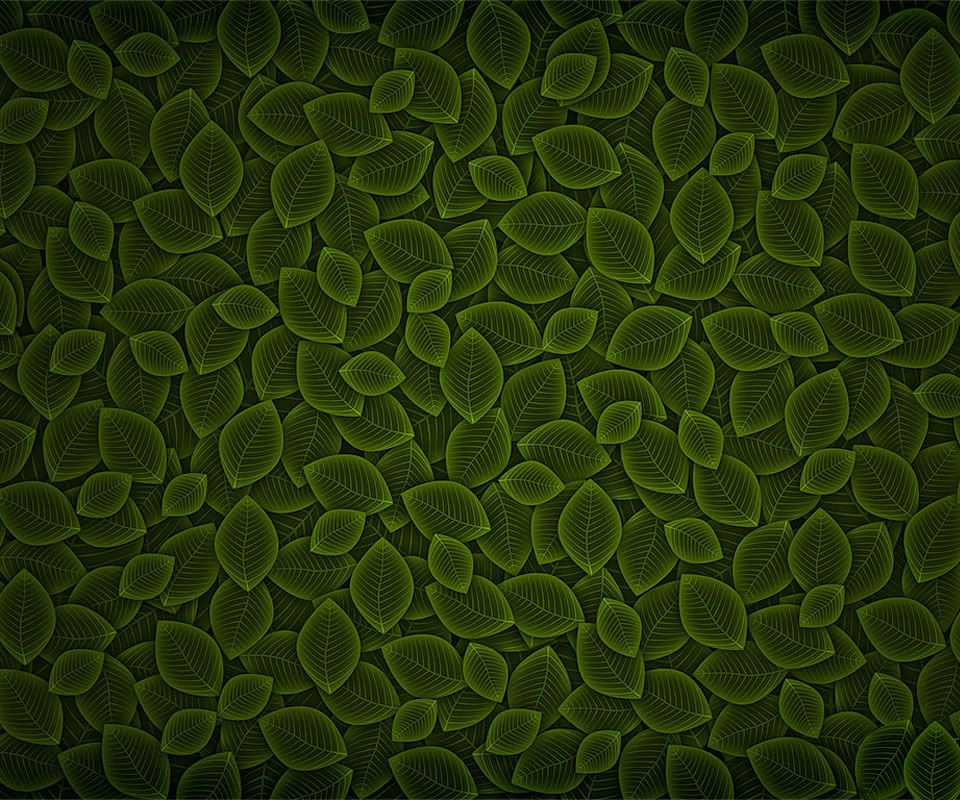
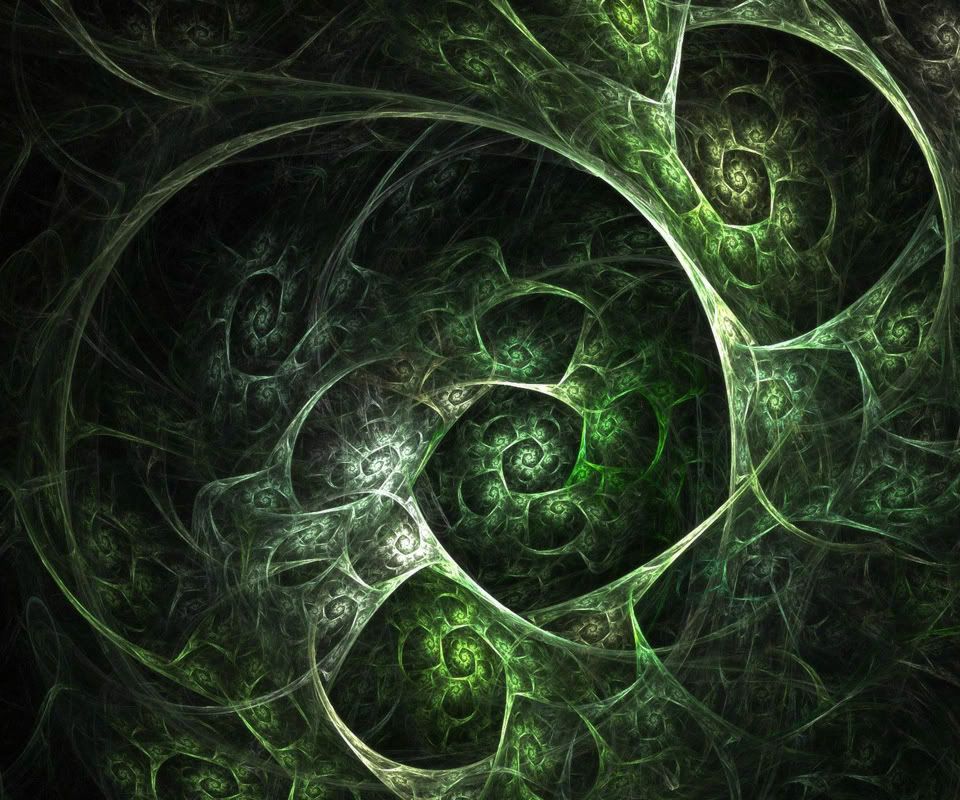
greenleaves.jpg
 
So earlier in the thread someone asked how to get these pics directly from the phone; someone stated that all you have to do is long press the photo in the stock browser and you will have the option to save. But the size is way to small, so when you try and stretch as wallpaper the pic is too stretched, I also tried to open the photo before saving but my screen just goes black. How do I get around this?
 
So earlier in the thread someone asked how to get these pics directly from the phone; someone stated that all you have to do is long press the photo in the stock browser and you will have the option to save. But the size is way to small, so when you try and stretch as wallpaper the pic is too stretched, I also tried to open the photo before saving but my screen just goes black. How do I get around this?

That was me. I have never had that problem and just tried again with the leaf image above. Not sure what the issue could be. You should get three options when you long press on the image: save image, view image, and share image.
 
Here you go, enjoy.

Awesome. Thanks for those. Did you get the red/grey kinda steel-like one from the original where he's biting an apple? I always thought that one where he's biting the bloody apple would've looked cool with a red bot too. but who knows if that would mix badly with the blood in the pic if the bot is red. Two shades I guess
 
25 pages and no love for the 49ers?:(

Seriously though, I appreciate everyone who created some of the fantastic artwork, especially of the droid/android logos and insignias.
 
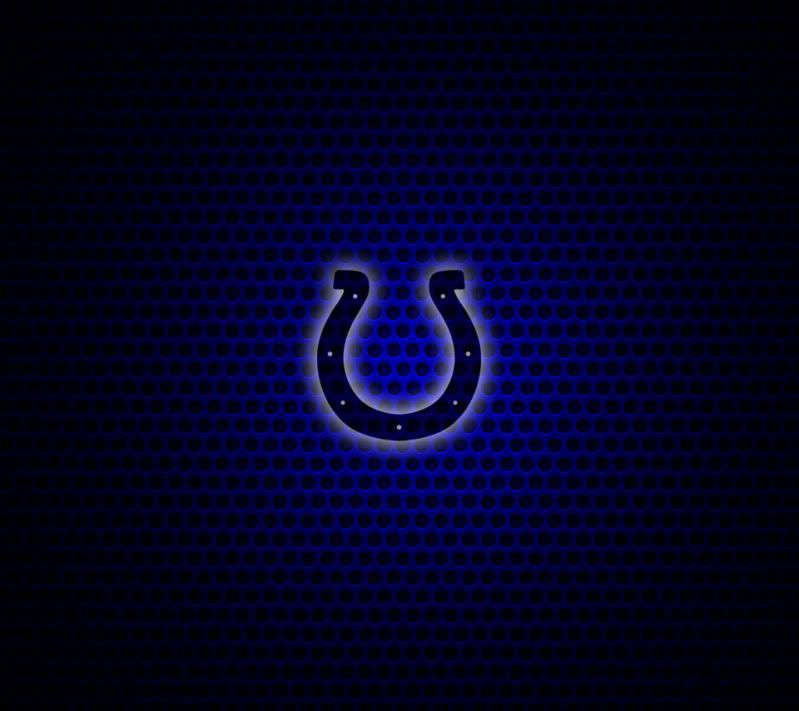
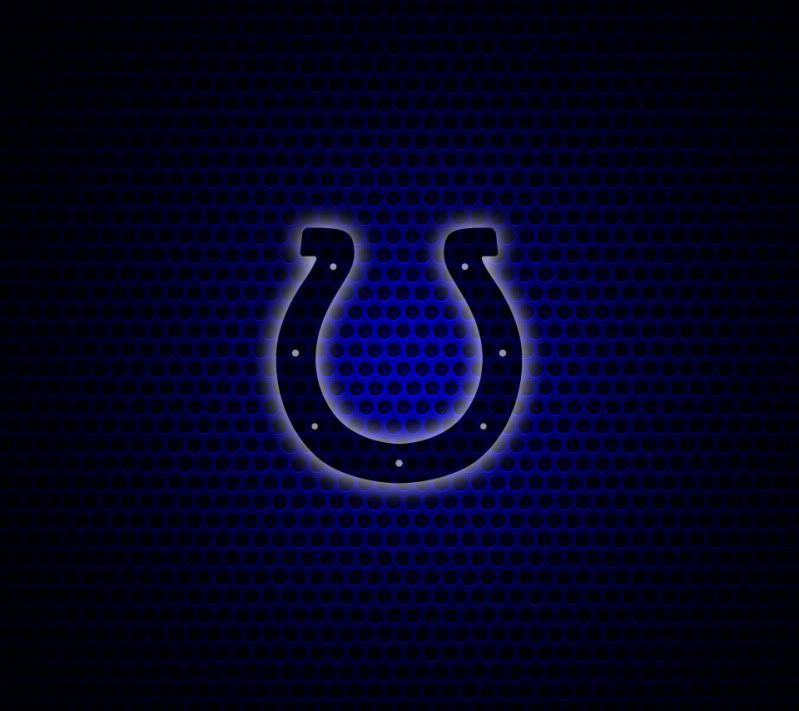
Hey guys - I was surprised by how few decent but not too "busy" Indianapolis Colts wallpapers there are out there, so I decided to create my own by starting from a standard background wallpaper and doing some lighting FX in Photoshop. I'm posting 2 wallpapers here for Colts fans - the only difference is one has the horseshoe logo larger than the other. I use the smaller logo version as my lockscreen wallpaper with the logo shifted down slightly clear of the clock at the top, and the larger logo one as my regular homescreen wallpaper. They are nice to use without being to busy when app icons are on top of it.

Would love to see what some of you do with it on your phones! Enjoy and feel free to share!

ColtsScreen_Sm.jpg


ColtsScreen_Lg.jpg
 
you could down load them straight to your phone or to your PC or MAC.
this is the PC way
down load to pc
connect your phone to pc via usb
click disk drive
goto SD card
i have a folder name wallpaper. i place them in.

I use Bluetooth File Transfer app with my MacBook and my Incredible - available on the marketplace. Once you connect the first time, you can simply browse your phone's directory and copy them into your wallpapers folder.
 
My First Wallpapers.
First one I used for my Desktop in Christmas
Second one Personal (My Avatar Character)
Both done in Cinema 4D
 

Attachments

  • Christmasw_Android.jpg
    Christmasw_Android.jpg
    129.5 KB · Views: 96
  • PGPw_Android.jpg
    PGPw_Android.jpg
    160 KB · Views: 120
Back
Top Bottom