arkazain
Well-Known Member
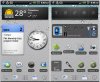
I actually built the bar with three 2x1 sized Minimalistic Text widgets and then placed the clock and controls widgets on top of that. Easier to change the wallpaper this way.
How do you put a widget on top of another?
Follow along with the video below to see how to install our site as a web app on your home screen.
Note: This feature may not be available in some browsers.
I actually built the bar with three 2x1 sized Minimalistic Text widgets and then placed the clock and controls widgets on top of that. Easier to change the wallpaper this way.
How do you put a widget on top of another?
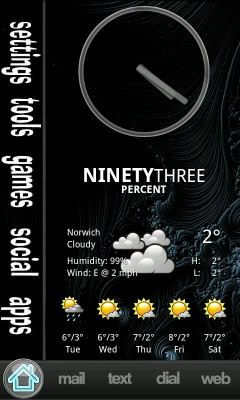
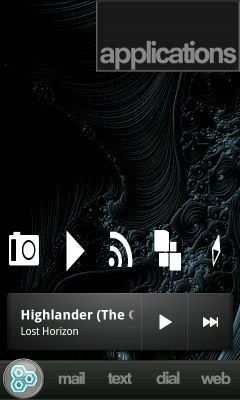
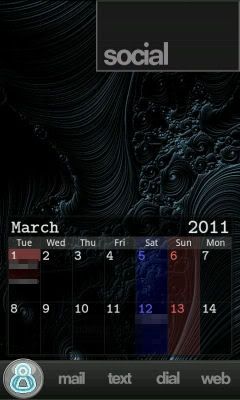
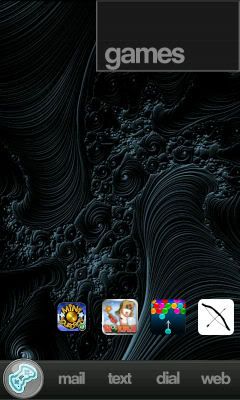
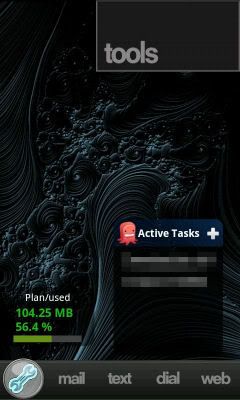
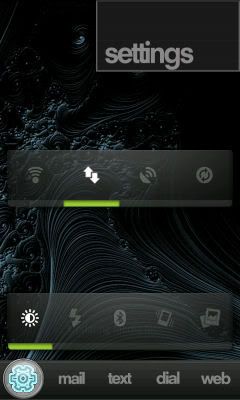
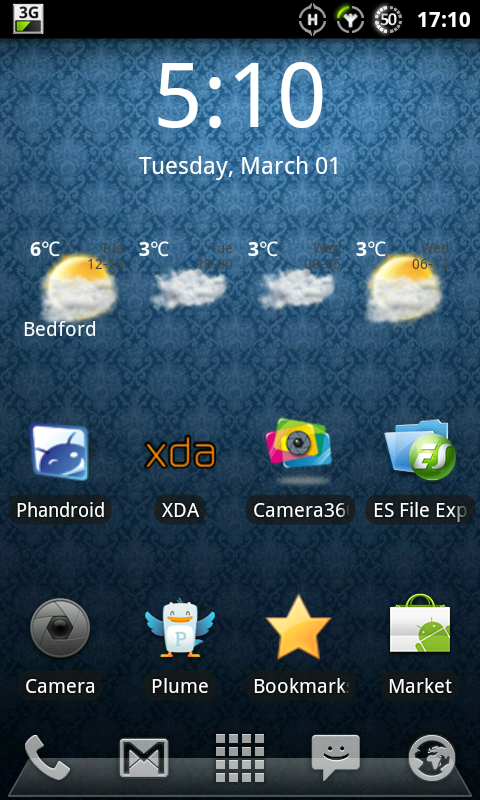
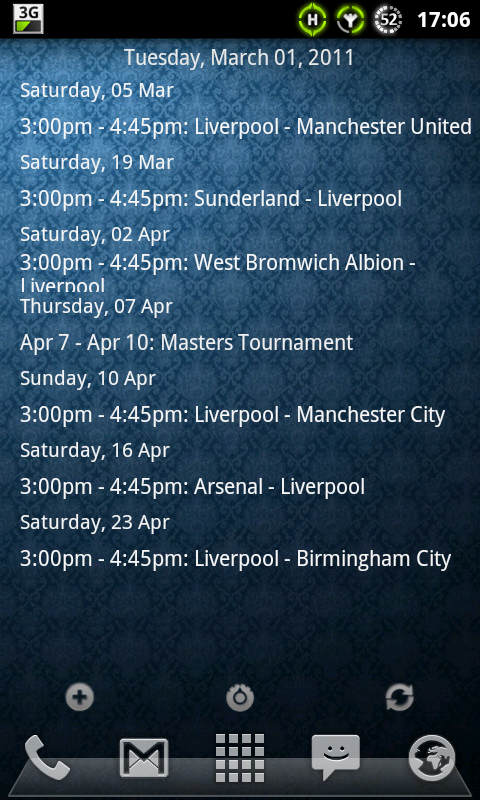
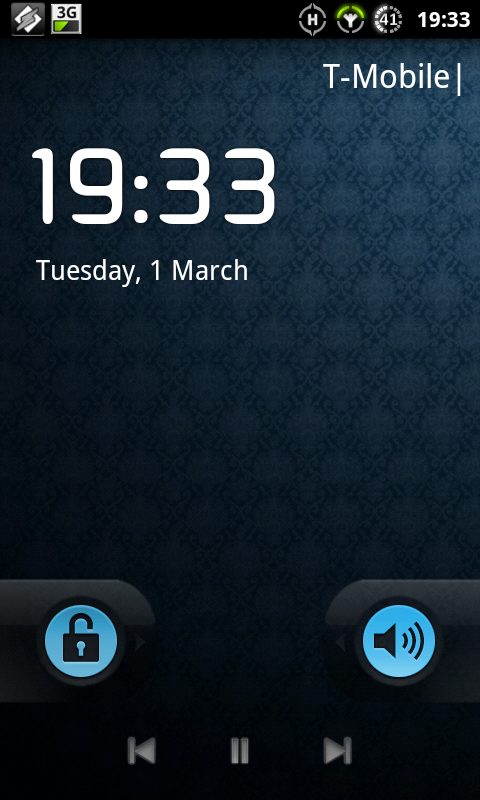
Figured i would show what i've done so far...
Just using 3 atm until i find other widgets i like


Minimalistic text
Widgetsoid
Simi folders and simi clock
Swipe down for phone, car, text and web
ADW launcher
Zedge wallpaper amazing scene 8
Just rooted for the first time using Unrevoked and installed the Oxugen RC7 ROM (2.3.2 Gingerbread)
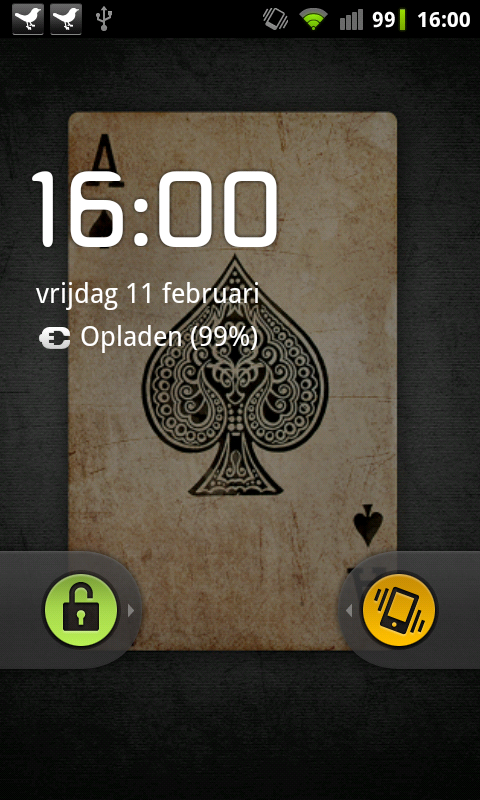
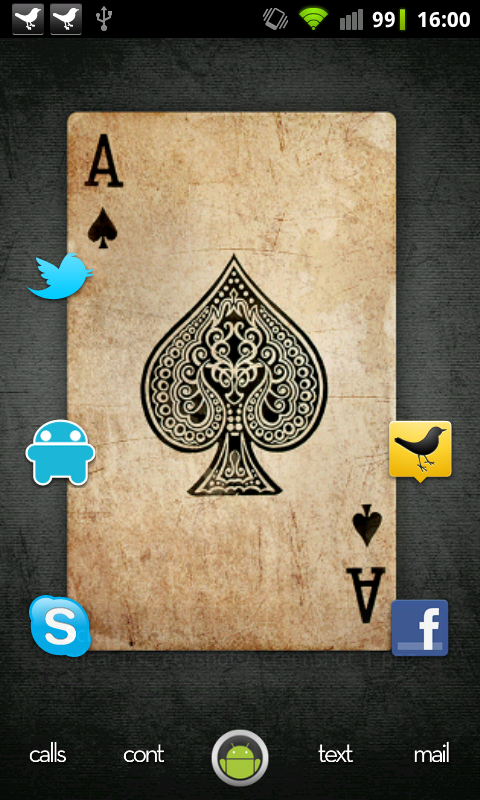
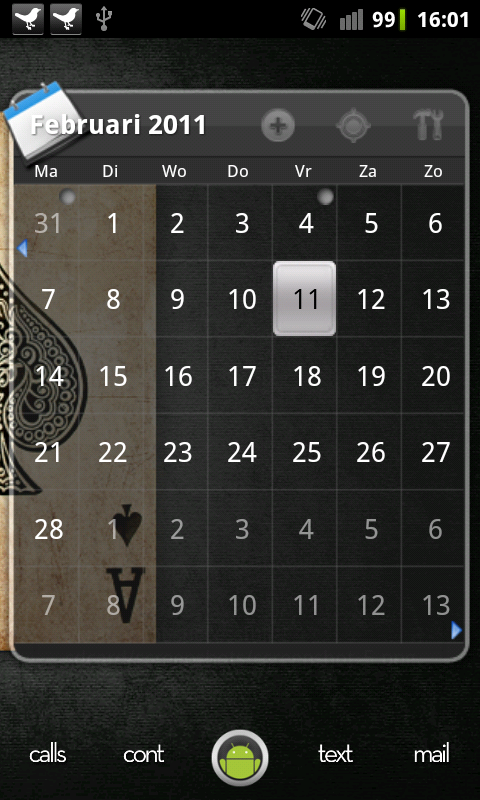
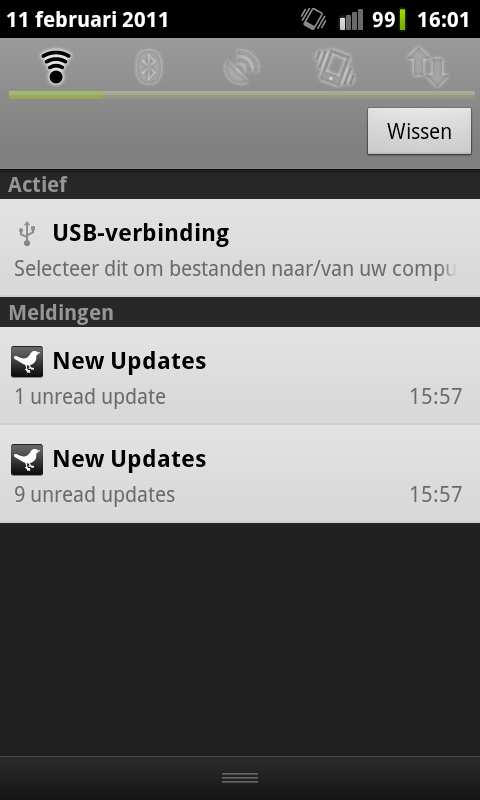
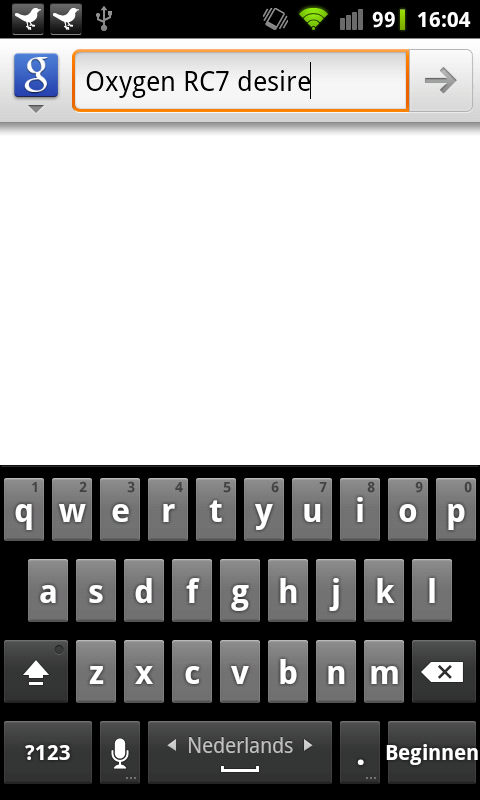
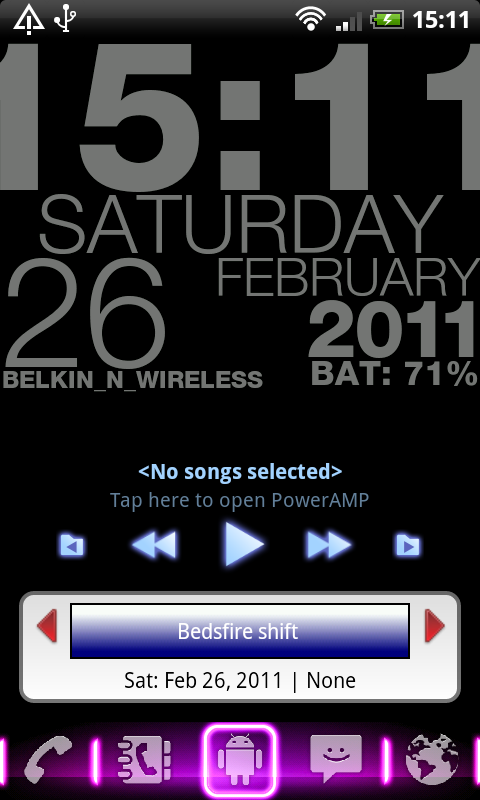

What's the day widget a couple of posts up with WED in red.
Thanks, that seems to be similar but no the exact one.
Edit, looks like the pro version is needed to get better customisation like above.

the new release is great now. No more apk edit and swapping out one of teh native locks. Nope. As many custom themes as you want.


I don't think it's quite there yet. The author either needs to document how WL scales your elements in the current release, or make scaling adjustable in the next release. Lots of griping about slider and background sizes going on; I had a hard time porting a theme and kept doing it over and over because it didn't look right, before realising that WL itself was scaling the icons down.


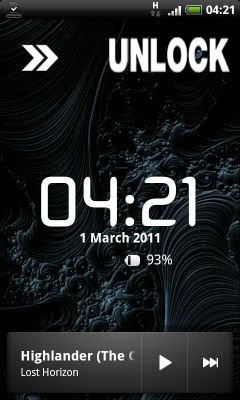

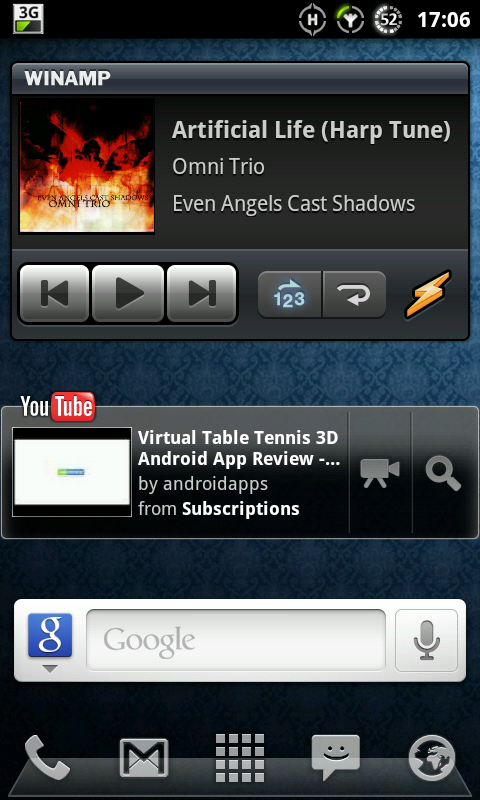

where did you get your android icon that is on your dock?


Dark wallpaper to help battery life and it does lol.